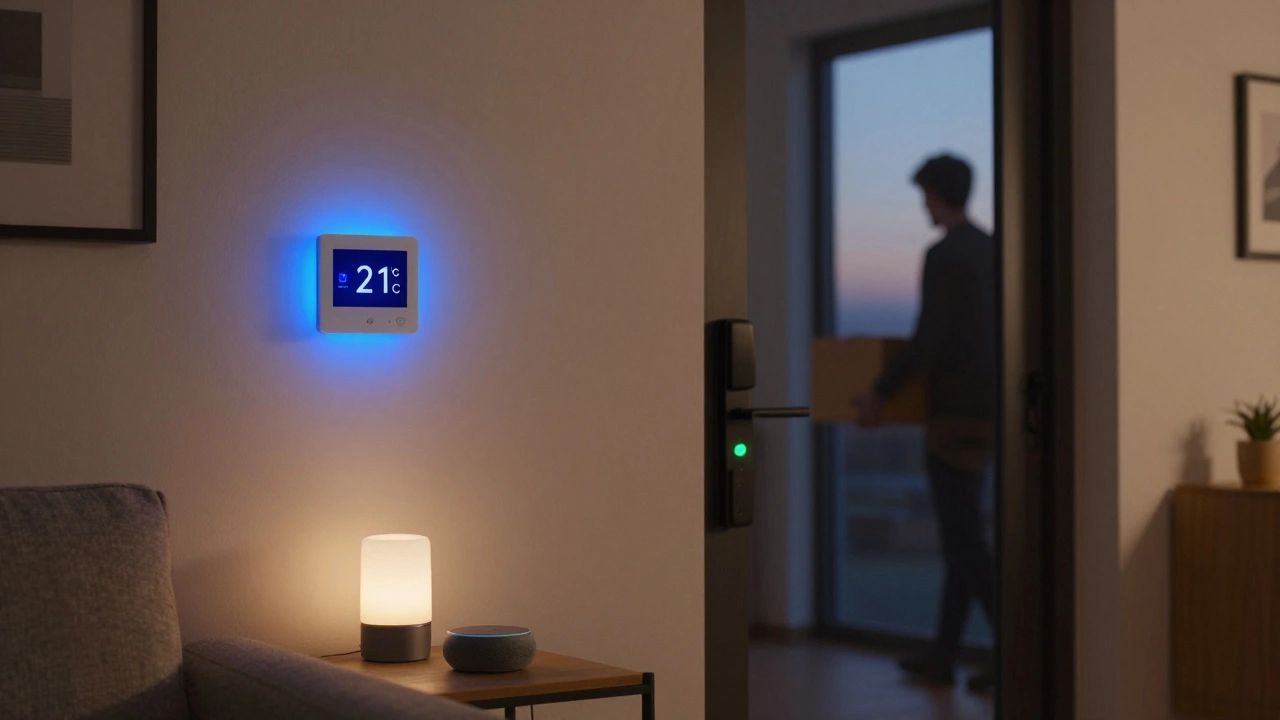
Turning your home into a smart home doesn’t mean buying every gadget on the shelf. It’s about making your space work smarter-without spending thousands or hiring a tech team. Start small. Think about what annoys you daily. Forgetting to turn off the lights? Leaving the thermostat on all day? Worrying if the front door is locked? These are the problems smart home devices solve-simply and quietly.
Start with the essentials: lights, locks, and thermostats
The easiest way to begin is with three core devices: smart lights, a smart lock, and a smart thermostat. These three give you the biggest return on effort. You don’t need to rewire your house. Just plug in, screw in, or swap out what you already have.
Smart lights like Philips Hue or LIFX let you control brightness and color from your phone. Set them to turn on at sunset, dim for movie night, or flash if someone rings the doorbell. They work with voice assistants like Google Assistant or Amazon Alexa. A single bulb costs around $15. A pack of three with a hub runs under $80.
Smart locks like the August Smart Lock Pro or Yale Assure Lock SL replace your existing deadbolt. No need to change your door. You can lock or unlock remotely, give temporary access codes to guests, and get alerts when someone enters. Battery life lasts about a year. Most work with Apple HomeKit, Google Home, and Alexa.
For heating and cooling, the Nest Thermostat or Ecobee SmartThermostat learn your schedule. If you leave for work, it automatically lowers the temperature. If you’re running late, it kicks on before you get home. It saves about 10-12% on energy bills yearly, according to Energy Star. Installation takes less than an hour-no electrician needed.
Choose one hub to connect everything
Buying a smart bulb, lock, and thermostat is great-but if they all work on different apps, you’ll end up with five icons on your phone. That’s not smart. That’s frustrating.
Use a central hub. You don’t need a fancy one. A $30 Amazon Echo Dot or Google Nest Mini does the job. These act as your home’s brain. They connect to almost every major device. Once you pair them, you can say, “Hey Google, turn off the lights and lock the front door,” and it happens.
Stick to one ecosystem. If you use an iPhone, Apple HomeKit is clean and secure. If you use Android or prefer voice control, Google Home or Alexa work better. Don’t mix them unless you’re comfortable with complexity. Most devices list compatibility right on the box. Look for the logos: Apple HomeKit, Google Home, or Alexa Compatible.
Add security: cameras and sensors
Once the basics are set, think about safety. A smart doorbell camera like the Ring Video Doorbell or Google Nest Hello lets you see who’s at the door-even if you’re at work. You can talk to visitors through your phone. Some models even detect packages and send alerts.
For inside, motion sensors like the Aqara Motion Sensor or Philips Hue Motion Sensor trigger lights when you walk into a room. No more fumbling for switches in the dark. Place them in hallways, bathrooms, or the basement. They also help detect unusual activity. If motion happens at 3 a.m. and you’re not home, your phone pings you.
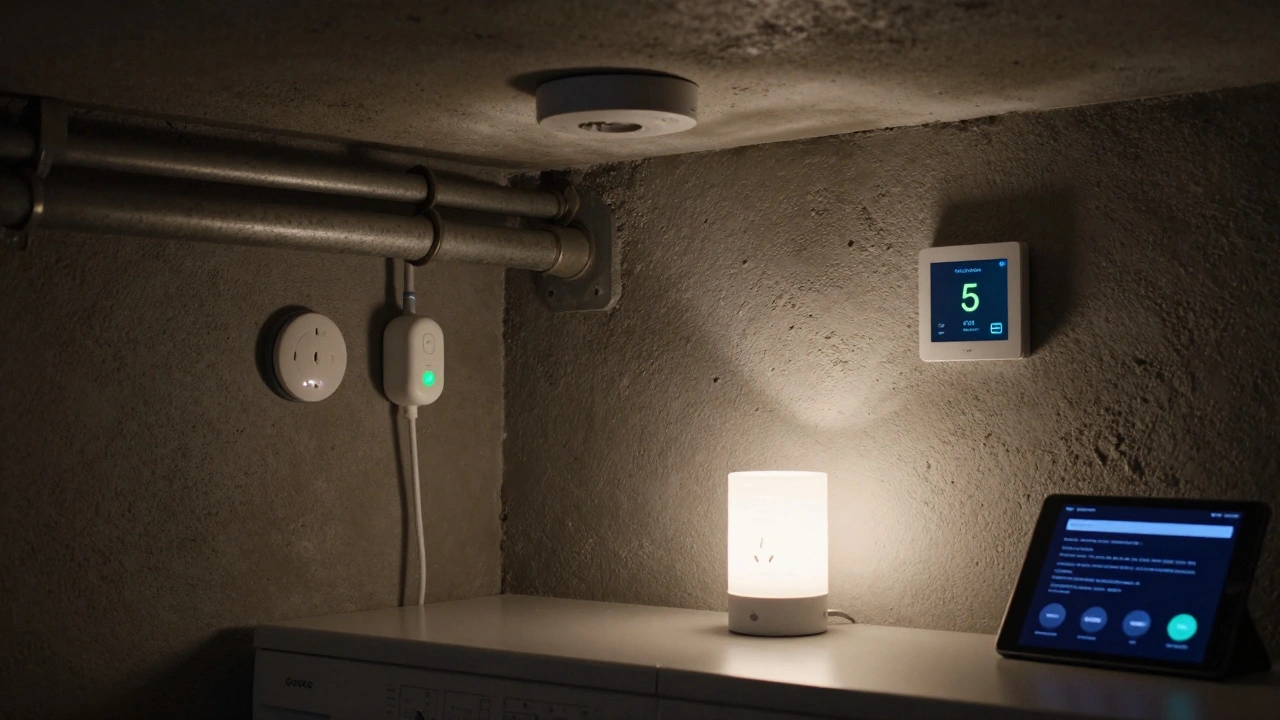
Water leak sensors are underrated. A $25 Govee Water Leak Sensor placed near your water heater, washing machine, or under the sink can alert you before a flood ruins your floor. These devices are cheap, battery-powered, and last years.
Automate routines-no coding needed
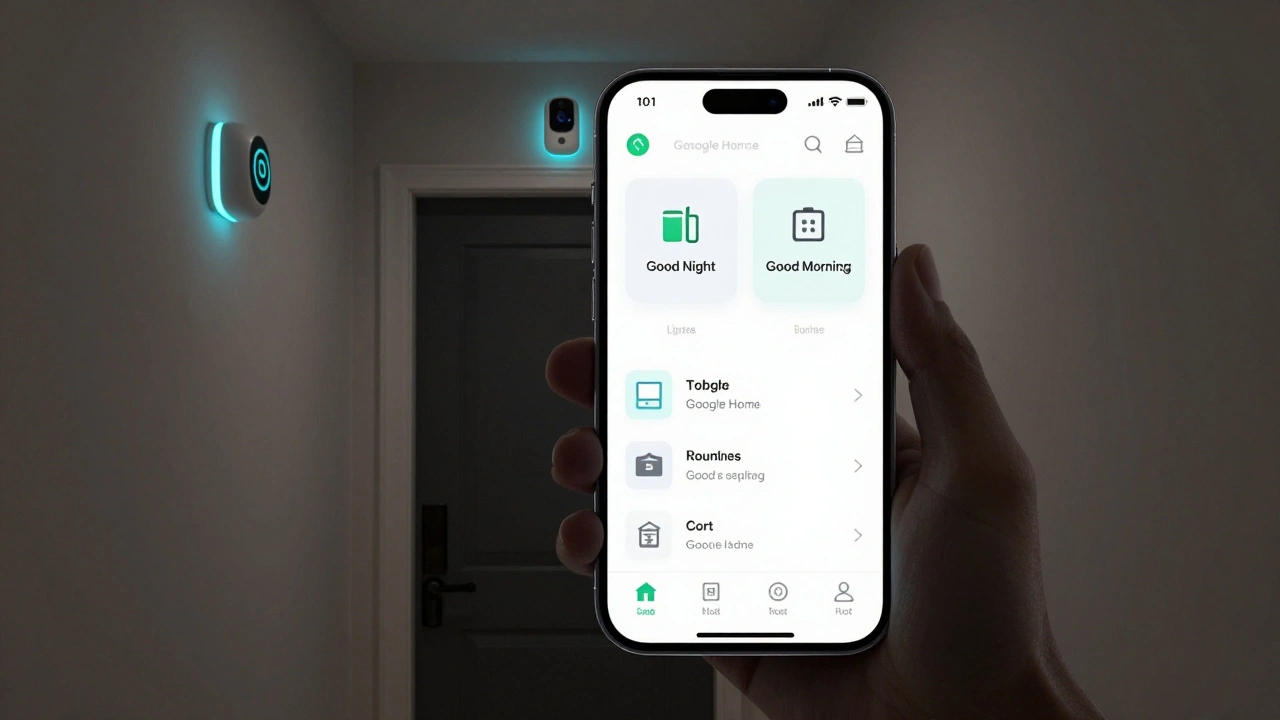
The real magic happens when devices talk to each other. That’s called automation. You don’t need to write code. Use the built-in routines in your app.
Here’s one that works in Burlington winters: “Good Morning” routine. At 7 a.m., your thermostat warms up, your bedroom lights turn on slowly, and your coffee maker starts brewing. You say, “Hey Google, good morning,” and it all happens.
“Good Night” is even simpler. One tap turns off all lights, locks the doors, sets the thermostat to 16°C, and arms your security sensors. You can set it to trigger automatically when you leave home or when your phone’s GPS detects you’re 500 meters away.
Try this: If your front door opens after 11 p.m., turn on the hallway light for 10 minutes. It’s a subtle safety net for late-night returns.
What to avoid: overcomplicating and cheap gear
Don’t buy a smart fridge just because it’s trendy. Most don’t add real value. They’re expensive, hard to fix, and rarely integrate well. Same with smart mirrors, smart showers, or robotic vacuum cleaners unless you really need them.
Also, avoid no-name brands. A $10 smart plug might work for a month, then stop connecting. Stick to trusted names: Philips, August, Nest, Ecobee, Ring, Aqara, TP-Link Kasa. They update firmware regularly, have better customer support, and last longer.
And skip the “smart home in a box” kits unless you’re sure they use open standards. Many are locked to one app and can’t expand. You’ll be stuck.
Privacy and security: protect your home network
Smart devices connect to your Wi-Fi. That means they’re part of your home network. If one gets hacked, it can be a backdoor into your other devices.
Use a strong Wi-Fi password. Don’t use “12345678” or your address. Change the default name of your router-it shouldn’t say “Linksys” or “TP-Link.” Enable WPA3 encryption if your router supports it. Most new routers do.
Set up a separate guest network for your smart devices. Many routers let you create a “Smart Home” network. This keeps your phones, laptops, and tablets safe even if a light bulb gets compromised.
Update firmware. Every 3-6 months, check for updates in each app. Some devices auto-update. Others don’t. Don’t ignore those prompts.
Cost breakdown: you don’t need to break the bank
Here’s what a basic setup costs in 2025:
- Smart lights (3-pack + hub): $75
- Smart lock: $180
- Smart thermostat: $200
- Smart doorbell camera: $150
- Smart speaker (Echo Dot or Nest Mini): $40
- Water leak sensor: $25
- Smart plug (for lamps or TV): $20
Total: Under $700. That’s less than a new TV. And you’ll save money on energy bills within a year.
You can start with just $100: a smart plug and a smart speaker. Plug your lamp into the smart plug. Say, “Alexa, turn on the lamp.” That’s your first step. From there, you add one thing at a time.
What’s next? Expand slowly
After six months, you might want smart blinds, a voice-controlled TV, or a smart humidifier. Maybe a robot vacuum that empties its own bin. But don’t rush. Test what you have. Learn how it works. See what you actually use.
Smart homes aren’t about having the most gadgets. They’re about making life easier, safer, and a little more calm. In Burlington, where winters are long and nights come early, a home that turns on the lights, warms up the air, and locks itself without you lifting a finger? That’s not luxury. That’s peace of mind.


Kendall Storey
December 13, 2025 AT 09:02Yo, this guide is fire. Started with a $20 smart plug and an Echo Dot-now my whole living room turns on with a voice command. No more fumbling for switches at 2 a.m. after binge-watching true crime. Seriously, just one device changes everything.
Ashton Strong
December 14, 2025 AT 10:19Thank you for this exceptionally well-structured and pragmatic overview. I appreciate the emphasis on incremental adoption and ecosystem cohesion. Many users succumb to the allure of novelty, purchasing incompatible devices that ultimately degrade user experience through fragmentation. Your recommendation to prioritize interoperability over quantity is both technically sound and psychologically astute.
Steven Hanton
December 14, 2025 AT 21:59I’ve been thinking about this for months but kept putting it off. The part about water leak sensors really stuck with me-my basement flooded last winter and it cost me $4k. I didn’t even know these things existed. I’m getting a Govee sensor this weekend. Anyone else have experience with false alarms? I don’t want my phone blowing up every time the cat walks by.
Pamela Tanner
December 15, 2025 AT 05:53This is one of the clearest, most actionable smart home guides I’ve read. The cost breakdown is especially helpful-so many articles skip the real numbers. I’ve been using Philips Hue for two years and the energy savings alone paid for the hub within six months. Also, never underestimate the peace of mind that comes from knowing your door is locked at 3 a.m. without checking.
Robert Byrne
December 16, 2025 AT 21:10You’re all missing the point. You think this is about convenience? Nah. This is about control. The moment you let a device into your home, you give up privacy. Every voice command, every motion trigger, every door lock log-it’s all being logged, sold, and analyzed. And if you’re using Alexa or Google? You’re basically inviting Big Tech into your bedroom. Wake up.
Tia Muzdalifah
December 17, 2025 AT 14:28omg yes!! i got a ring doorbell and now i can yell at the mailman from my couch lmao. also my cat thinks the lights are magic. she sits and stares at them like theyre gonna talk to her. worth every penny. also why does everyone say "smart home" like its a cult? its just lights that turn on when u say "hey google". chill.
Zoe Hill
December 19, 2025 AT 13:20so i just got a nest thermostat and it's been a game changer. i used to forget to turn it down before work and now it just does it. also the app shows me how much i saved each week and it's like a little reward. i'm hooked. next up: smart bulbs. anyone recommend a budget one that actually works? i tried a no-name one and it kept disconnecting. so frustrating.
Albert Navat
December 20, 2025 AT 23:54Let’s be real-most of you are still using Zigbee and Z-Wave like it’s 2018. If you’re not on Matter, you’re already behind. Matter 1.3 just dropped and it’s the first time we’ve had true cross-platform interoperability without vendor lock-in. Your Echo Dot? It’s fine. But if you want future-proofing, go for a Matter-certified hub like the Apple TV 4K or HomePod Mini. Everything else is just a glorified Wi-Fi extender with a microphone.
King Medoo
December 21, 2025 AT 01:11I’ve been monitoring my smart home for 3 years now. Every single device you buy is a potential entry point. I’ve seen reports where hackers used a smart bulb to pivot into a home network and access a laptop’s webcam. You think your doorbell camera is safe? It’s not. You think your thermostat can’t be hacked? It can. You think you’re safe because you changed your password? You’re not. The truth is, unless you’re running a VLAN, disabling UPnP, and manually auditing firmware updates every 72 hours-you’re just one click away from being a viral TikTok of your living room on loop. 😔🔒🤯
Rae Blackburn
December 21, 2025 AT 11:36They told us smart homes were about convenience but its all a lie. The government is using these devices to track us. The lights flicker at night because theyre listening. The thermostat changes on its own because they want us cold. The door locks? Theyre not locking you in. Theyre keeping you in. You think your router is secure? Youre wrong. The wifi password you think is safe? Its already known. Theyre watching. Always. And you just paid for it