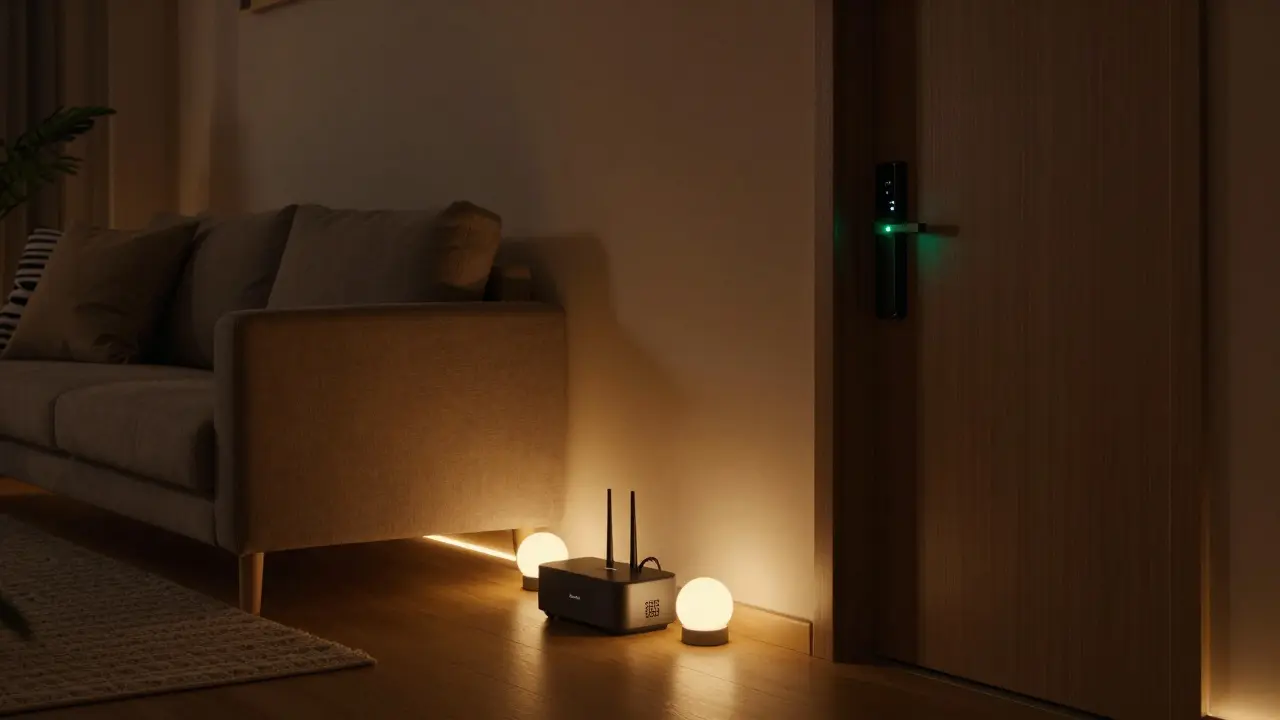
Most people assume smart homes run on Wi-Fi. If your lights, thermostat, or door lock won’t connect, you blame the router. But here’s the truth: Wi-Fi isn’t required for a smart home to work. It’s just the most common path - not the only one.
Why Wi-Fi Seems Essential
You bought a smart bulb because the box said "connects to your phone." You set it up using an app, and it asked for your Wi-Fi password. So you assumed: no Wi-Fi, no smart home. That’s understandable. Most brands - Philips Hue, Nest, Ecobee, Ring - push Wi-Fi because it’s easy for consumers. Your phone uses it. Your laptop uses it. Your TV uses it. Why shouldn’t your doorbell?
But that’s marketing, not engineering. Wi-Fi is convenient for manufacturers because it lets them skip extra hardware. Your smart device talks directly to your router, then to the cloud, then to your phone. Simple. But it’s also power-hungry, slow to respond, and unreliable when your network gets crowded. In a house with 20+ smart devices, Wi-Fi can choke. Lights lag. Locks fail to respond. Cameras drop offline during peak hours.
The Hidden Network: Z-Wave and Zigbee
Behind the scenes, many smart homes run on two quiet protocols: Z-Wave and Zigbee. These aren’t alternatives to Wi-Fi - they’re replacements for it in the home’s internal network.
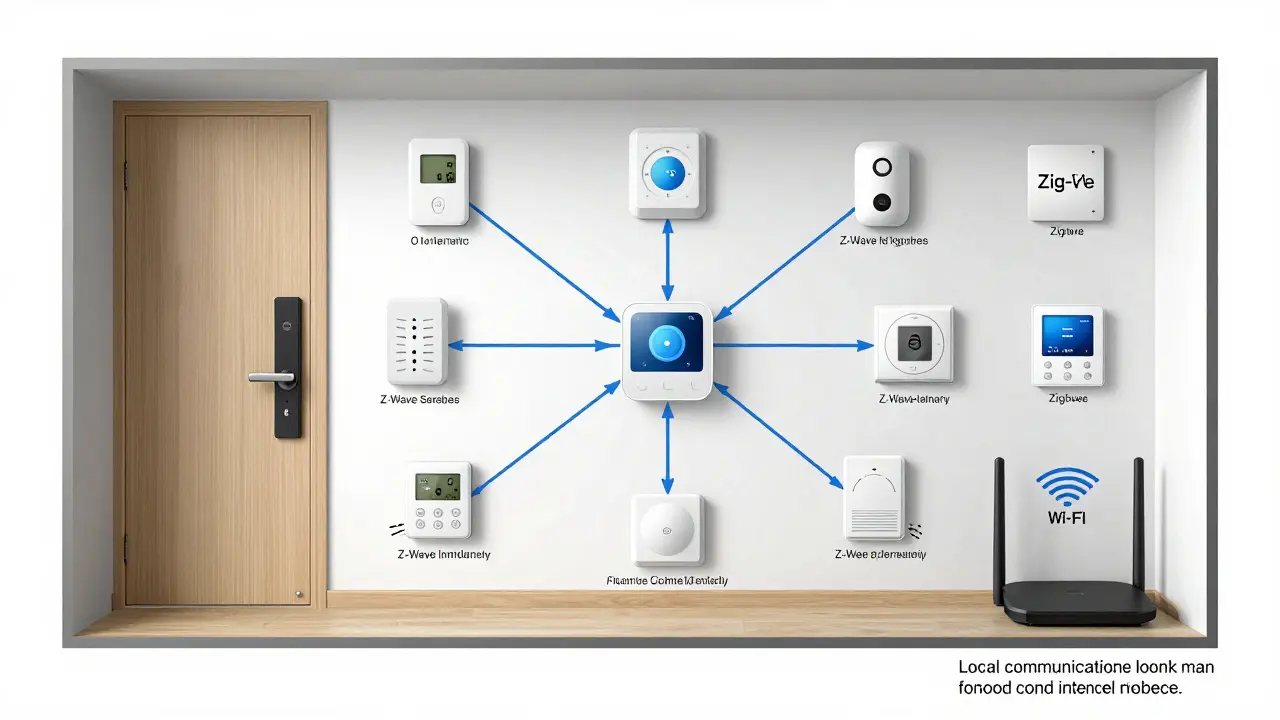
Z-Wave and Zigbee devices don’t connect directly to your router. Instead, they talk to each other in a mesh network. Each device acts like a repeater, passing signals along. So if your smart lock is in the basement and your hub is upstairs, the signal hops through your smart plug in the hallway, your motion sensor in the kitchen, and finally reaches the hub. No Wi-Fi needed.
These protocols use less than 1% of the power Wi-Fi does. A Z-Wave door sensor can run on two AA batteries for five years. A Zigbee bulb lasts longer than a traditional LED. And because they operate on different radio frequencies (908.42 MHz in North America for Z-Wave, 2.4 GHz for Zigbee), they don’t interfere with your Wi-Fi. Your streaming video doesn’t slow down your thermostat.
What You Actually Need: A Hub
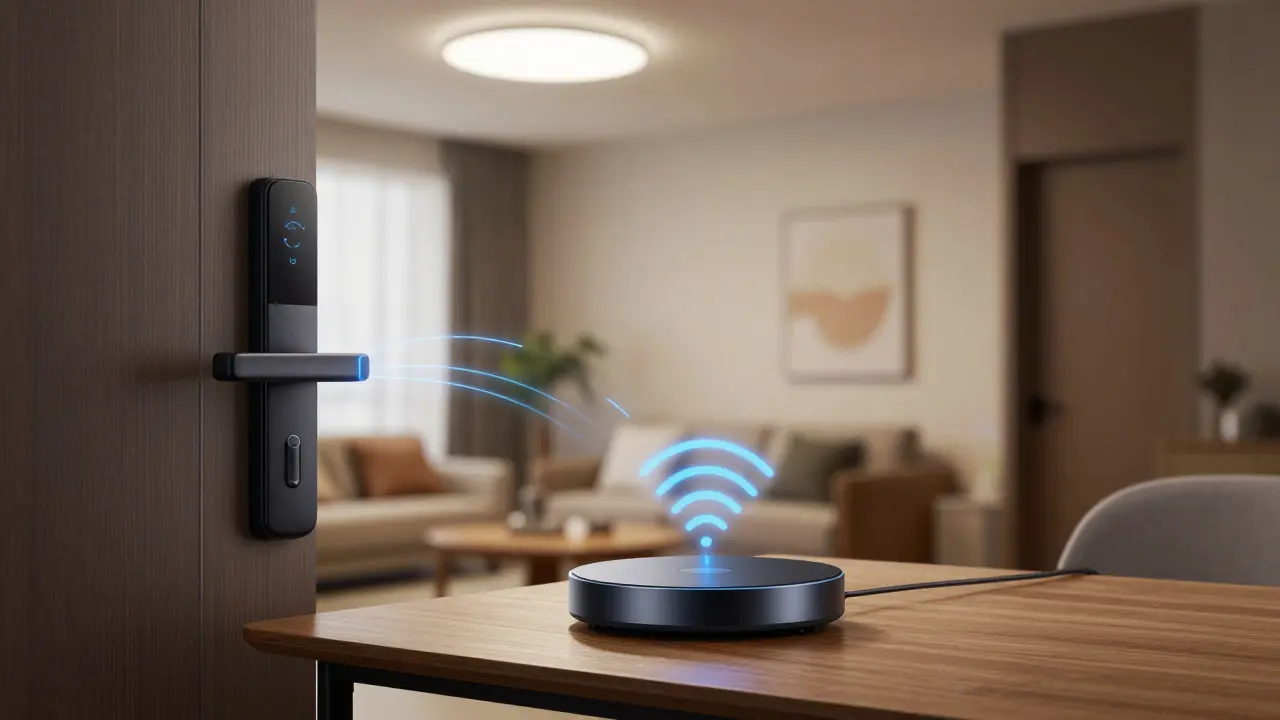
If not Wi-Fi, then what? A hub. A small box - often called a smart home bridge or controller - that connects to your router via Ethernet or Wi-Fi. But here’s the key: the hub handles the internet connection. Your lights, locks, and sensors don’t. They only need to talk to the hub over Z-Wave or Zigbee.
Popular hubs include:
- SmartThings Hub (Samsung)
- Hubitat Elevation
- Home Assistant Yellow
- Z-Wave.me Z-Wave Controller
- Amazon Echo (4th gen or later with built-in Zigbee)
Once you set up the hub, you can control everything from your phone - even when your Wi-Fi is down. If your internet goes out, your lights still turn on at sunset. Your door still unlocks when you tap your key fob. Your thermostat still adjusts based on your schedule. The local network keeps working. Only remote access (like checking your camera from work) fails.
Real-World Example: A Smart Home Without Wi-Fi
In Burlington, I know a family who switched to a fully Z-Wave setup after their Wi-Fi kept dropping during winter storms. Their house has:
- 12 Z-Wave smart lights
- 3 door locks with auto-lock
- 2 window sensors
- 1 thermostat with geofencing
- 1 water shutoff valve
- 1 Z-Wave hub connected to Ethernet
No Wi-Fi devices. No cloud dependency. When the power went out for 14 hours last January, their battery-backed hub kept running. The locks stayed functional. The thermostat maintained temperature. The water shutoff didn’t flood the basement. Their Wi-Fi router was off - but their home still worked.
When Wi-Fi Is Actually Necessary
Not all smart devices can avoid Wi-Fi. Some need the internet to function:
- Security cameras that upload footage to the cloud
- Video doorbells with live streaming
- Voice assistants like Alexa or Google Home
- Smart appliances that require firmware updates
- Systems that send alerts to your phone (e.g., "Your front door is open")
These rely on cloud services. Without internet, they’re just fancy dumb devices. But here’s the workaround: use a hybrid setup. Put your camera on Wi-Fi, but keep your locks and sensors on Z-Wave. Use the hub to trigger local automations - like turning on lights when the door opens - without touching the cloud.
Pros and Cons: Wi-Fi vs. Z-Wave/Zigbee
| Feature | Wi-Fi | Z-Wave / Zigbee |
|---|---|---|
| Power Use | High - drains batteries fast | Very low - lasts years on batteries |
| Range | Medium - weak through walls | Long - mesh network extends coverage |
| Response Speed | Slow - cloud delays | Fast - local communication |
| Reliability | Low during network congestion | High - dedicated radio band |
| Cost | Lower device cost | Higher hub cost, cheaper devices |
| Internet Required? | Yes - for full function | No - local control works offline |
What to Do If You’re Starting Fresh
If you’re building a smart home from scratch, here’s how to avoid Wi-Fi overload:
- Choose a hub first - pick one that supports both Z-Wave and Zigbee.
- Buy devices labeled "Z-Wave Plus" or "Zigbee 3.0" - these are the latest, most reliable standards.
- Use Wi-Fi only for devices that need cloud access: cameras, doorbells, voice assistants.
- Connect your hub to your router via Ethernet, not Wi-Fi. This gives it a stable backbone.
- Set up automations locally. For example: "When the front door unlocks after 10 PM, turn on the hallway light." No cloud needed.
Don’t buy a smart lock just because it says "works with Alexa." Check if it also supports Z-Wave. The same goes for thermostats, sensors, and switches. Look for the Z-Wave or Zigbee logo on the box.
What Happens When the Internet Dies?
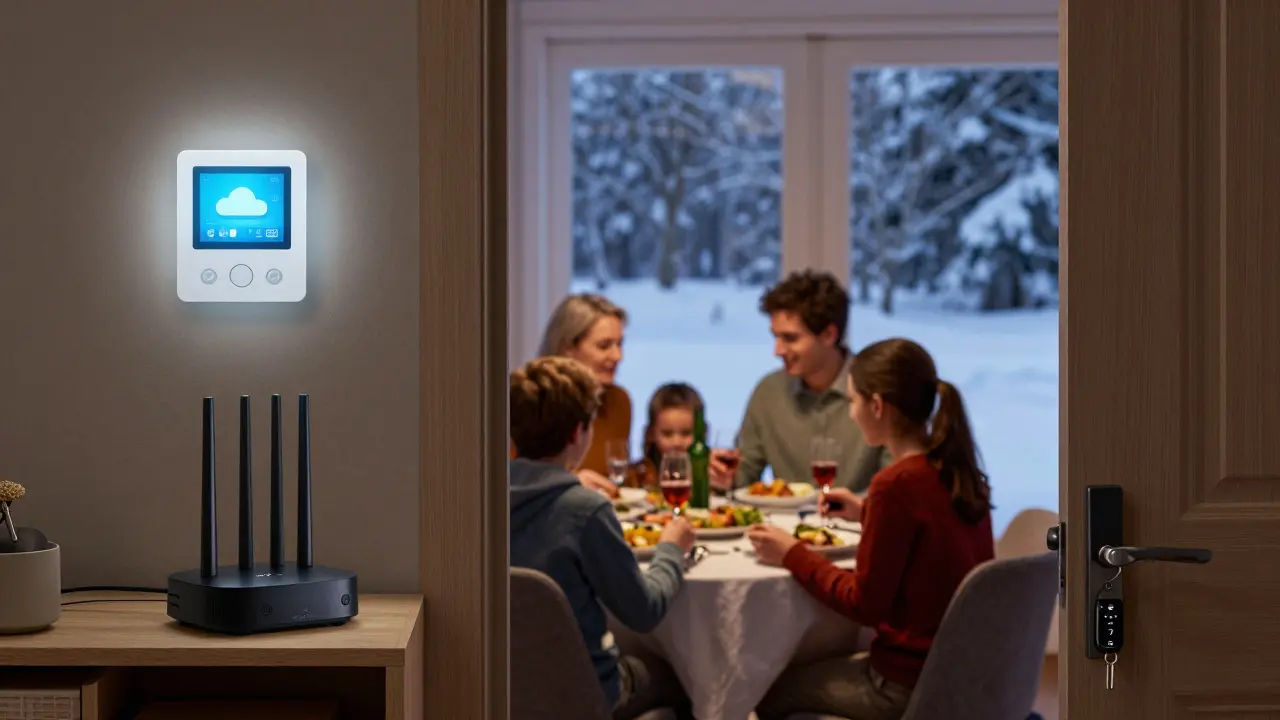
Imagine your internet goes out. Your phone can’t check the security camera. Your voice assistant won’t respond. But your lights still turn on when you walk in. Your door still unlocks with your key fob. Your thermostat still keeps the house warm. That’s the power of a local network.
Wi-Fi-dependent systems fail silently. You don’t know why your lock didn’t open - maybe it’s a bug, maybe it’s the router. Z-Wave and Zigbee give you control. You know exactly what’s working because you’re not relying on a third-party server halfway across the world.
Smart homes aren’t about being connected to the internet. They’re about being connected to each other. And that connection doesn’t need Wi-Fi to work.
Can I use a smart home without any internet at all?
Yes - but only if you use a hub with Z-Wave or Zigbee devices. Your lights, locks, and sensors will still work locally. You won’t be able to control them remotely from outside your home, and features like cloud backups or voice assistants won’t work. But your home stays functional during outages.
Do I need a hub if I only have Wi-Fi devices?
No - Wi-Fi devices connect directly to your router and the cloud. But without a hub, you can’t create local automations. Your devices will rely entirely on the internet. If your Wi-Fi goes down, everything stops working. A hub gives you control and reliability.
Are Z-Wave and Zigbee devices more expensive?
The hub costs more upfront - $50 to $200. But individual Z-Wave and Zigbee devices are often cheaper than their Wi-Fi equivalents. Plus, they last longer, use less power, and don’t need frequent updates. Over time, you save money and avoid frustration.
Can I mix Wi-Fi and Z-Wave devices in one home?
Absolutely. Most people do. Use Z-Wave or Zigbee for lights, locks, sensors, and thermostats. Use Wi-Fi for cameras, doorbells, and voice assistants. The hub ties them all together and lets you control everything from one app - even if they use different networks.
What’s the best hub for beginners?
The Amazon Echo (4th gen or later) is the easiest. It has built-in Zigbee, so you can add Zigbee devices without buying extra hardware. For more control and reliability, get a Hubitat Elevation or Home Assistant Yellow. They’re more powerful, support both Z-Wave and Zigbee, and work offline.
Final Thought: Smart Doesn’t Mean Connected
Smart homes aren’t about being online. They’re about being responsive. Reliable. Quiet. Efficient. Wi-Fi is loud, thirsty, and fragile. Z-Wave and Zigbee are the quiet backbone of real smart homes - the kind that still work when the power flickers, the internet drops, or the router overheats.
You don’t need Wi-Fi to have a smart home. You just need the right setup.

Sandy Dog
January 10, 2026 AT 04:30Nick Rios
January 11, 2026 AT 05:05Amanda Harkins
January 12, 2026 AT 05:46Jeanie Watson
January 13, 2026 AT 09:21Tom Mikota
January 15, 2026 AT 05:06Mark Tipton
January 16, 2026 AT 23:25Adithya M
January 16, 2026 AT 23:48Jessica McGirt
January 18, 2026 AT 14:52Donald Sullivan
January 19, 2026 AT 15:53Ronak Khandelwal
January 19, 2026 AT 18:30Jeff Napier
January 21, 2026 AT 09:40Sibusiso Ernest Masilela
January 22, 2026 AT 01:47Daniel Kennedy
January 23, 2026 AT 08:22Taylor Hayes
January 25, 2026 AT 06:32Sandy Dog
January 25, 2026 AT 20:25