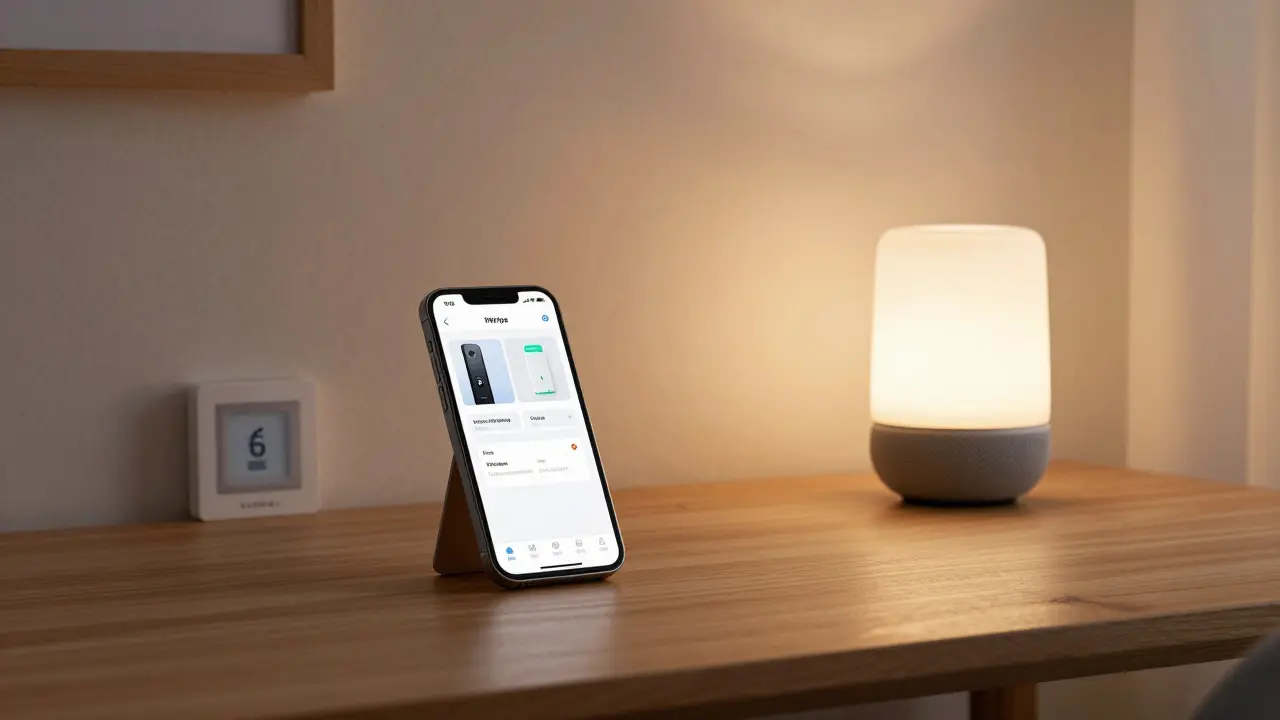
When people ask if Apple makes smart home devices, they’re usually wondering if Apple builds the same kind of gadgets as Amazon, Google, or Samsung - things like smart speakers, cameras, thermostats, or doorbells. The answer isn’t a simple yes or no. Apple doesn’t make standalone smart plugs, smart bulbs, or Wi-Fi thermostats under its own brand. But that doesn’t mean Apple isn’t deeply involved in the smart home. In fact, Apple’s approach is quieter, more controlled, and surprisingly powerful.
Apple doesn’t build most smart home gadgets - but it builds the brain
You won’t find an Apple-branded smart thermostat on the shelf. You won’t see an Apple smart plug or an Apple motion sensor. Instead, Apple focuses on what powers the whole system: software, security, and seamless integration. The real smart home device Apple makes is HomeKit - a secure, private, and unified platform that lets you control compatible devices from your iPhone, iPad, or Apple Watch.
Think of HomeKit like a universal remote for your house. It doesn’t make the lights or locks itself. But it gives you one app - the Home app - to turn them all on or off, set routines, and even automate them based on time, location, or sensor triggers. That’s the key difference: Apple doesn’t compete on hardware variety. It competes on reliability, privacy, and simplicity.
What Apple actually sells for your smart home
While Apple doesn’t mass-produce third-party-style gadgets, it does make a few smart home devices that work directly with HomeKit. These aren’t afterthoughts - they’re carefully designed to set the standard.
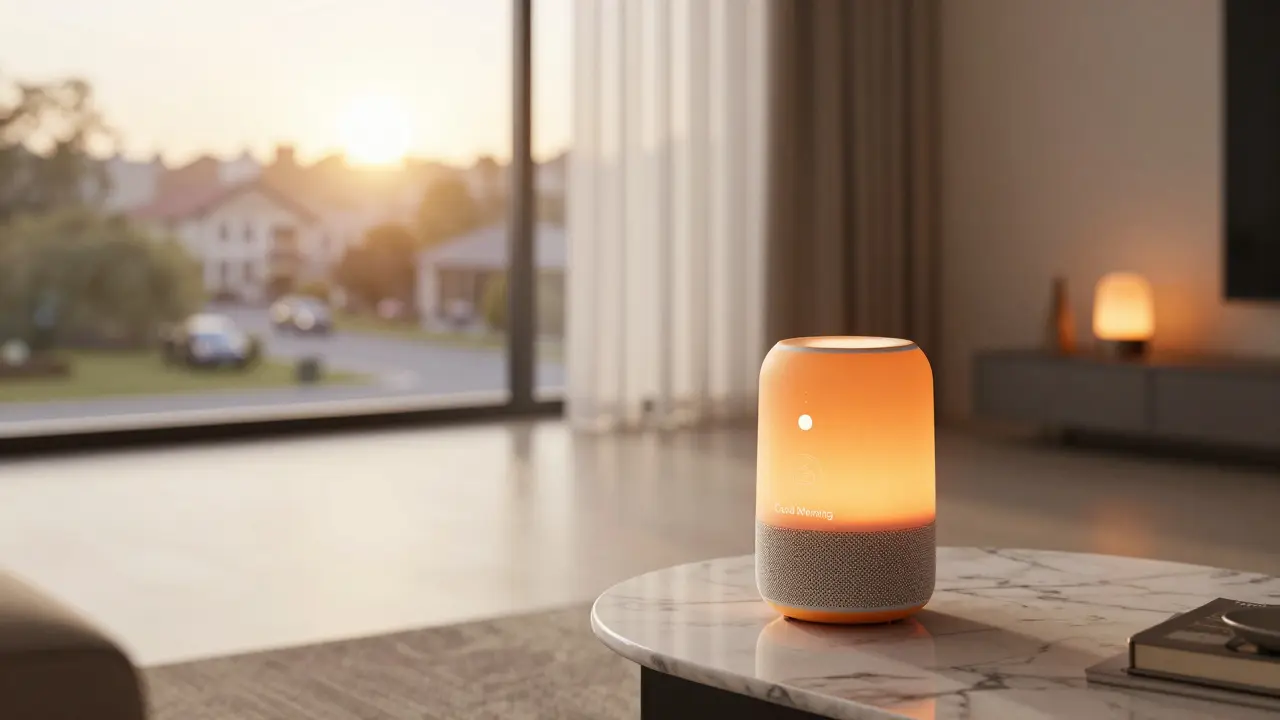
- HomePod and HomePod mini - These are Apple’s smart speakers. They don’t just play music. With Siri built in, they act as voice controls for your entire HomeKit setup. You can say, “Hey Siri, turn off the living room lights,” and it works - even if the lights are from a different brand like Philips Hue or Lutron.
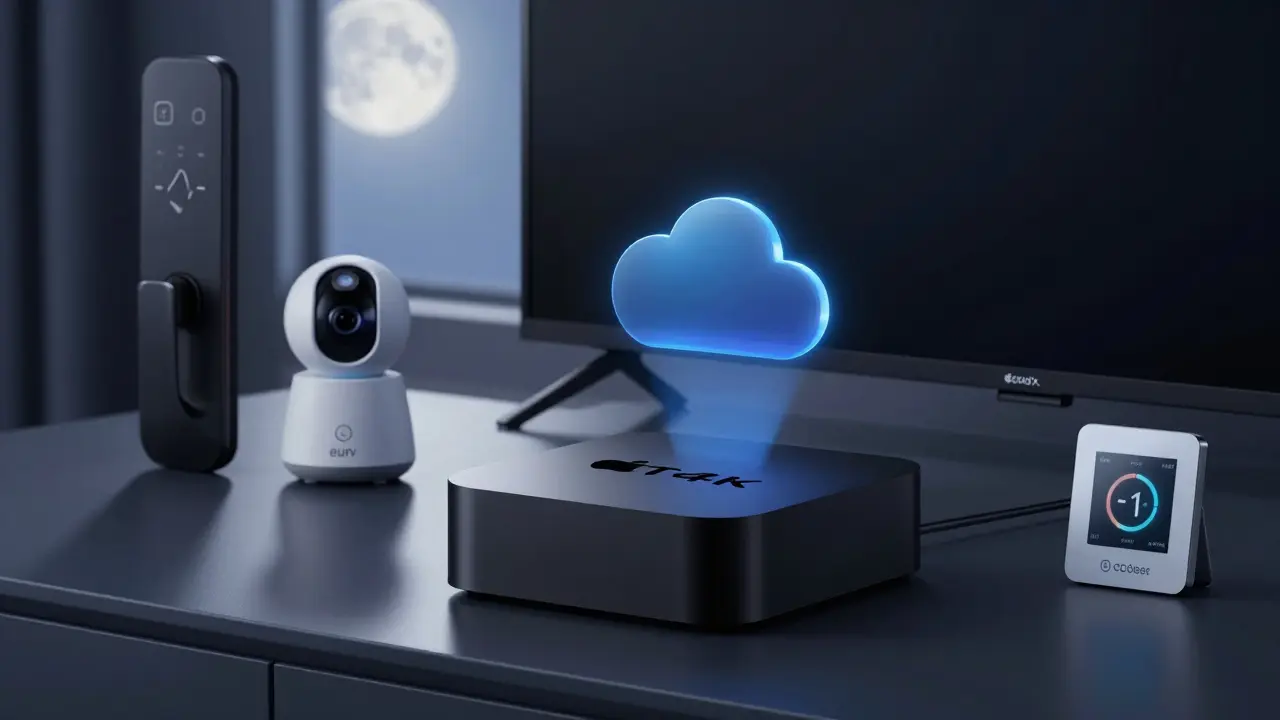
- Apple TV (4K) - This isn’t just a streaming box. It acts as a HomeKit hub. If you want to control your smart devices when you’re away from home, Apple TV (or an iPad left at home) keeps your HomeKit system running 24/7. No extra hardware needed.
- HomeKit Secure Video-compatible cameras - Apple doesn’t sell its own camera. But it certifies third-party cameras (like those from Logitech, Eufy, or Aqara) that meet its strict privacy rules. These cameras record video directly to your iCloud account - not to a cloud server owned by the manufacturer. Your footage is encrypted and private.
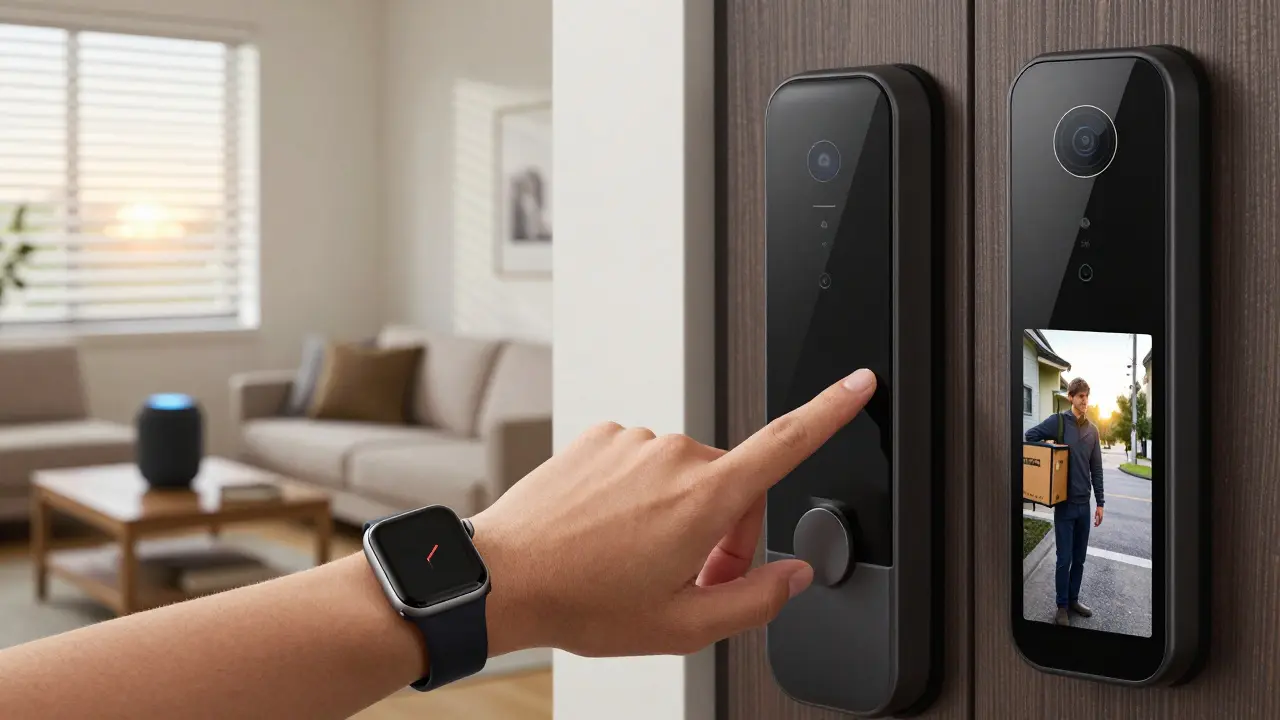
- HomeKit-enabled doorbells and locks - Apple partners with companies like August, Yale, and Eufy to make doorbells and smart locks that integrate directly into the Home app. You can see who’s at the door, unlock it remotely, or even let a delivery person in with a one-time code - all from your phone.
These aren’t flashy, cheap gadgets. They’re expensive. But they’re built to last, work flawlessly with each other, and protect your data. That’s Apple’s promise.
Why Apple’s smart home feels different
Most smart home systems rely on the cloud. Your voice command goes to a server, gets processed, then sends a signal back to your device. That’s fine - until the internet goes down, or the company changes its privacy policy, or your data gets leaked.
Apple’s system works differently. HomeKit uses end-to-end encryption. Commands are processed locally on your device whenever possible. Even when you use Siri, your voice isn’t stored or sent to Apple’s servers unless you explicitly opt in. Your home automation stays private - even from Apple.
Compare that to Amazon’s Alexa or Google Home. Both require you to trust their cloud services with your routines, voice recordings, and camera feeds. Apple doesn’t ask for that trust. It builds systems that don’t need it.
That’s why HomeKit users report fewer glitches. Fewer connectivity drops. Fewer surprise updates that break your lights. The system just works - because Apple controls the entire chain: the software, the encryption, and the standards.
What you can control with Apple’s smart home
With HomeKit, you can manage hundreds of devices from dozens of brands. Here’s what’s possible:
- Lighting: Philips Hue, Lutron Caseta, Nanoleaf - dim, change color, or set schedules.
- Thermostats: Ecobee, Honeywell, and Nest (with HomeKit compatibility) let you adjust temperature from your phone or with voice commands.
- Security: Door locks from August or Yale, window sensors from Aqara, and motion detectors from Eufy all show up in the Home app. You get real-time alerts if a door opens while you’re away.
- Blinds and shades: Lutron and IKEA’s smart blinds can be programmed to open at sunrise or close when you leave.
- Garage doors: MyQ and other HomeKit-certified openers let you check if the garage is closed - and close it if it isn’t.
- Water sensors: Detect leaks before they cause damage. These connect quietly and send alerts to your phone.
You don’t need separate apps for each brand. One Home app handles it all. And if you have an Apple Watch, you can lock your doors or turn on the porch light with a single tap while walking in the door.
Is Apple’s smart home right for you?
Apple’s smart home isn’t for everyone. If you want the cheapest smart plug or the most colorful light bulbs, you’ll find better options elsewhere. Amazon and Google offer more devices at lower prices.
But if you value:
- Privacy - your data stays yours
- Reliability - fewer dropped connections
- Integration - one app, one voice assistant, one system
- Long-term support - Apple updates HomeKit for years
Then Apple’s approach is unmatched. You’re not buying gadgets. You’re buying peace of mind.
And if you already own an iPhone, Apple TV, or HomePod, you’re already halfway there. Setting up HomeKit takes minutes. You don’t need a hub. You don’t need a subscription. Just open the Home app, scan the QR code on your device, and you’re done.
What’s next for Apple’s smart home
Apple is quietly expanding its smart home presence. In 2025, it began allowing third-party manufacturers to use its HomeKit Accessory Protocol without needing a physical hub - meaning even simpler devices like smart plugs and outlets can now connect directly to your iPhone.
There are rumors Apple is developing its own smart thermostat, a motion-sensing camera, and even a smart door handle. But Apple rarely confirms these. What we do know is this: Apple’s smart home isn’t about quantity. It’s about quality. Control. And privacy.
If you’re looking for a smart home that just works - without tracking you - Apple’s system is the quietest, most secure option on the market.
Does Apple make its own smart lights?
No, Apple doesn’t make its own smart bulbs. But it certifies hundreds of third-party bulbs - like Philips Hue, Nanoleaf, and Lutron - that work flawlessly with HomeKit. You control them through the Home app or with Siri.
Do I need an Apple TV to use HomeKit?
You don’t need an Apple TV to set up HomeKit, but you do need one if you want to control your devices when you’re away from home. The Apple TV (or an iPad left at home) acts as a hub that keeps your HomeKit system online. Without it, remote access won’t work.
Can I use HomeKit without an iPhone?
You need an iPhone, iPad, or iPod touch to set up HomeKit devices. Once set up, you can control them from an Apple Watch, Mac, or even an Apple TV. But the initial pairing and advanced automation require an iOS device.
Is HomeKit more secure than Alexa or Google Home?
Yes. HomeKit uses end-to-end encryption, so your data never leaves your network unless you choose to share it. Alexa and Google Home send your voice commands and video feeds to their cloud servers, where they’re stored and analyzed. Apple doesn’t do that.
Can I use HomeKit with non-Apple devices?
Absolutely. HomeKit works with over 20,000 certified devices from brands like Philips, Lutron, Ecobee, August, and Eufy. You just need to make sure the device has the HomeKit logo or says "Works with Apple HomeKit."
Final thought: Apple’s smart home is invisible - and that’s the point
You won’t see Apple advertising its smart home like a tech giant with a thousand gadgets. You won’t find it on sale at Walmart. But if you’ve ever had a smart home that broke every few months, or felt like it was spying on you - then Apple’s quiet system might be the one you’ve been waiting for.
It doesn’t shout. It just works.

Sheetal Srivastava
March 24, 2026 AT 12:49Let me just say - HomeKit isn't just a platform, it's a philosophical stance against the surveillance capitalism that masquerades as convenience. Alexa doesn't just listen - it *learns*. Google doesn't just respond - it *profiles*. Apple? They build encrypted silos. Your thermostat doesn't talk to the cloud. Your doorbell doesn't lease your face to advertisers. It's not about hardware. It's about ontological sovereignty. You're not buying a smart home. You're reclaiming your domestic autonomy. And frankly? It's the only ethical choice left.
Bhavishya Kumar
March 25, 2026 AT 08:44It is imperative to clarify that Apple does not manufacture smart bulbs. However, it does certify third-party devices that adhere to stringent technical specifications as defined under the HomeKit Accessory Protocol. This approach ensures interoperability while maintaining end-to-end encryption standards. Failure to distinguish between manufacturing and certification leads to widespread misinformation in consumer technology discourse.
ujjwal fouzdar
March 26, 2026 AT 17:08Think about it - we live in a world where your toaster knows your sleep schedule, your fridge orders milk before you're hungry, and your lights dim when you cry. But who's really in control? The device? The app? The corporation with servers in Dublin? Apple's genius isn't in the hardware. It's in the silence. No notifications. No ads. No 'improving your experience' by selling your voice to the highest bidder. HomeKit doesn't serve you. It serves *your* home. And in a world screaming for attention, that quiet dignity? That's revolutionary.
Anand Pandit
March 27, 2026 AT 19:58Just wanted to say - if you're new to HomeKit, don't overthink it. Start with a HomePod mini and one smart bulb. Plug it in, open the Home app, tap the QR code. Done. No subscriptions. No apps to juggle. It just works. And once you experience how smoothly everything talks to each other - no lag, no crashes, no 'device offline' alerts - you'll wonder why you ever used anything else. Seriously. Try it for a week. You'll thank yourself.
Reshma Jose
March 28, 2026 AT 02:27Yessss. I switched from Alexa to HomeKit last year and honestly? Life changed. No more Siri randomly turning on my lights at 3am because it heard 'light' in a TV show. No more 'Alexa, turn off the bedroom light' and it turns off the whole house. HomeKit gets it. It’s subtle, it’s smart, and it doesn’t try to be your best friend. It just does its job. Also, the privacy thing? Non-negotiable. I don’t care how 'convenient' Google is - my face isn’t training their AI.
rahul shrimali
March 30, 2026 AT 03:26HomeKit works. No drama. No updates that break everything. Just set it up and forget it. Apple’s quiet confidence is the real product here.
Eka Prabha
March 30, 2026 AT 10:41Let’s be real - HomeKit is just Apple’s way of controlling the narrative. They don’t make the devices because they don’t need to. They just need you to believe they’re the only trustworthy option. Meanwhile, your Nest camera is probably cheaper, has better AI, and lets you share clips with neighbors. But Apple? They want you dependent. No cloud? No third-party integrations? That’s not privacy - that’s walled garden capitalism. And the encryption? Just marketing. They still collect usage patterns. They’re not saints. They’re CEOs.
Bharat Patel
March 31, 2026 AT 06:29There’s a quiet poetry in Apple’s approach. They don’t sell you gadgets. They sell you stillness. In a world drowning in noise - alerts, notifications, AI assistants that never shut up - HomeKit gives you back the silence of your own home. Not because it’s cold or robotic. But because it respects the space between you and the machine. You don’t need to command it. You don’t need to explain yourself. You just… live. And that’s the most human thing any tech company has done in a decade.
Bhagyashri Zokarkar
April 1, 2026 AT 14:42ok so i just got a homepod mini and i thought it was gonna be like alexa but nooo it just sits there like a fancy paperweight unless you have like 12 other apple devices and even then sometimes it just says "sorry i dont understand" and i was like wow apple you really made this feel like a luxury experience but honestly i feel like i paid 200 bucks for a very polite robot that sometimes forgets its name
Rakesh Dorwal
April 3, 2026 AT 10:37HomeKit? Please. Apple’s just scared of Indian and Chinese innovation. They don’t make smart devices because they can’t compete with real tech. Eufy, Xiaomi, Realme - they’re out here making affordable, powerful, open systems. Apple? They lock you in. They don’t care about progress. They care about control. And don’t even get me started on how they block third-party hubs. This isn’t innovation. It’s colonialism with a premium price tag.