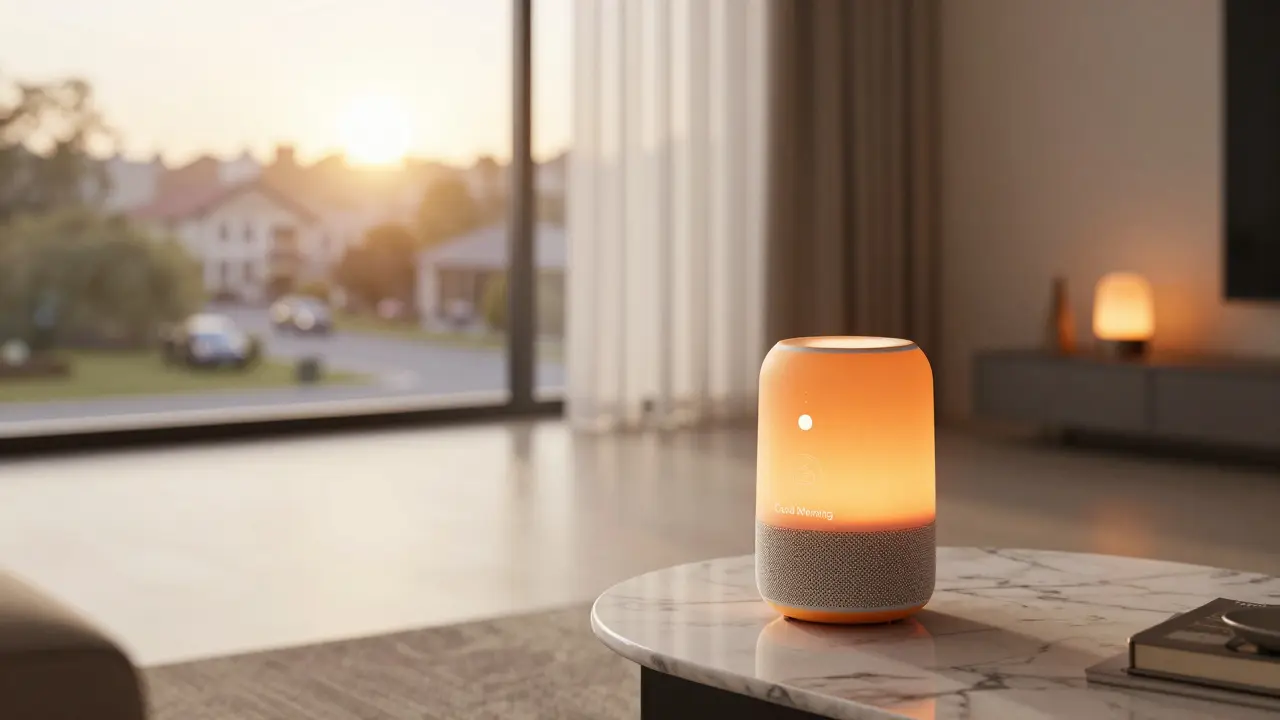
You've probably noticed that your home is slowly becoming a computer. From light bulbs that change color based on your mood to vacuum cleaners that map your living room better than you can, the options are overwhelming. The real question isn't just which gadget is the coolest, but which one actually makes your life easier without turning your house into a glitchy science experiment. If you're starting from scratch or looking to upgrade, you need a strategy, not just a shopping list.
Key Takeaways for Your Smart Home
- Focus on a central ecosystem first to avoid "app fatigue."
- Prioritize devices supporting the Matter protocol for long-term compatibility.
- Start with lighting and security before moving into complex automation.
- Check your Wi-Fi bandwidth; too many devices can crash a cheap router.
The Battle of the Ecosystems
Before you buy a single plug, you have to pick a side. Buying a random mix of brands usually leads to a phone screen filled with twelve different apps that don't talk to each other. Smart home ecosystem is the integrated software environment that allows different devices to be controlled from a single interface. Depending on what phone is in your pocket, your choice is usually narrowed down to three giants.
If you live in the Apple world, Apple Home is the go-to. It's private and snappy, but it's a walled garden. If you prefer flexibility and a massive range of compatible hardware, Amazon Alexa integrates with almost everything and has the most "skills" for voice commands. Then there's Google Home, which wins on intelligence because it uses Google's search data to answer your weird questions more accurately than anyone else.
| Ecosystem | Best For | Primary Strength | Main Weakness |
|---|---|---|---|
| Amazon Alexa | General Users | Device Compatibility | Privacy Concerns |
| Google Home | Tech Enthusiasts | AI & Search Integration | Inconsistent App UI |
| Apple Home | Privacy Seekers | Security & Speed | High Entry Cost |
The Real "Best" Device: The Smart Hub
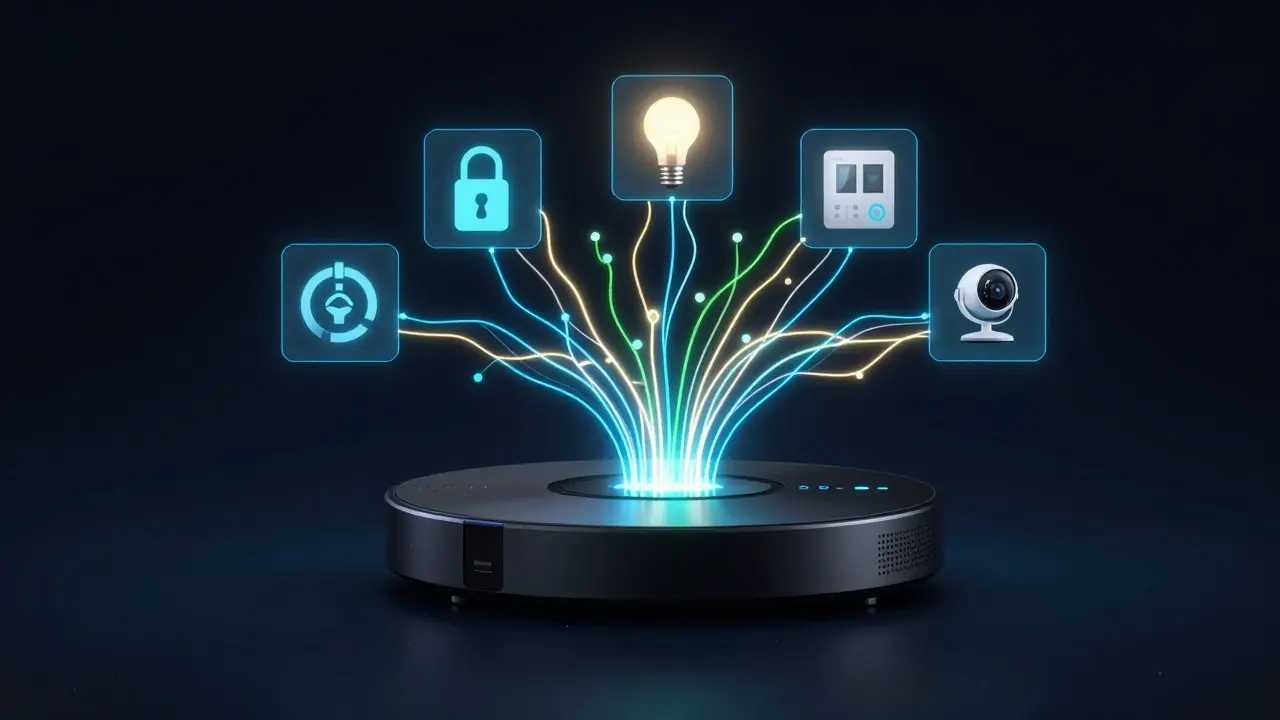
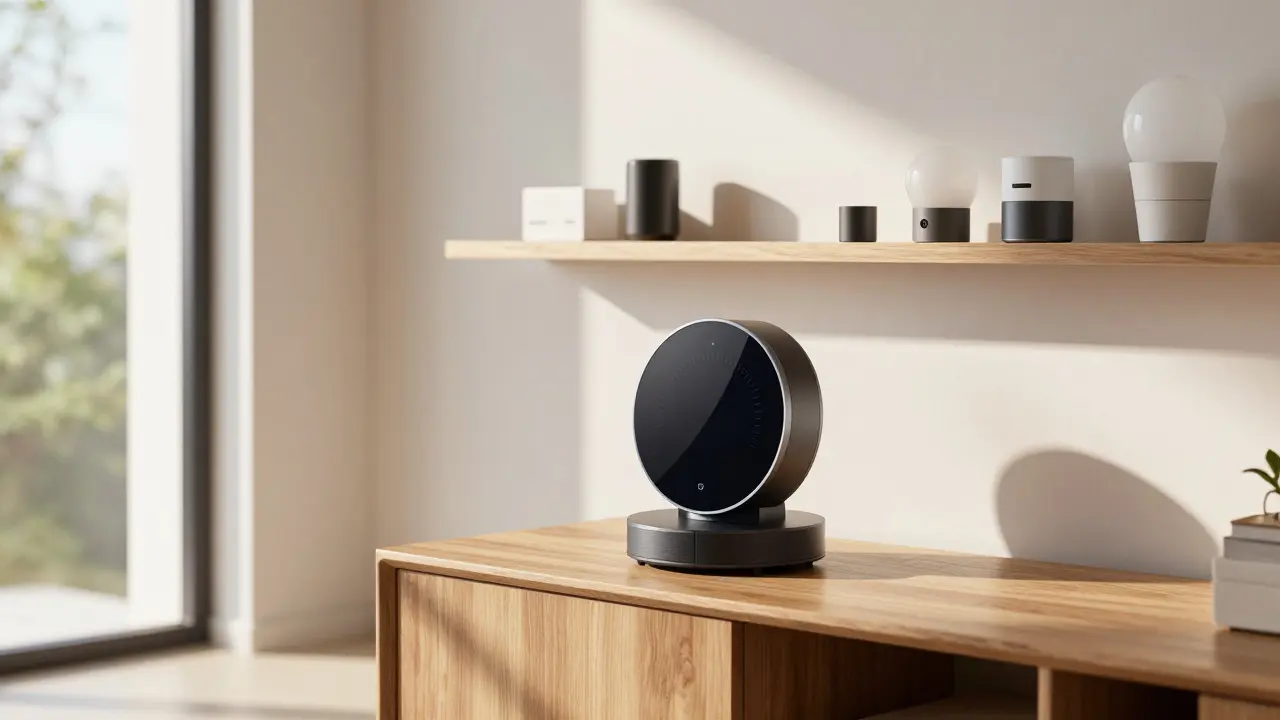
If we're talking about the single most important piece of gear, it's the hub. Think of the Smart home hub as the brain of your operation. A physical device that connects various smart gadgets and allows them to communicate regardless of their native language. Without a solid hub, your devices are just isolated gadgets.
In 2026, the game-changer is Matter. An industry-standard communication protocol that allows devices from different brands to work together seamlessly. If a device is Matter-certified, it means it will work with Alexa, Google, and Apple simultaneously. This kills the "ecosystem war" and lets you buy the best hardware regardless of the brand. Look for the Matter logo on the box; if it's not there, you're gambling on future compatibility.
Lighting: Where the Magic Starts
Lighting is the easiest way to feel the impact of automation. Forget the cheap white-label bulbs you find at the grocery store. Philips Hue remains the gold standard because they use the Zigbee protocol, meaning they don't clog up your Wi-Fi. When you have 50 bulbs, you don't want 50 separate IP addresses fighting for bandwidth on your router.
The real value comes from home automation routines. Instead of just turning a light on, set a "Good Morning" scene. At 7:00 AM, your blinds open, the bedroom lights fade in slowly to mimic a sunrise, and the coffee maker starts brewing. That's the transition from a "remote-controlled home" to a truly "smart home." If you're on a budget, look for smart switches instead of bulbs. One switch controls the whole circuit, and your guests can still use the wall toggle without breaking the automation.
Security and Peace of Mind
Security is usually why people enter the smart home rabbit hole. You want to know who is at the door without getting off the couch. Ring and Nest have dominated this space, but the trend has shifted toward local storage. Many people are tired of paying monthly subscriptions just to see a video of a package being delivered.
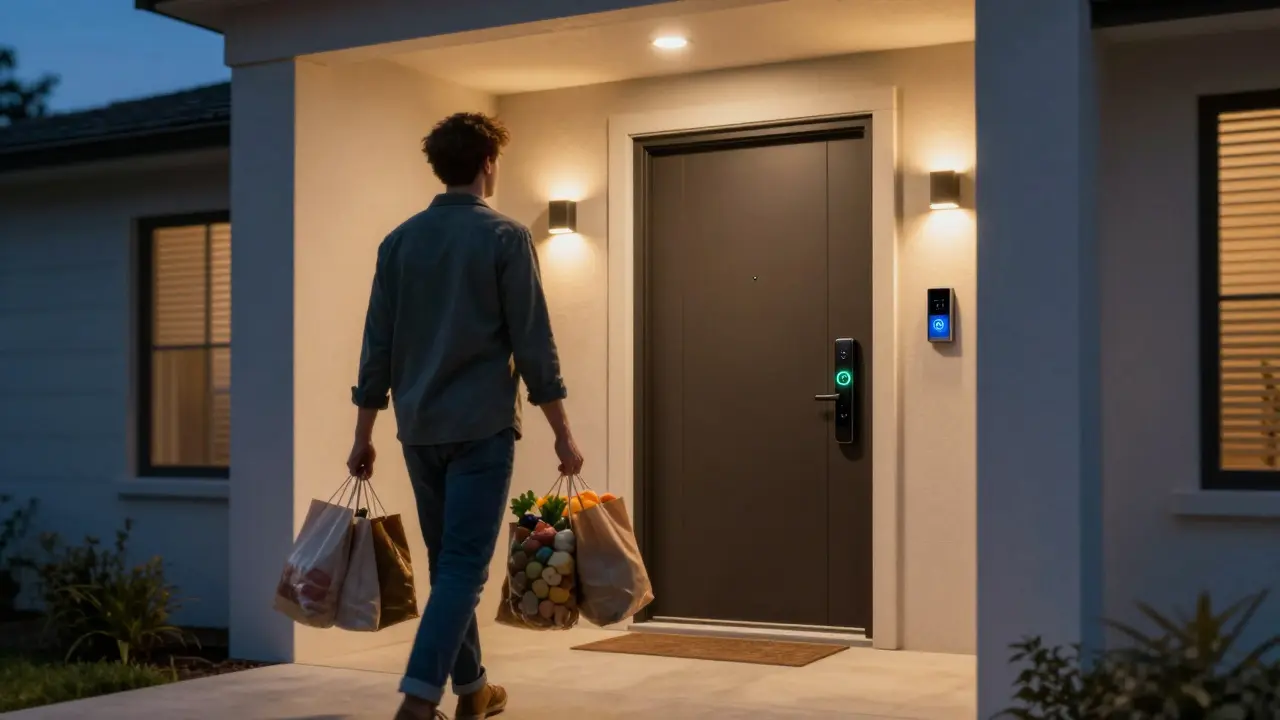
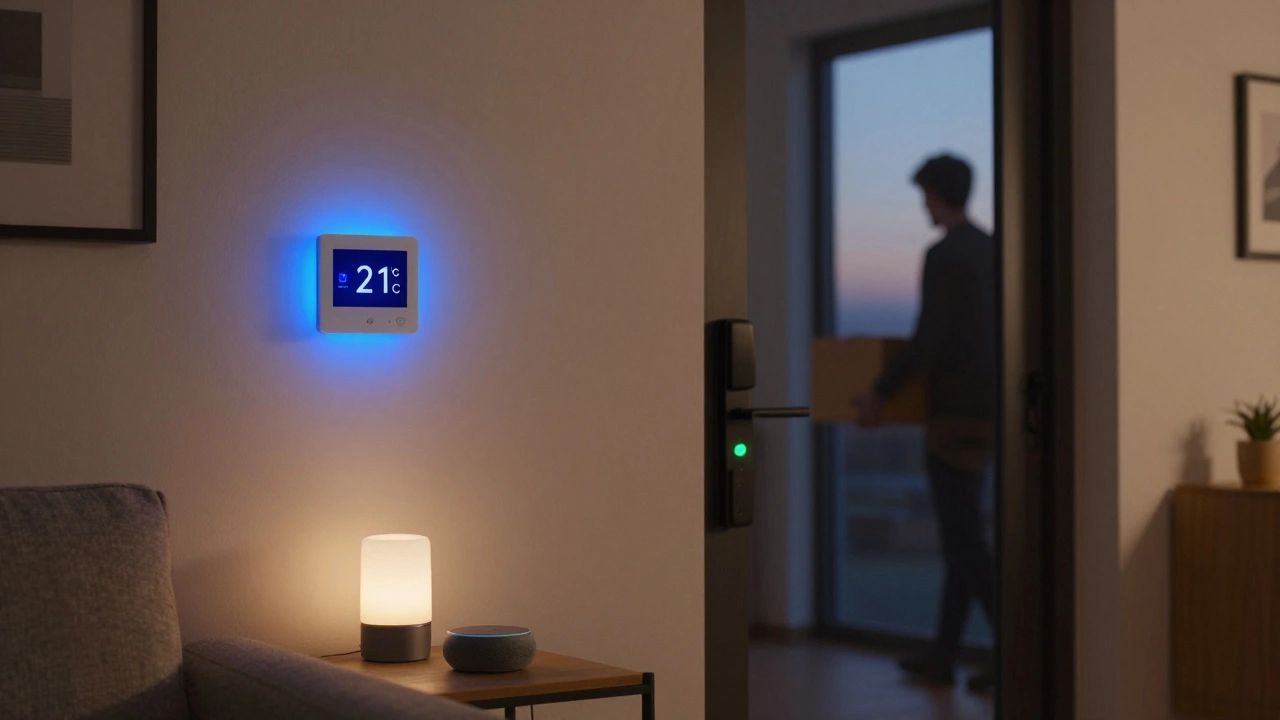
Look for cameras that support ONVIF or have local SD card slots. A great setup involves a mix of a smart doorbell, a few perimeter cameras, and a Smart Lock. The best locks today use biometric scanners or auto-unlock via geofencing. Imagine walking up to your door with groceries in both arms and the door simply clicking open because it knows your phone is within three feet. That is the kind of utility that justifies the price tag.
Climate Control and Energy Savings
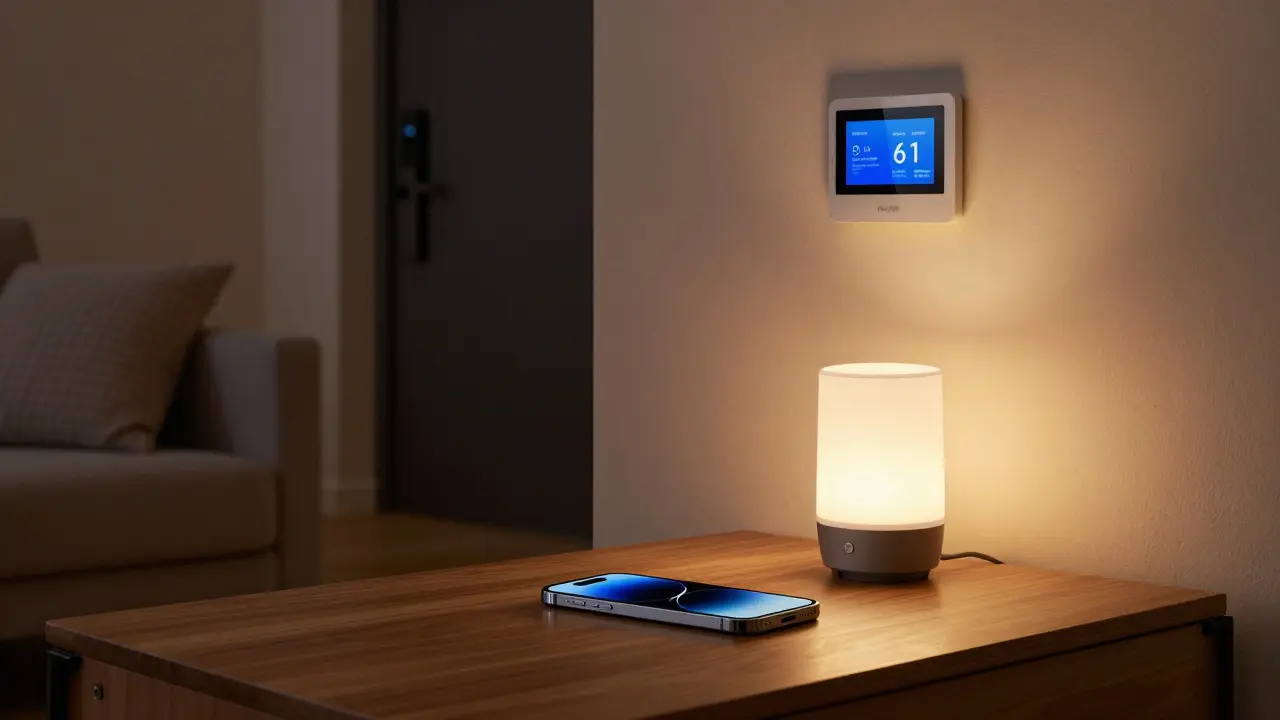
If you want to see a return on your investment, start with your HVAC. A Smart Thermostat doesn't just let you change the temp from your phone; it learns your habits. If it notices you leave the house every day at 8:30 AM, it will automatically drop the heat to save money.
For those in larger homes, look into zoning. Instead of one thermostat in the hallway that makes the bedroom freezing and the living room a sauna, use smart vents. These allow you to push air specifically to the rooms being used. Combined with smart blinds that close during the hottest part of the afternoon, you can slash your energy bills by 15-20%.
Avoiding the Common Pitfalls
Most people fail at smart homes because they buy too much too fast. You end up with a "Franken-home" where nothing works together. Here is a rule of thumb: buy one device, master the automation, and then expand. Also, don't ignore your network infrastructure. A standard ISP router cannot handle 40 smart devices; it will lag, and your lights will take three seconds to turn on after you say the command.
Invest in a Mesh Wi-Fi system. This places satellites around your house so that the smart plug in your garage has the same signal strength as the one in your living room. Without a strong signal, "smart" devices become "dumb" bricks that constantly disconnect.
Do I need a hub if my devices are Wi-Fi based?
Technically, no. Wi-Fi devices connect directly to your router. However, a hub is still recommended as you scale. Hubs using Zigbee or Thread protocols are more stable and don't slow down your internet speed like 50 separate Wi-Fi bulbs would.
Is Matter really that important?
Yes. Matter is the industry's attempt to stop brand lock-in. It ensures that if you switch from an iPhone to an Android, or from Alexa to Google, your light bulbs and plugs will still work without you having to replace everything.
Are smart homes a security risk?
Any device connected to the internet has a risk. To mitigate this, use a separate "Guest Network" for your IoT devices. This keeps your smart bulbs on one network and your laptop (with your banking info) on another, so a hacked light bulb doesn't give a stranger access to your computer.
What is the best first device for a beginner?
Start with a smart speaker/display (like an Echo Show or Nest Hub) and a couple of smart bulbs. It's a low-cost way to experience voice control and basic automation before investing in expensive locks or thermostats.
Will my smart home work if the internet goes down?
It depends. Cloud-based devices will stop working. However, devices using local protocols like Zigbee or those integrated with a local hub (like Home Assistant) will still run your scheduled automations and manual switches.
Next Steps for Your Setup
If you're just starting, don't buy a "starter kit." They often include things you don't need. Instead, identify one annoyance in your daily routine-like forgetting to lock the door or fumbling for light switches in the dark-and buy the specific device that solves that one problem.
Once you've nailed the basics, look into "If This Then That" (IFTTT) logic. For example: If the smart doorbell detects a person, then turn on the porch light and notify your phone. This is where your home stops being a collection of gadgets and starts behaving like a personal assistant.

Aryan Gupta
April 10, 2026 AT 05:41The mention of a "Guest Network" is cute, but it's a band-aid on a bullet wound. Every single one of these devices is a telemetry node designed to map your private habits and sell them to the highest bidder. You think a separate SSID stops the data from leaving your house? Please. These companies aren't selling hardware; they're selling access to your living room. The "Matter" protocol is just a way to make sure every single brand can feed into the same surveillance pipeline more efficiently. It's a digital panopticon wrapped in a "convenient" package. Also, the author used "its" incorrectly in the third paragraph-it should have been a possessive form, not a contraction. Pathetic.
Kelley Nelson
April 11, 2026 AT 06:51It is somewhat amusing that one would consider these rudimentary gadgets "top picks." One simply cannot ignore the inherent lack of sophistication in the suggested ecosystems. While the masses may find solace in the simplicity of Alexa, those of us with more... refined tastes... find the lack of granular control quite pedestrian. It is a tragedy that the industry prioritizes accessibility over true excellence.
Zelda Breach
April 12, 2026 AT 18:10Imagine thinking a mesh Wi-Fi system is a "solution." Just buy a real router and learn how to configure a VLAN, you lazy amateurs. Most of these "smart" devices are just overpriced plastic garbage designed in China to fail in two years. The idea that Matter is some revolutionary bridge is a joke for people who can't write a simple script. Absolute clowns.
Gareth Hobbs
April 13, 2026 AT 03:23Typical rubbish!! These American brands are just tryin to steal our data anyway... total scam!!! I've seen better tech in a toaster from 1992... Matter is just another way for the globalists to track us in our own bedrooms!! Absolute madness!!!! Totaly useless advice if you aint got a proper British plug anyway!!!!
Alan Crierie
April 14, 2026 AT 19:30I think it's really great to see a guide that emphasizes compatibility! 🌟 It can be so daunting for newcomers to figure out which hub to use, so focusing on Matter is a lovely bit of advice. Maybe we could also suggest some open-source alternatives for those who feel a bit shy about the big brands? 😊
Nicholas Zeitler
April 16, 2026 AT 15:24This is such a fantastic breakdown!!! I totally agree about the smart switches-they are absolute game changers for anyone with guests!!! Keep pushing for that automation!!!
Teja kumar Baliga
April 17, 2026 AT 02:10Great tips! Very useful for beginners.
Patrick Bass
April 18, 2026 AT 21:12The advice on avoiding "app fatigue" is quite sensible.