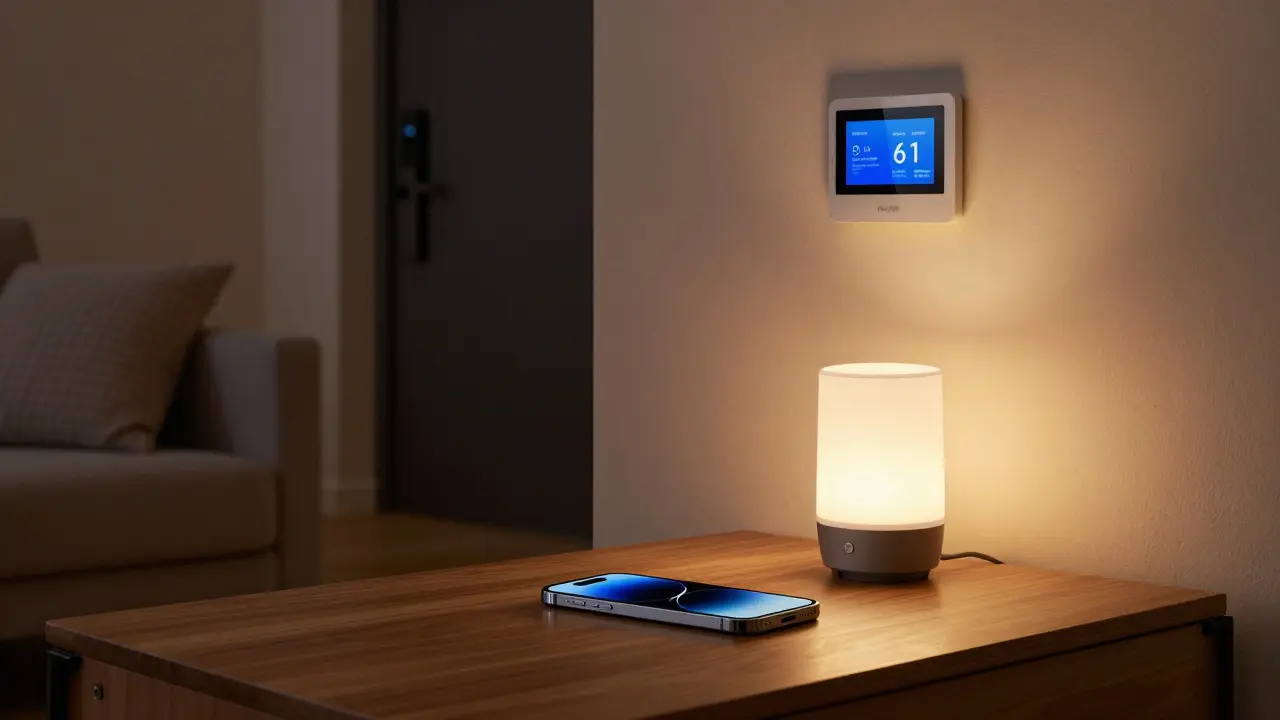
Think of your iPhone as the remote control for your whole house. It doesn’t just make calls or take photos-it turns on your lights, unlocks your front door, starts your coffee maker, and even adjusts the thermostat while you’re still in bed. So yes, an iPhone is a smart device. But not because it has a processor or a touchscreen. It’s smart because it controls other smart things.
What Makes a Device "Smart"?
A smart device isn’t just something with Wi-Fi. It’s something that can connect, communicate, and be controlled remotely-usually through an app or voice command. Your smart thermostat learns your schedule. Your smart speaker listens for "Hey Siri." Your smart lock lets you grant access to a guest from your phone. These devices don’t just sit there-they respond.
Now look at your iPhone. It doesn’t heat your home on its own. But it tells your Nest thermostat to do it. It doesn’t open your garage door, but it sends the signal that makes it happen. It doesn’t light up your kitchen, but it flips the switch on your Philips Hue bulbs. That’s the key difference: the iPhone isn’t a standalone smart device like a smart bulb. It’s the command center.
The iPhone as the Brain of Your Smart Home
Apple’s HomeKit turns your iPhone into the central hub for smart home systems. Unlike other platforms that need a separate bridge or hub, your iPhone does the work. Even when you’re away, your phone can still trigger routines. If you set up a "Goodnight" scene, your iPhone can dim the lights, lock the doors, and turn off the TV-all with one tap or voice command.
And it’s not just about control. Your iPhone learns. It knows when you usually leave for work and can suggest turning off the lights. It sees your Apple Watch heart rate spike at 2 a.m. and can ask if you want to open the bedroom window. These aren’t gimmicks-they’re automated responses built into iOS, powered by data your phone collects and processes locally.
How It Connects to Other Smart Devices
Your iPhone doesn’t work alone. It talks to devices that carry the HomeKit logo. That’s a small badge, but it means the device has passed Apple’s security checks. You won’t find random smart plugs on Amazon that work with your iPhone unless they’re HomeKit certified. That’s why brands like Eve, Aqara, and Lutron are trusted-they play nice with Apple’s system.
But you can also use third-party devices through bridges. A Philips Hue bulb doesn’t connect directly to your iPhone. Instead, it connects to a Hue bridge, which then talks to your iPhone over Wi-Fi. Your iPhone doesn’t care how it gets the signal-it just needs a way to send it. That’s why you can control a non-HomeKit device through the Home app if it has a compatible app and integration.
Why This Matters for Your Daily Life
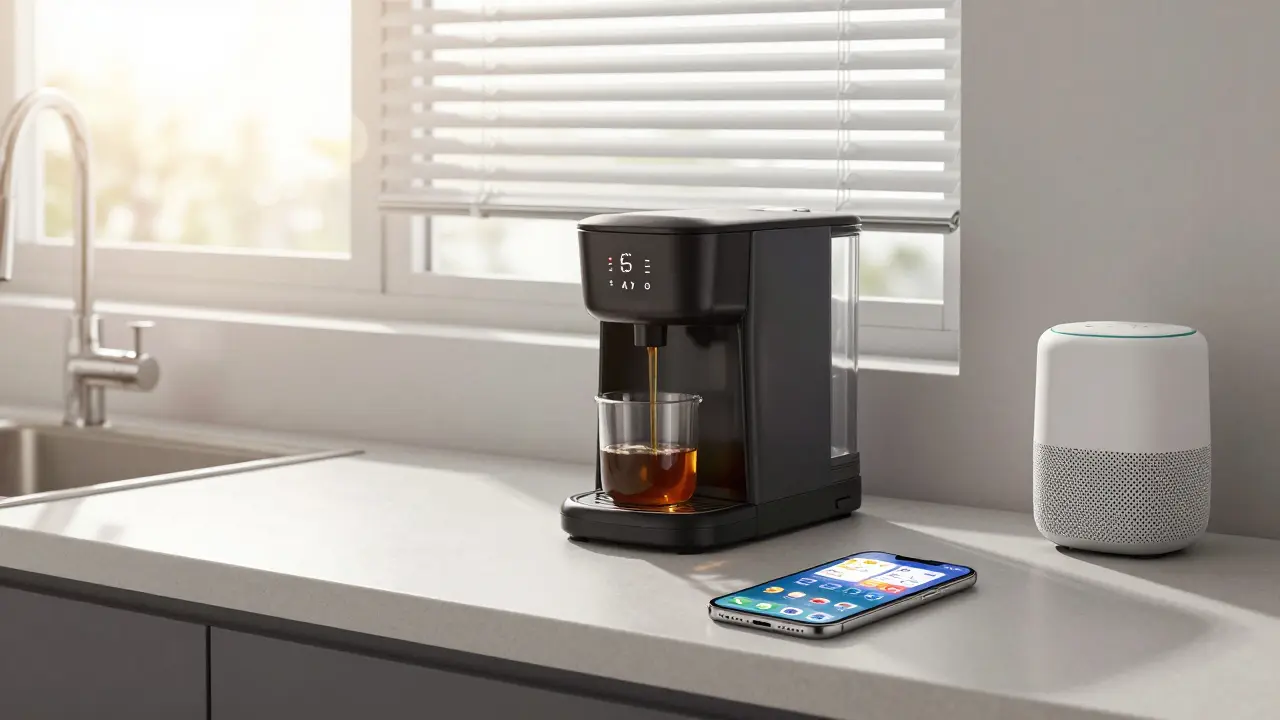
Imagine coming home after a long day. You walk in, and your iPhone-already knowing you’re home from your location-turns on the hallway light, starts playing your favorite playlist, and adjusts the temperature. No tapping. No saying "Hey Siri." It just happens. That’s automation, powered by your iPhone.
Or think about safety. If your door sensor detects an open door while you’re away, your iPhone sends a notification. You can check the camera feed right from your lock screen. If it’s a false alarm, you tap to dismiss. If it’s not, you call the police or alert a neighbor-all without unlocking your phone.
These aren’t futuristic ideas. They’re features built into iOS 17 and later, running on iPhones from the XS model onward. You don’t need a fancy setup. Just a phone, a few certified devices, and five minutes to set up a routine in the Home app.
What Doesn’t Count as a Smart Device
Not every device with a screen or an app is smart. A regular TV with a remote isn’t smart unless it connects to the internet and lets you control it from your phone. A toaster with a Bluetooth chip that you can turn on from your phone? That’s a smart toaster. But a toaster that just toasts? Not smart.
Same goes for your iPhone. It’s not smart because it has a camera or a good battery. It’s smart because it connects to and controls other devices. If you took your iPhone out of your home and never used it with any smart gear, it would just be a phone. But when it’s part of your home system? It becomes the most important smart device in the room.
Do You Need an iPhone for a Smart Home?
No. You can build a smart home with Android, Google Home, or Amazon Alexa. But if you’re already using an iPhone, it’s the easiest, most secure way to manage everything. Apple doesn’t sell your data. Your routines stay on your device. No cloud needed unless you want remote access.
And if you have other Apple products-AirPods, Apple Watch, iPad-you get even more seamless control. Your Apple Watch can unlock your door when you walk up. Your iPad can show live camera feeds in the kitchen. Your iPhone ties it all together.
For people who care about privacy, simplicity, and reliability, the iPhone isn’t just a smart device. It’s the only one you really need.
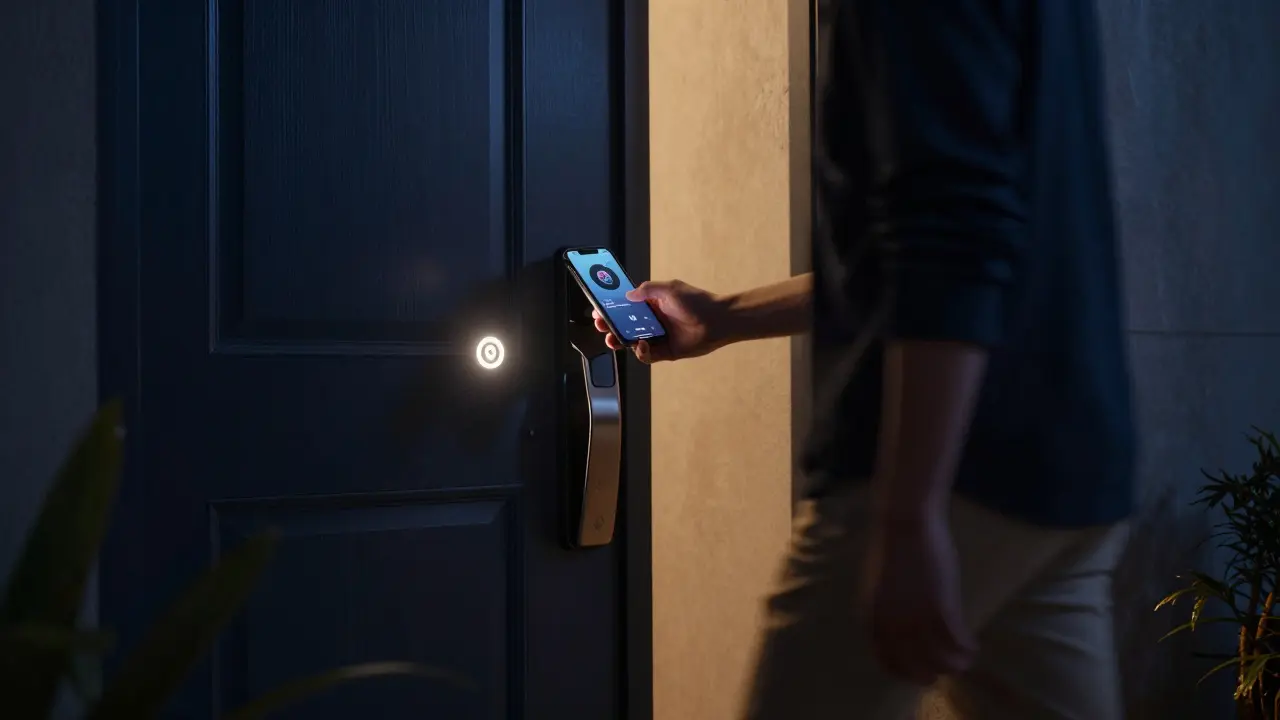
Setting Up Your iPhone as a Smart Home Hub
Getting started is simple:
- Open the Home app on your iPhone.
- Tap the + icon and select Add Accessory.
- Scan the HomeKit code on your smart device (it’s usually on the box or the device itself).
- Assign the device to a room (Kitchen, Bedroom, etc.).
- Tap Done.
Once it’s added, you can:
- Control it with Siri: "Hey Siri, turn off the living room lights."
- Create a scene: "Good Morning" turns on lights, opens blinds, and starts the coffee.
- Set automations: "When I leave home, lock the doors and turn off the heater."
- Share access: Let your partner control the lights without giving them your password.
That’s it. No extra hardware. No complicated apps. Just your iPhone and a few smart devices.
What Happens If Your iPhone Dies?
If your iPhone is off or out of battery, your smart devices still work. You can still use physical switches, voice assistants like Siri on your HomePod, or even the Home app on your iPad. But you lose the personal automation-your phone is the one that knows your routine, your location, your habits.
That’s why keeping your iPhone charged matters. It’s not just a phone. It’s the brain of your smart home.
Is an iPhone considered a smart home device?
Yes, but not in the way a smart bulb or thermostat is. The iPhone doesn’t perform actions on its own-it controls other smart devices. It’s the central hub that connects, commands, and automates your home system through the Home app and Siri.
Do I need an iPhone to use smart home devices?
No, you can use Android, Google Home, or Amazon Alexa instead. But if you already own an iPhone, it’s the most seamless, secure, and private way to manage your smart home, especially if you use other Apple products like Apple Watch or HomePod.
Can I control smart devices without an iPhone?
Yes. You can use voice commands through a HomePod, control devices with a physical switch, or use another smartphone with a compatible app. But you’ll lose personalized automations like "turn on the lights when I arrive home," which rely on your iPhone’s location and habits.
What’s the difference between a smart device and a connected device?
A connected device just has internet access-a smart TV that streams Netflix is connected. A smart device can be controlled remotely and responds to commands or triggers. Your iPhone is smart because it doesn’t just connect-it controls, learns, and automates based on your behavior.
Are all iPhones smart devices?
Any iPhone from the iPhone 6s onward can be a smart home hub if it runs iOS 10 or later. But it only becomes a smart device when it’s actively controlling other smart gear. A phone sitting on a shelf isn’t smart-it’s just a phone.
Final Thought: It’s Not About the Phone-It’s About the System
Asking if an iPhone is a smart device is like asking if a steering wheel is a car. It’s part of the system. The real power isn’t in the phone’s processor or camera. It’s in how it connects your lights, locks, thermostat, and speakers into one quiet, reliable system that works for you-without you having to think about it.
If you’ve ever wished your home just knew what you wanted before you asked-your iPhone is already doing that. You just need to let it.

Tia Muzdalifah
January 31, 2026 AT 05:47bro my iphone just turned on my lights when i walked in and i didnt even tap anything. its like it knows me 😍 i used to think smart homes were for tech nerds but now i just wanna nap in a house that gets me.
Zoe Hill
February 1, 2026 AT 06:56i love how this post breaks it down so simply. i had no idea my iphone was the brain of my smart home until i read this. i just thought it was a fancy remote. now i feel like a tech wizard 🙌 even my cat notices when the lights turn on by themselves.
Albert Navat
February 1, 2026 AT 12:33technically speaking, the iphone isn't a smart device per se-it's a control plane for IoT endpoints operating within a home automation ecosystem. the intelligence is distributed: the device executes commands, but the orchestration layer-the iOS HomeKit framework-enables context-aware automation via sensor fusion, behavioral modeling, and local processing. so yes, it's a hub, not a node. but calling it a 'smart device' is semantically misleading unless you're referring to its systemic role.
King Medoo
February 2, 2026 AT 09:02people don’t realize how dangerous this is. your iphone is watching you. every movement, every time you leave the house, every heartbeat from your watch-it’s all being logged. apple says ‘privacy’ but they still have the keys. what if they get hacked? what if the government demands access? what if one day your phone just decides you don’t deserve the lights on? 😳 i’m unplugging my homekit. no more automation. no more trust.
Rae Blackburn
February 4, 2026 AT 04:36your iphone is a spy device disguised as a convenience. they’re tracking your sleep patterns, your bathroom habits, your mood based on how fast you unlock it. the ‘automation’? it’s manipulation. they want you dependent. they want you to forget how to flip a switch. this isn’t innovation-it’s psychological control. #AppleIsWatching
LeVar Trotter
February 4, 2026 AT 07:42really appreciate this breakdown. the idea that an iPhone becomes a smart device only when it’s integrated into a system is spot on. it’s like a conductor in an orchestra-doesn’t make the sound, but makes everything harmonize. if you’re using HomeKit, you’re already benefiting from local processing, encrypted communication, and no cloud dependency for basic routines. it’s elegant, secure, and honestly underrated. if you’re on Apple’s ecosystem, this is the most seamless way to go.
Tyler Durden
February 5, 2026 AT 05:12okay so i just set up my first automation-when my apple watch detects i’m asleep, it dims the lights, locks the door, and turns on the white noise machine. i cried. not because it’s cool (though it is) but because i finally feel like my home cares. i used to come home exhausted and have to turn on ten things manually. now? it just… knows. no voice commands. no apps. just quiet, intelligent comfort. thank you for writing this. i didn’t even know i needed this until i had it.
Aafreen Khan
February 6, 2026 AT 03:28lol iphone smart device? my android does all this and more. and no one is spying on me. apple is just selling you a cage with gold trim. also your lights turn on when you walk in? what if someone else walks in? your phone is dumb. and why do you need 50 devices just to make coffee? chill. 🤡
Pamela Watson
February 7, 2026 AT 06:32i just bought a smart plug and now my toaster is smart!! 😍 my iphone turns it on when i say hey siri!! so easy!! i dont even have to get up!!