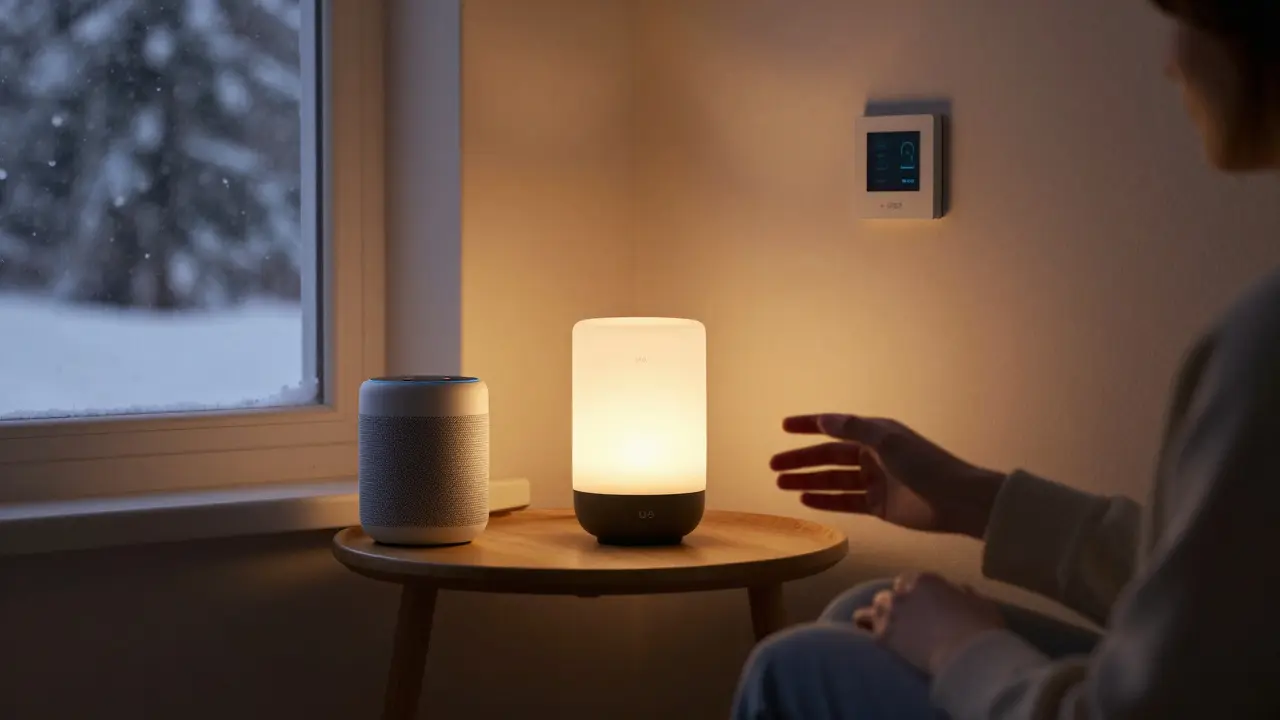
Setting up a smart home doesn’t mean buying every gadget on the shelf. It means picking the right tools that actually make your life easier-without turning your house into a tech lab. If you’re wondering what equipment is needed for a smart home, the answer isn’t about quantity. It’s about smart choices that work together, save time, and fit your daily routine.
Start with a smart hub or voice assistant
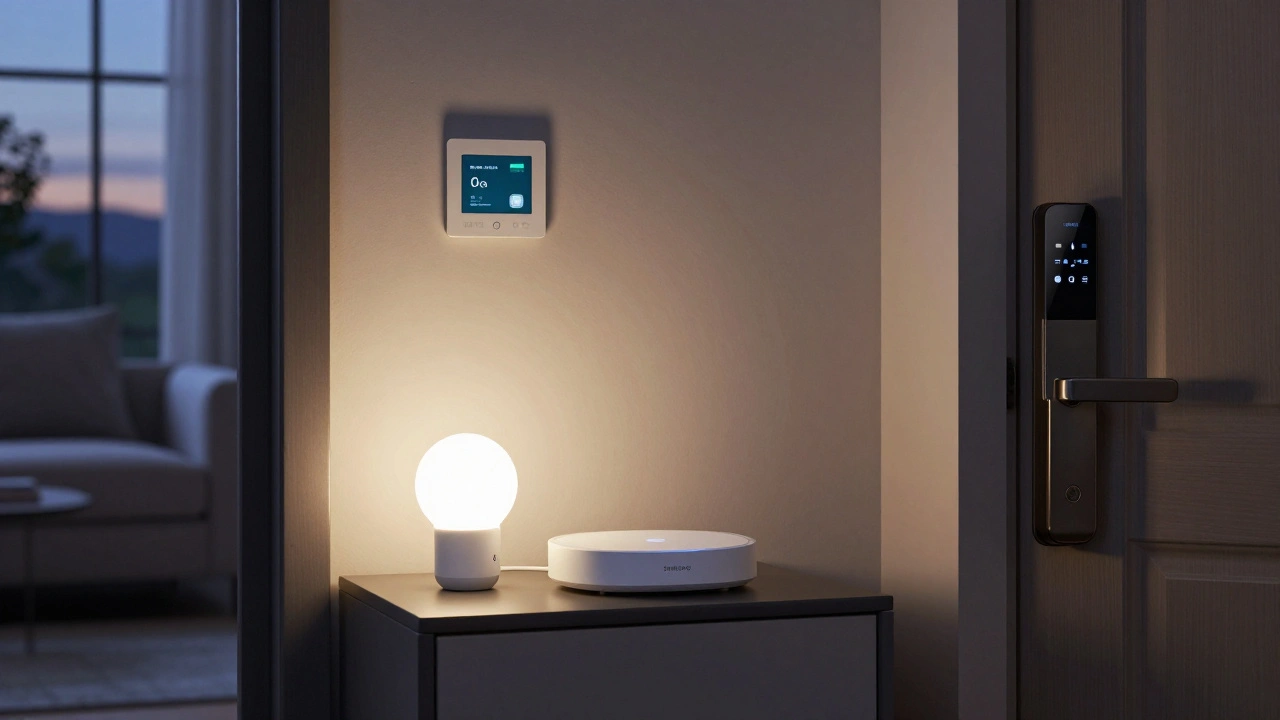
You can’t have a smart home without a brain. That’s usually a smart speaker or hub that connects all your devices. Amazon Echo, Google Nest Hub, or Apple HomePod are the most common. They don’t just play music-they listen to your voice commands and control lights, thermostats, locks, and more. Most people start here because it’s the easiest way to get started. You say, “Hey Google, turn off the lights,” and it happens. No app opening. No fumbling with switches.These devices also act as bridges. If your smart bulb doesn’t connect directly to Wi-Fi, it might need to talk to the hub first. That’s normal. A good hub supports Zigbee, Z-Wave, and Wi-Fi, so you’re not locked into one brand. Look for one that works with your phone too-so you can control things even when you’re away from home.
Smart lighting: Change the mood with a voice command
Lighting is the most affordable and satisfying entry point. Replace your regular bulbs with smart LEDs from brands like Philips Hue, LIFX, or TP-Link Kasa. You don’t need to replace every bulb right away. Start with the living room or kitchen-places you use most.These bulbs let you change color and brightness. Imagine coming home after dark and having the lights slowly turn on to a warm glow. Or setting them to pulse red when the doorbell rings. You can schedule them to turn off at midnight, or have them react to motion when you walk into the hallway. Most use under 10 watts each, so your electricity bill won’t spike.
Smart thermostat: Save money while staying comfortable
A smart thermostat like the Nest Thermostat or Ecobee is one of the best returns on investment you’ll get. These devices learn your schedule and adjust the temperature automatically. If you leave for work at 8 a.m., it lowers the heat. If it senses you’re on the way home, it warms up the house before you walk in.In Canada, where winters are long, this isn’t just about comfort-it’s about savings. The U.S. Department of Energy says smart thermostats can cut heating and cooling costs by 10-12% annually. That’s $100-$150 a year in a typical home. Many also work with voice assistants and give you monthly energy reports so you can see where you’re using too much.
Smart locks and doorbells: Security that doesn’t require keys
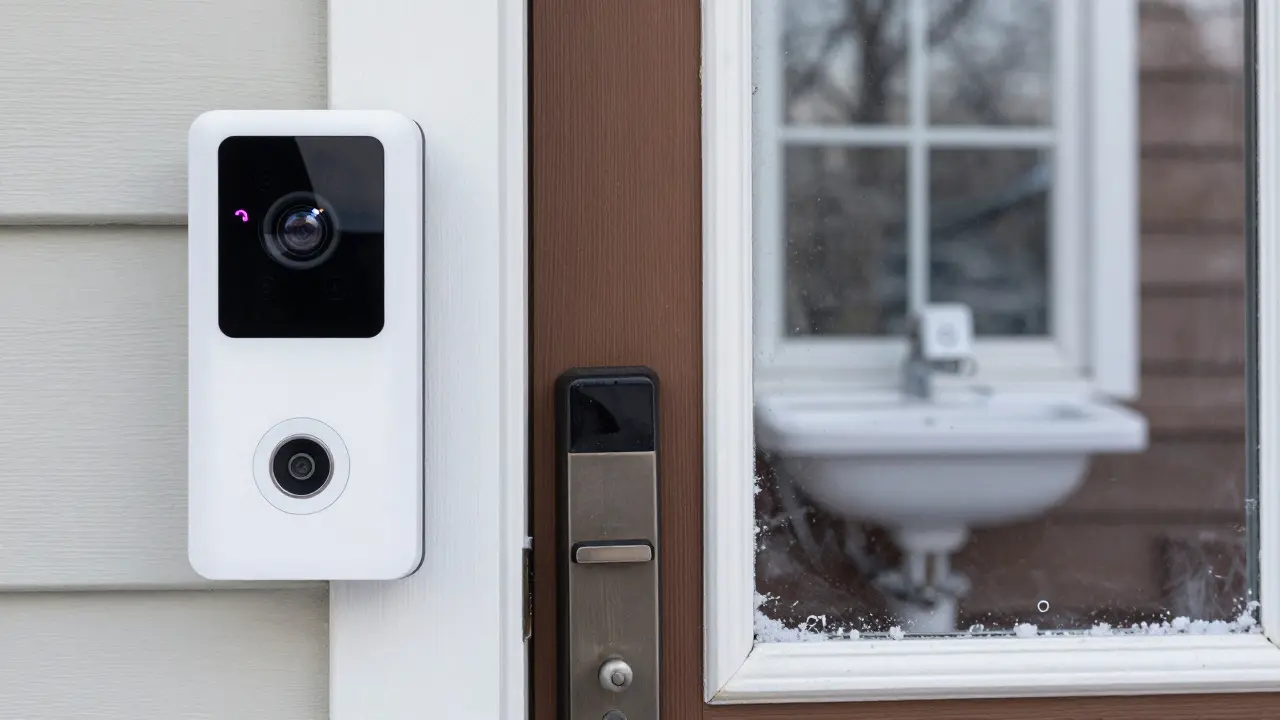
Forget carrying keys. Smart locks like the August Smart Lock or Yale Assure Lock let you lock and unlock your front door from your phone. You can give temporary access codes to guests, dog walkers, or delivery people. No more hiding spare keys under the mat.Pair that with a smart doorbell like Ring or Google Nest Hello. These have cameras, two-way audio, and motion detection. When someone approaches your door, your phone pings. You can see who it is and talk to them-even if you’re at work or on vacation. Some even recognize familiar faces and alert you when strangers show up. In Burlington, where snow can make porch visits tricky, this feature alone saves time and stress.
Smart sensors: Watch for leaks, movement, and open doors
These are the quiet heroes of a smart home. Water leak sensors (like Govee or Aqara) go under sinks, near water heaters, or behind washing machines. If there’s a drip or burst pipe, you get an alert before your basement floods. Door and window sensors tell you if a window was left open during a storm. Motion sensors in hallways can trigger lights automatically.These aren’t flashy, but they prevent disasters. A single water leak can cost $10,000 in repairs. A $25 sensor can stop that. Most work with your hub and send alerts even when you’re not home. You don’t need dozens-just one or two in high-risk spots.
Smart plugs: Turn anything into a smart device
You don’t need to replace your lamp, coffee maker, or space heater to make them smart. Just plug them into a smart plug. Brands like Kasa, TP-Link, or Wemo let you turn devices on and off remotely. Schedule your coffee maker to start brewing at 6 a.m. Turn off the space heater if you forgot to shut it off before leaving. Use them for holiday lights or a fan in the summer.Smart plugs are cheap-often under $20 each-and they work with voice assistants. They’re the perfect way to test smart home tech without committing to a whole new appliance.
Smart cameras: Indoor and outdoor monitoring
Indoor cameras (like Arlo or Eufy) help you keep an eye on pets, kids, or elderly parents. Outdoor cameras (like Blink or Reolink) monitor driveways and backyards. Look for ones with night vision, weather resistance, and local storage options. Cloud storage is convenient but costs money monthly. Some models let you save footage to a microSD card for free.Don’t install cameras in bedrooms or bathrooms. That’s not just creepy-it’s illegal in most places. Stick to common areas. Also, check if your camera supports two-factor authentication. Hackers target smart cameras. A strong password and enabled 2FA make a big difference.
Smart appliances: The next step (optional)
You don’t need a smart fridge or oven to have a smart home. But if you’re upgrading your kitchen, consider them. A smart fridge can track expiry dates and suggest recipes. A smart oven can preheat itself or notify you when your roast is done. These are luxury add-ons-not essentials. Only buy them if you already use your appliance daily and want to cut down on guesswork.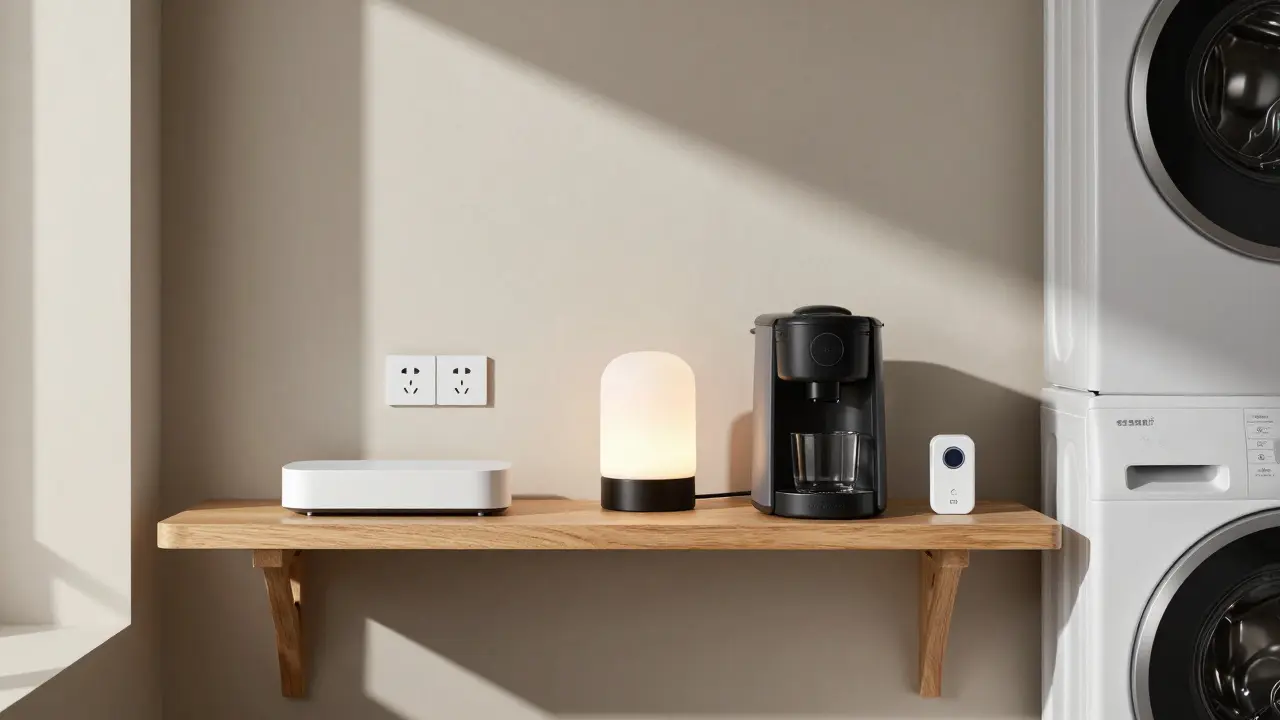
What you don’t need (and why)
Not every smart gadget is worth it. Skip the smart mirror, smart toilet seat, or smart plant sensor unless you’re a tech enthusiast with extra cash. Most of these are gimmicks. Focus on devices that solve real problems: saving time, saving money, or keeping you safe.Also, avoid buying all devices from one brand unless you’re sure you’ll stick with them. Compatibility matters. Look for devices labeled “Works with Alexa,” “Works with Google Assistant,” or “Matter certified.” Matter is a new open standard that lets devices from different brands talk to each other. If you’re buying new gear in 2025, prioritize Matter.
Getting started: A simple 3-step plan
- Buy a voice assistant or hub. This is your control center.
- Add a smart thermostat and smart lighting. These give you immediate comfort and savings.
- Install a smart doorbell and one water leak sensor. These add security and prevent costly damage.
After that, add smart plugs or cameras as needed. Don’t rush. Test one thing at a time. If a device doesn’t work well with your hub, return it. Smart homes should feel seamless-not frustrating.
Final thought: It’s about control, not gadgets
A smart home isn’t about having the most devices. It’s about having the right ones that work together to make your life simpler. In Burlington, where winters are harsh and days are short, a smart home means coming back to a warm house, knowing your doors are locked, and not worrying about a frozen pipe. That’s the real value-not blinking lights or voice-controlled toasters.Do I need Wi-Fi for a smart home?
Yes, most smart home devices need Wi-Fi to connect to your phone or voice assistant. But some, like Z-Wave or Zigbee devices, use a hub that connects to Wi-Fi, so your phone doesn’t need to talk to each device directly. If your Wi-Fi goes down, some devices still work locally-like smart locks and lights-but remote access won’t work.
Can I build a smart home on a budget?
Absolutely. Start with a $40 smart plug and a $60 smart bulb. Add a $100 smart thermostat later. You can build a functional smart home for under $300 without buying expensive brands. The key is to focus on what solves your biggest problems-not what looks cool.
Are smart homes secure from hackers?
They can be, if you take basic steps. Always use strong, unique passwords. Turn on two-factor authentication where available. Keep firmware updated. Avoid devices with no security updates. Stick to brands like Google, Amazon, or Apple that have a track record of patching vulnerabilities. A $25 camera with no updates is a risk.
Do smart home devices work during power outages?
Most don’t-unless they have a battery backup. Smart locks with batteries can still work during a blackout. Battery-powered doorbells and sensors keep going. But Wi-Fi routers and hubs need power. If you live in an area with frequent outages, consider a UPS (uninterruptible power supply) for your hub and router.
What’s the best smart home system for beginners?
Google Home or Amazon Echo with Matter-certified devices. They’re easy to set up, widely supported, and work with most brands. Avoid Apple HomeKit if you’re not already using iPhones or Macs-it’s great but more expensive and less flexible for newcomers.


Nicholas Carpenter
December 15, 2025 AT 12:24Really appreciate this breakdown. I started with just a Nest thermostat and a couple of smart bulbs, and honestly? It changed how I experience my home. No more fumbling for switches in the dark. And the energy savings are real-my bill dropped 12% last winter. Start small, stay consistent.
Also, Matter certification is non-negotiable now. Saved me from buying a bunch of dead-end gear last year.
Chuck Doland
December 16, 2025 AT 12:40The conceptual foundation of this guide is commendable. One ought to distinguish between automation as a functional extension of domestic utility and the performative proliferation of IoT devices as status symbols. The emphasis on interoperability, particularly through Matter, reflects an epistemological maturity in home technology adoption. Furthermore, the pragmatic prioritization of security and energy efficiency over novelty constitutes an ethically sound paradigm for domestic innovation.
It is regrettable, however, that the article does not explicitly address the environmental cost of manufacturing and disposing of these devices, which may negate some of the operational savings.
Madeline VanHorn
December 17, 2025 AT 21:26Ugh. If you’re still using TP-Link Kasa, you’re doing it wrong. Only Hue and Nest are worth your time. Everything else is just plastic that blinks and doesn’t work right. And don’t even get me started on those $20 smart plugs-they die after six months. You get what you pay for, people.
Also, why are you even asking about budgets? If you can’t afford a real smart home, just live in the 2010s.
Glenn Celaya
December 19, 2025 AT 00:17smart home my ass. i bought a ring doorbell and it kept lagging and my wife said it looked like a surveillance camera from a bad movie. then the hub crashed and my lights turned off at 3am. i had to reset everything by hand. why do people do this to themselves
also why is everyone so obsessed with alexa. google is better. but honestly just use your phone. its right there. why talk to a box
Wilda Mcgee
December 19, 2025 AT 06:25Y’all are making this way harder than it needs to be. I started with a $35 smart plug for my coffee maker and a $40 motion-sensing bulb in the hallway. That’s it. Now I wake up to brewing coffee and come home to a lit path. No apps. No headaches.
And if you’re scared of hackers? Use a password manager. Turn on 2FA. Update firmware. Boom. Done. You don’t need to be a tech wizard to be safe. Just be a little thoughtful.
Also-Matter is the future. If you’re buying new stuff in 2025 and it’s not Matter-certified? Return it. Seriously. Don’t let brand loyalty trap you.
And Wilda? You’re welcome. 😊
Chris Atkins
December 20, 2025 AT 19:16Love this guide. I live in Minnesota and the thermostat alone paid for itself in two months. Snowstorm last winter? I turned up the heat from the car. No more freezing when the plow guy blocks the driveway.
Also smart plugs are magic. I plug my space heater in and set it to turn off at midnight. No more worrying about forgetting it. Life changed.
Just start with one thing. You’ll thank yourself later
Jen Becker
December 21, 2025 AT 20:49Why are we even pretending this is practical? You’re just trading one set of problems for another. Now instead of forgetting to turn off the light, you’re forgetting to update your firmware. Or your hub crashes. Or Alexa misunderstands you and turns the heat to 90° at 2am.
I miss keys. And silence. And not having to explain to my cat why the lights are blinking.
Ryan Toporowski
December 21, 2025 AT 23:14OMG YES to the water leak sensor!! I had one installed under my kitchen sink and it saved me from a $8k repair last year. I got an alert at 3am, turned off the water from my phone, and called a plumber before it turned into a disaster. Best $25 I ever spent.
Also if you’re new to this-don’t overthink it. Start with the hub + one bulb + one plug. Try it for a week. If you don’t love it, return it. No pressure. You got this 💪🔥