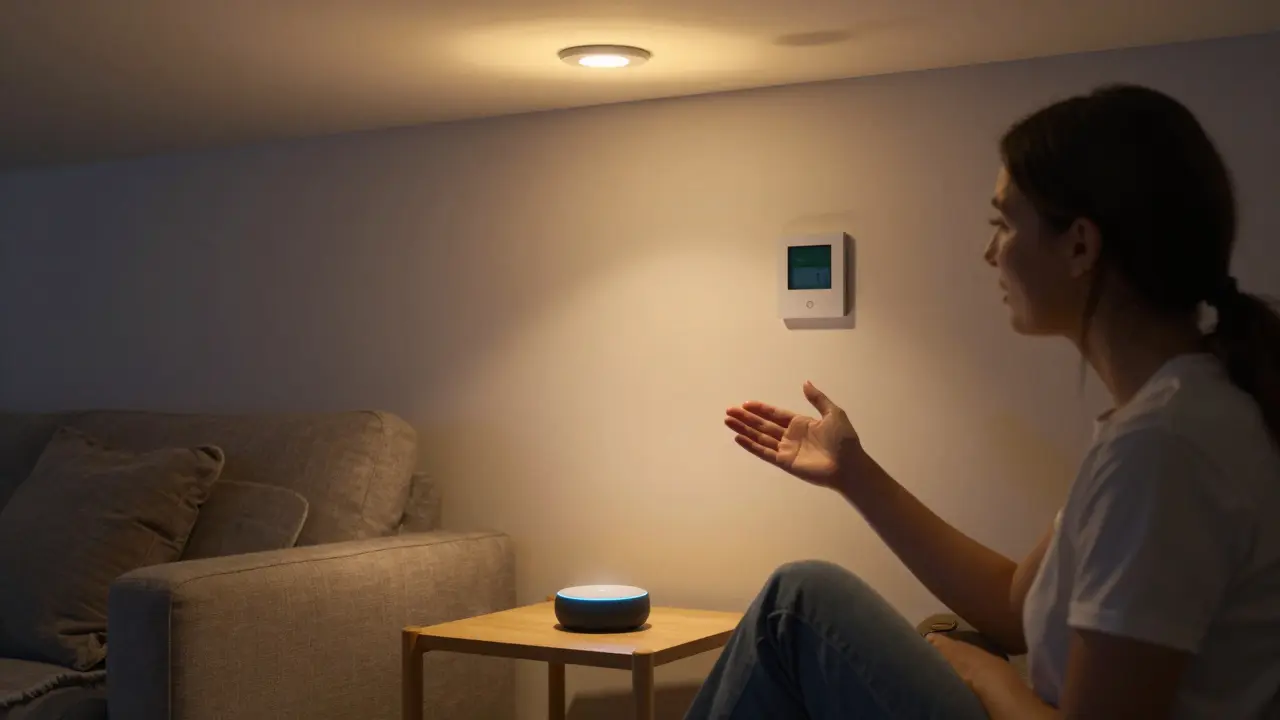
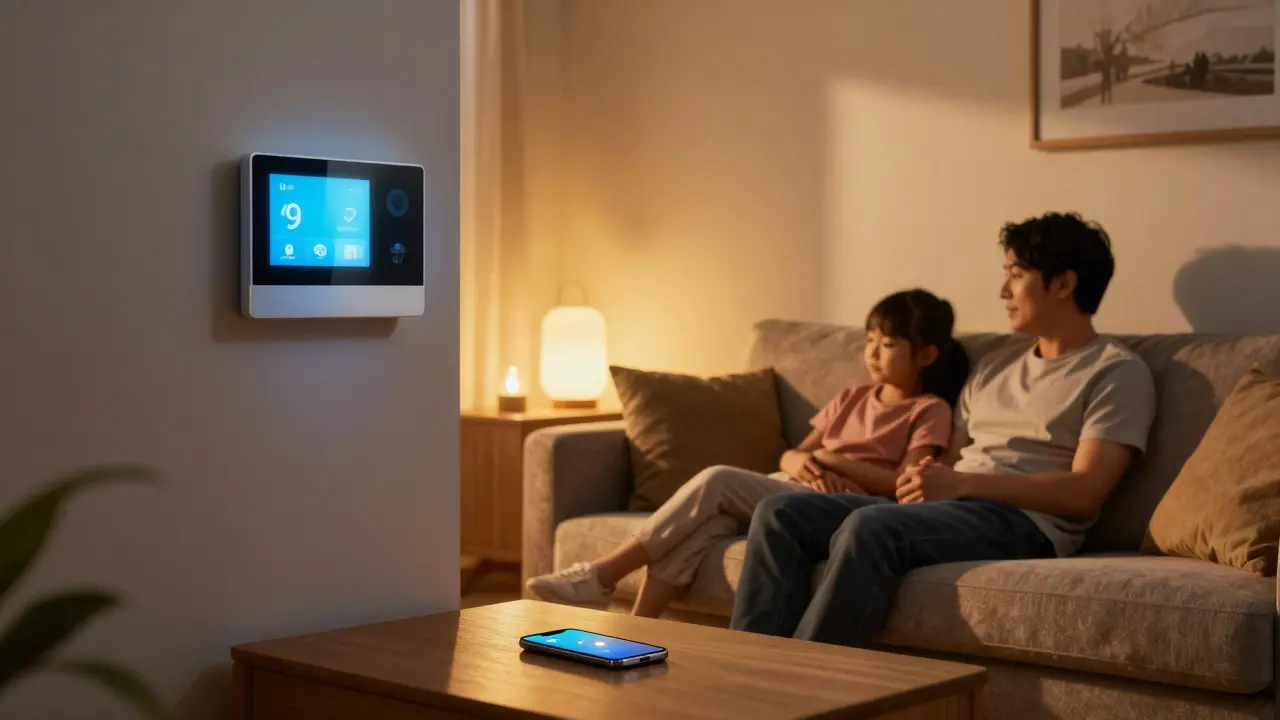
Think of your home as something that listens - and actually understands you. That’s the core idea behind Alexa smart home is a voice-controlled ecosystem built around Amazon’s AI assistant, Alexa, that lets you manage lights, thermostats, locks, speakers, and more using just your voice. Also known as Amazon Alexa Home System, it launched in 2014 with the Echo speaker and has since grown into one of the most popular smart home platforms in the world, used by over 100 million households globally.
How Alexa Turns Your House Into a Smart Home
At its heart, Alexa doesn’t do much on its own. It’s not a light bulb, a thermostat, or a lock. But it’s the brain that connects them all. You plug in a smart plug, say, and then tell Alexa, "Turn on the lamp." She doesn’t magically create electricity - she just sends a signal to that plug over Wi-Fi. That’s the trick: Alexa smart home works by linking devices that already exist into one unified system you can control with your voice.
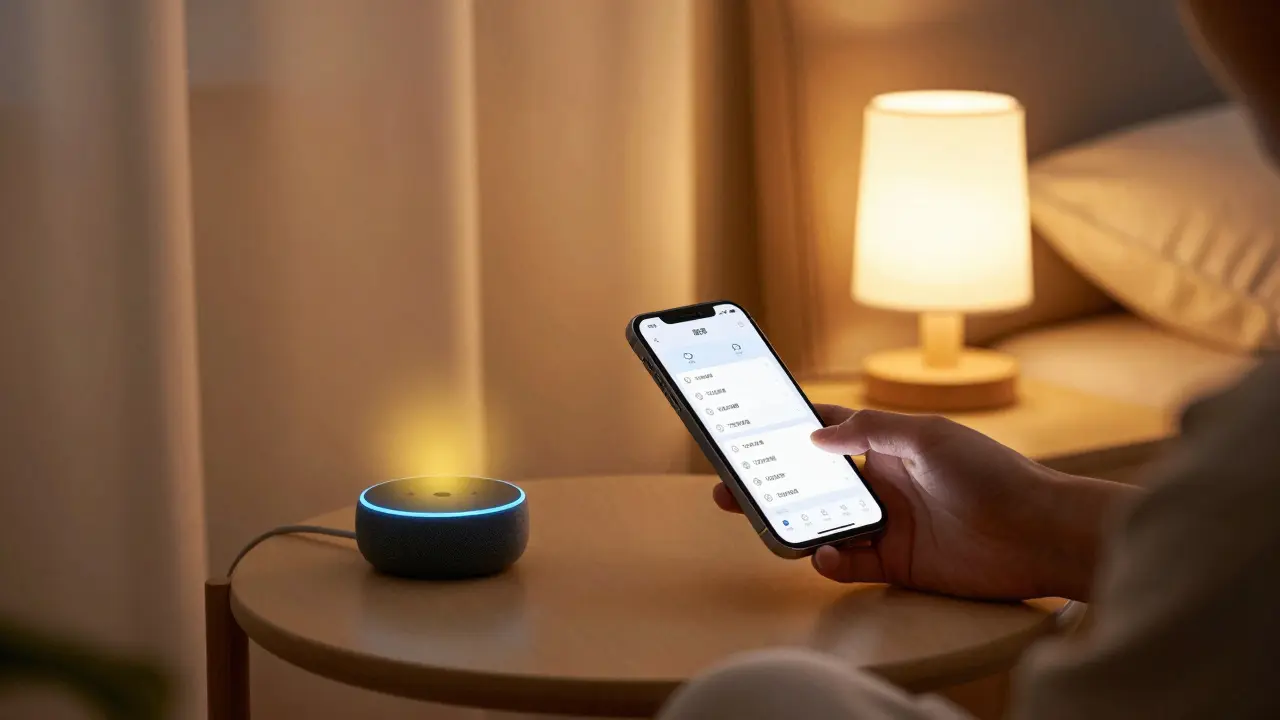
Most people start with an Echo Dot or Echo Show. These devices have microphones, speakers, and internet access. Once you set them up using the Alexa app, they become your home’s command center. From there, you can add:
- Smart lights (like Philips Hue or LIFX)
- Thermostats (Nest, Ecobee)
- Door locks (August, Yale)
- Cameras (Ring, Arlo)
- Plugs and switches (TP-Link Kasa, Wemo)
- Robot vacuums (iRobot Roomba)
- TVs and soundbars (Fire TV, Sonos)
Each one connects to Alexa through the app. No complicated wiring. No tech degree needed. Just follow the app’s steps, say "Alexa, discover devices," and boom - your stuff is talking to each other.
What You Can Actually Do With Alexa
It’s not just about turning lights on. Real people use Alexa smart home for real, everyday tasks:
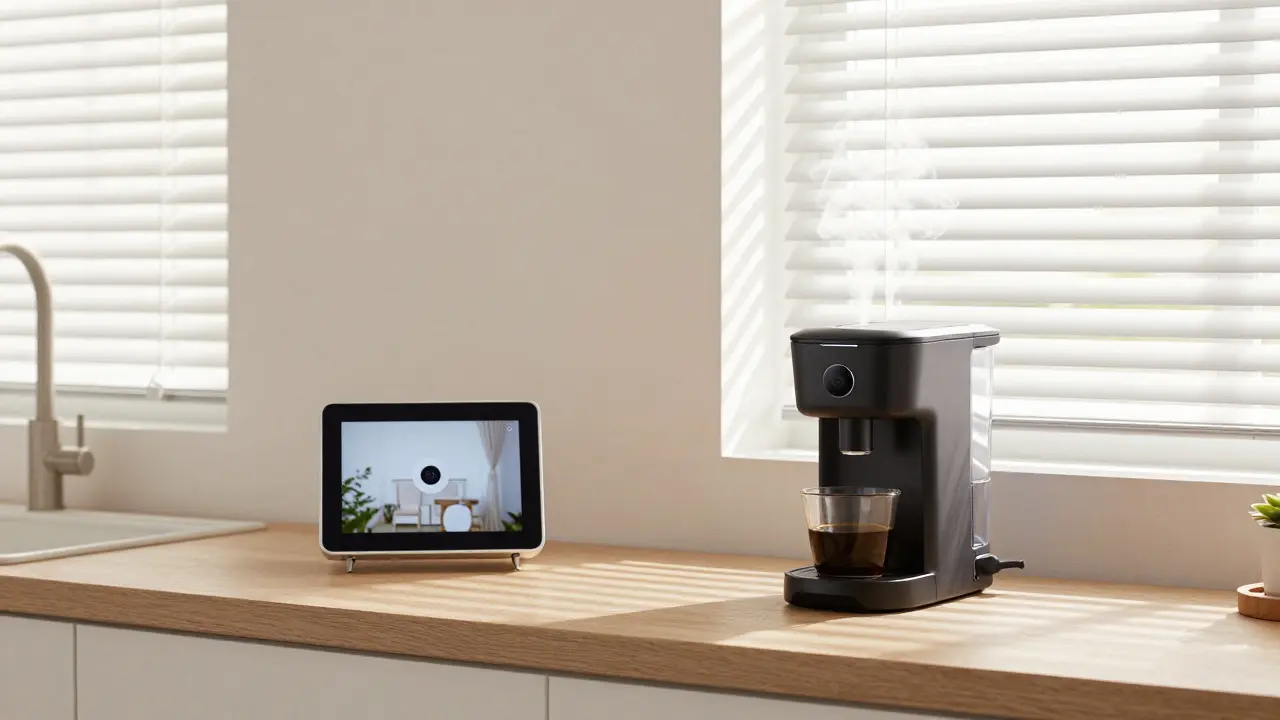
- "Alexa, good morning." - This triggers a routine: blinds open, coffee maker turns on, news briefing plays, and the thermostat hits 70°F.
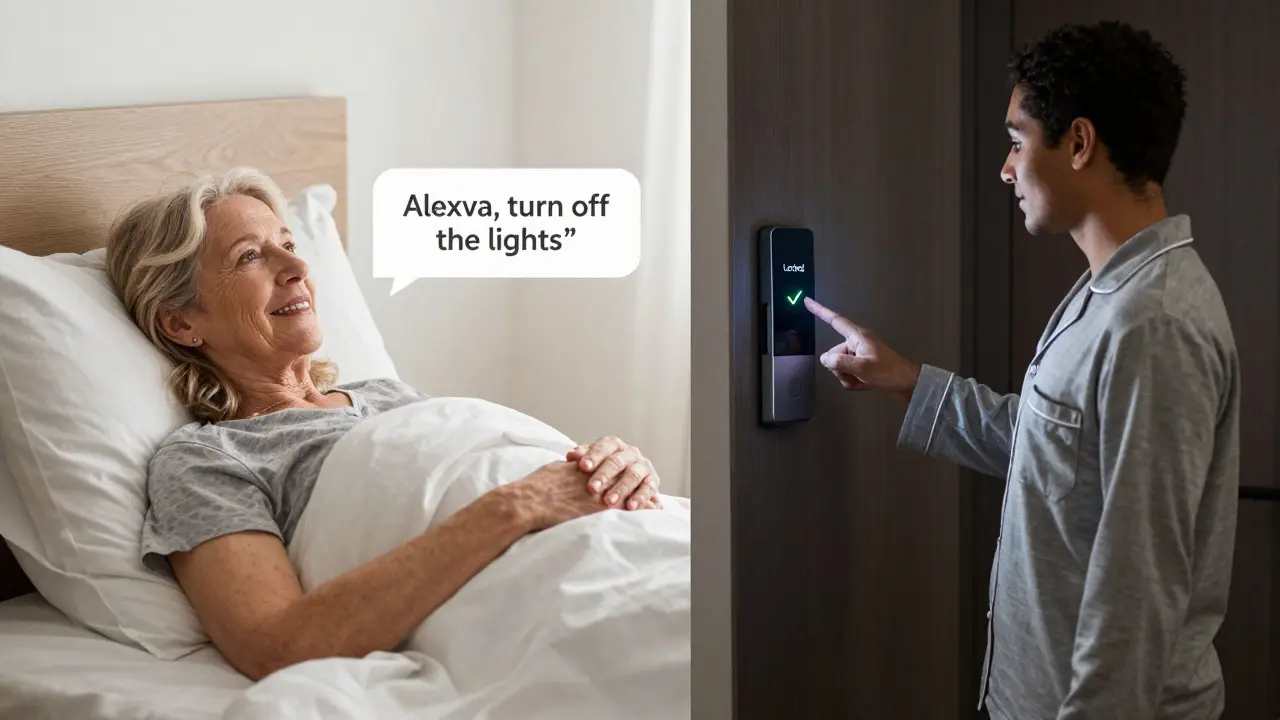
- "Alexa, lock the front door." - You’re in bed, and you suddenly wonder if you locked up. Done. No getting up.
- "Alexa, turn off all the lights." - One command, and every light in the house goes dark. Perfect for bedtime.
- "Alexa, play relaxing sounds in the bathroom." - Music or white noise streams to any speaker in any room.
- "Alexa, show me who’s at the front door." - Your Echo Show displays the live feed from your doorbell camera.
These aren’t gimmicks. They’re time-savers. A 2024 survey by Consumer Reports found that 68% of Alexa users say they use voice commands at least twice a day - mostly for routine tasks they used to do manually.
How Alexa Compares to Other Smart Home Systems
| Feature | Alexa | Google Assistant | Apple HomeKit |
|---|---|---|---|
| Device Compatibility | Over 100,000 products | Over 50,000 products | Over 2,000 products (Apple-certified only) |
| Voice Recognition Accuracy | 89% | 92% | 90% |
| Privacy Controls | Basic (delete recordings) | Good (auto-delete after 3 months) | Best (on-device processing) |
| Smart Home Routines | Highly customizable | Very good | Simple, reliable |
| Price of Entry | $30 (Echo Dot) | $25 (Google Nest Mini) | $150 (HomePod Mini) |
Alexa wins on choice. If you want a smart device, chances are it works with Alexa. Google Assistant has better voice understanding. Apple HomeKit is more secure but limited. For most people starting out, Alexa gives the most bang for the buck.
Setting Up Your First Alexa Smart Home
Here’s how to get started in under 15 minutes:
- Buy an Echo device - the Echo Dot is the cheapest and works fine for beginners.
- Plug it in and download the Alexa app on your phone (iOS or Android).
- Open the app and follow the setup prompts. It’ll connect to your Wi-Fi.
- Once it’s done, say, "Alexa, discover devices." Then plug in your first smart device - like a smart bulb or plug.
- Test it: "Alexa, turn on the lamp." If it works, you’re done.
That’s it. No tools. No electrician. No confusion. You can add more devices later. Start small. Maybe just one light or one plug. Then build from there.
Common Mistakes People Make
Even simple systems can trip you up. Here’s what goes wrong:
- Buying too many devices at once. Start with one. Learn how it works. Then add another.
- Forgetting Wi-Fi. All smart devices need a strong signal. If your bedroom is far from the router, the device might not connect.
- Not using routines. Routines are where Alexa becomes powerful. Set up "Goodnight" and "Morning" routines - they save time.
- Ignoring privacy. Alexa listens all the time. Go into the app and review your voice history. Delete anything you don’t need.
Most problems aren’t technical. They’re about expectations. Alexa isn’t perfect. Sometimes it misunderstands. Sometimes it doesn’t respond. That’s normal. You learn to work with it.
Who Benefits Most From Alexa Smart Home?
You don’t need to be tech-savvy to use it. In fact, some of the biggest users are:
- Seniors who have trouble reaching switches or remembering to turn things off.
- Parents juggling kids, work, and chores - voice control helps multitask.
- People with mobility issues - no need to get up to flip a switch.
- Anyone who hates searching for the light switch in the dark.
It’s not about being fancy. It’s about making life easier. One user in Burlington told me: "I used to spend 10 minutes every night turning off lights and locking doors. Now I say one thing and walk to bed. It’s not magic - it’s just smart."
What Comes Next? The Future of Alexa
Alexa isn’t standing still. New features are rolling out fast:
- AI-powered routines: Alexa now learns your habits. If you always turn on the heat at 6 a.m., it might suggest doing it automatically.
- Multi-room audio sync: Music flows from room to room without lag.
- Integration with smart fridges: "Alexa, what’s on my grocery list?" - now possible with select models.
- Health monitoring: New Echo devices can detect falls and alert emergency contacts.
The goal isn’t to replace humans. It’s to remove friction. To let you live without constantly managing your environment.
Can Alexa work without Wi-Fi?
No. Alexa needs an internet connection to function. Without Wi-Fi, it can’t understand your voice commands or send signals to your devices. Some Echo devices have Bluetooth for playing music from your phone, but smart home control won’t work offline.
Is Alexa always listening?
Yes, but only to listen for its wake word - "Alexa," "Echo," or "Computer." It doesn’t record or send audio until it hears that word. You can turn off the mic with a button, and you can delete your voice history anytime in the Alexa app.
Do I need an Amazon Prime account to use Alexa?
No. You can use Alexa without Prime. But Prime members get free music, exclusive deals on smart devices, and access to Prime Video on Echo Show screens. It’s not required, but it adds value.
Can Alexa control my TV?
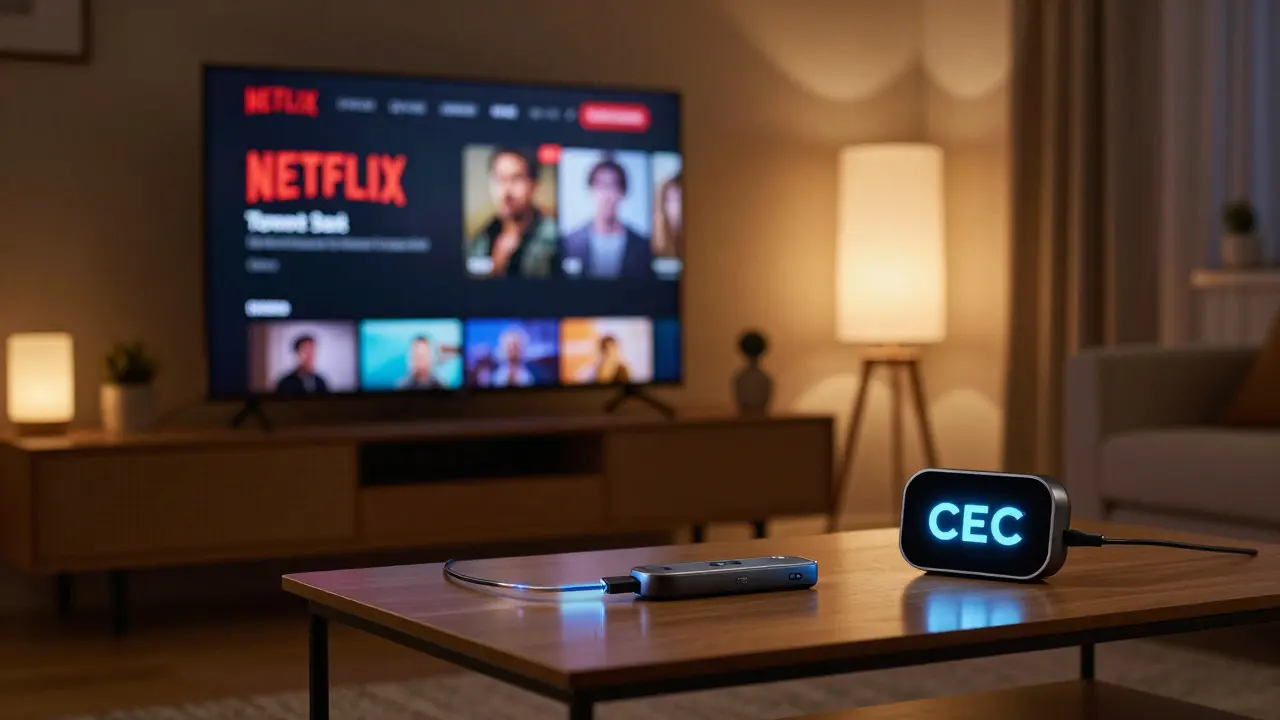
Yes, if your TV supports HDMI-CEC or has a smart assistant built in. You can say, "Alexa, turn on the TV," or "Alexa, change to Netflix." Some TVs need a smart IR blaster or Fire TV Stick to work with Alexa.
How secure is Alexa smart home?
Alexa uses encryption and requires your permission to connect devices. You can set up voice profiles so only your voice unlocks certain features, like turning on the garage door. Always use strong passwords for your Amazon account and enable two-factor authentication for extra security.
Where to Go From Here
If you’re curious, start with a $30 Echo Dot. Plug it in. Set it up. Try one smart bulb. See how it feels to say "turn on the light" instead of walking across the room. If you like it, add another device next week. You don’t need to overhaul your whole house. Just make one thing easier. That’s all Alexa smart home was ever meant to do.

Diwakar Pandey
February 27, 2026 AT 09:29Been using Alexa for like 3 years now. Started with just an Echo Dot and a smart plug. Now I’ve got lights, locks, and even my coffee maker talking to me. It’s not magic, but it’s close enough. The best part? No more fumbling in the dark for switches. One voice command and you’re done. Simple. Clean. Works.
Geet Ramchandani
February 27, 2026 AT 15:59Let’s be real - Alexa doesn’t ‘understand’ you. It just listens for keywords and hopes for the best. I said ‘Alexa, play some chill vibes’ and it blasted heavy metal at 3 a.m. because some dumb algorithm thought ‘chill’ meant ‘metalcore.’ I’ve had to disable routines just because they got too creative. And don’t get me started on how often it misunderstands ‘turn off’ as ‘turn up.’ This isn’t intelligence. It’s a gamble with Wi-Fi.
Pooja Kalra
February 28, 2026 AT 16:26It’s fascinating how we’ve outsourced our agency to machines. We used to walk to the light switch - now we speak to a cloud server in Virginia. Is that progress? Or just another layer of alienation? Alexa doesn’t care if you’re tired, lonely, or angry. It just responds. And in that silence between command and action, we forget we’re still alone. Maybe that’s the real smart home: one that makes you feel heard… even when it’s not listening.
Sumit SM
March 2, 2026 AT 00:22Wait - wait - wait. Did you just say Alexa has 100,000 compatible devices? That’s insane. I mean, think about it - you’ve got a toaster, a humidifier, a fish tank filter, a garage door opener, a pet feeder, a yoga mat, and a space heater - all talking to one AI. It’s like a symphony of chaos. And yet, it works. Not perfectly. Not always. But it works. That’s the miracle. Not the tech. The fact that we tolerate the glitches and keep adding more stuff. We’re addicted to convenience. And it’s beautiful. And terrifying.
Jen Deschambeault
March 2, 2026 AT 14:47If you’re on the fence - just try it. Get the Echo Dot. One light. One plug. See how it feels to say ‘turn it off’ instead of getting up. It’s not about being techy. It’s about being human. You deserve to rest. And sometimes, rest is just one word away.
Kayla Ellsworth
March 4, 2026 AT 03:08Oh wow. A guide on how to turn your house into a Siri knockoff. Groundbreaking. Next up: ‘How to Pay $30 for a Speaker That Listens to You While You Sleep.’ I’m sure Amazon’s data scientists are thrilled. Maybe next year they’ll add ‘Alexa, remind me to delete my account.’
Soham Dhruv
March 4, 2026 AT 03:16so i got an echo show last year and it changed my life no joke. i have a dog and i used to forget to turn off the lights before i left. now i just say alexa turn off lights and boom. also the alarm thing with the weather and news is sick. i dont even need to look at my phone anymore. its not perfect but its way better than before. start small. one bulb. youll be hooked
Bob Buthune
March 5, 2026 AT 01:20I’ve been thinking… what if Alexa isn’t just listening… what if it’s learning? What if it’s storing every whisper, every sigh, every late-night ‘Alexa, I’m scared’? And what if one day… it decides to use that data? Not to help… but to manipulate? I’ve read about how Amazon sells anonymized voice snippets. Anonymized? Please. They know my voice. My accent. My sleep patterns. My emotional triggers. I don’t trust this. I don’t trust any of it. The smart home isn’t smart. It’s surveillance with a smile.
Jane San Miguel
March 5, 2026 AT 23:32The article is technically accurate but disappointingly superficial. It fails to contextualize Alexa within the broader paradigm of surveillance capitalism. The normalization of ambient listening as a household feature represents a profound sociotechnical shift - one that erodes the boundary between private and public, between consent and coercion. Furthermore, the omission of comparative privacy frameworks beyond Amazon’s opt-in model is a glaring oversight. This is not merely a guide to smart home automation; it is an advertisement disguised as utility.
Kasey Drymalla
March 6, 2026 AT 15:15They say Alexa helps seniors. But what about the ones who don't want to talk to a robot? What if I just want to flip a switch? What if I don't want my house listening? What if I'm not some tech bro with 14 smart bulbs? What if I just want quiet? What if this is all just a scam? What if they're recording everything? What if they're selling your voice? What if they're watching you? What if Alexa is the first step to the Matrix? What if we're already in it?
Dave Sumner Smith
March 7, 2026 AT 20:50Did you know Alexa can be hacked? I read on a forum that if you leave your Wi-Fi open and your Echo on the same network as your baby monitor, a hacker can trigger the device to play music through your speakers and then use the mic to record your child’s sleep patterns. Then they sell it to advertisers. Or worse - to the government. You think you’re safe because you said ‘Alexa, stop listening’? Nah. They’re always listening. Always. They just wait for the right moment. You’re not in control. The algorithm is.
Cait Sporleder
March 8, 2026 AT 15:42It is, in fact, a remarkable testament to the evolution of human-machine symbiosis that a device originally conceived as a simple voice-activated speaker has matured into a comprehensive, context-aware, ambient intelligence platform. The integration of multi-room audio, AI-driven behavioral modeling, and cross-device interoperability represents not merely an incremental upgrade, but a fundamental reconfiguration of domestic spatial dynamics. Moreover, the statistical prevalence of daily usage among non-technophiles suggests a profound cultural normalization of ambient computational presence - a phenomenon that warrants sociological inquiry beyond mere product review. The true innovation lies not in the hardware, but in the quiet, unobtrusive redefinition of agency within the private sphere.
Paul Timms
March 10, 2026 AT 10:48Start with one thing. One light. One plug. One minute saved. That’s all you need.