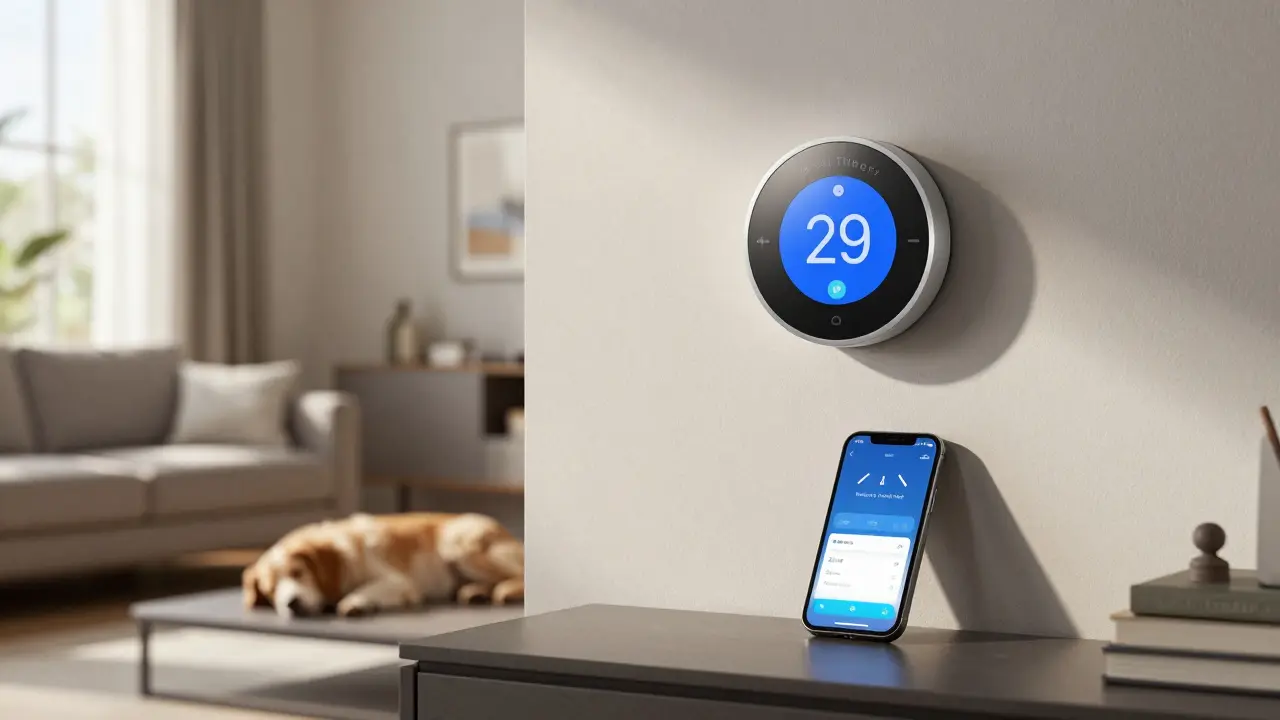
Google Nest isn’t just one device-it’s a whole system designed to make your home smarter, safer, and easier to live in. If you’ve seen the sleek thermostats, doorbells, or speakers around homes and wondered what they actually do, here’s the straight answer: Google Nest turns your house into an intelligent space that learns your habits and responds to your voice, phone, or even your presence.
Heating and Cooling Made Smarter
The original Google Nest product, the Nest Thermostat, was built to fix a simple problem: people waste energy by leaving the heat or AC on when no one’s home. It doesn’t just let you set a temperature-it watches when you’re around, learns your schedule, and adjusts automatically. In real-world use, most users cut their heating and cooling bills by 10% to 20% in the first year. You can control it from your phone, set it to turn down when you leave, or let it detect if someone’s home based on your phone’s location. It even alerts you if it spots unusual temperature changes, like a broken pipe or a furnace running too long.
Security That Watches Without Being Intrusive
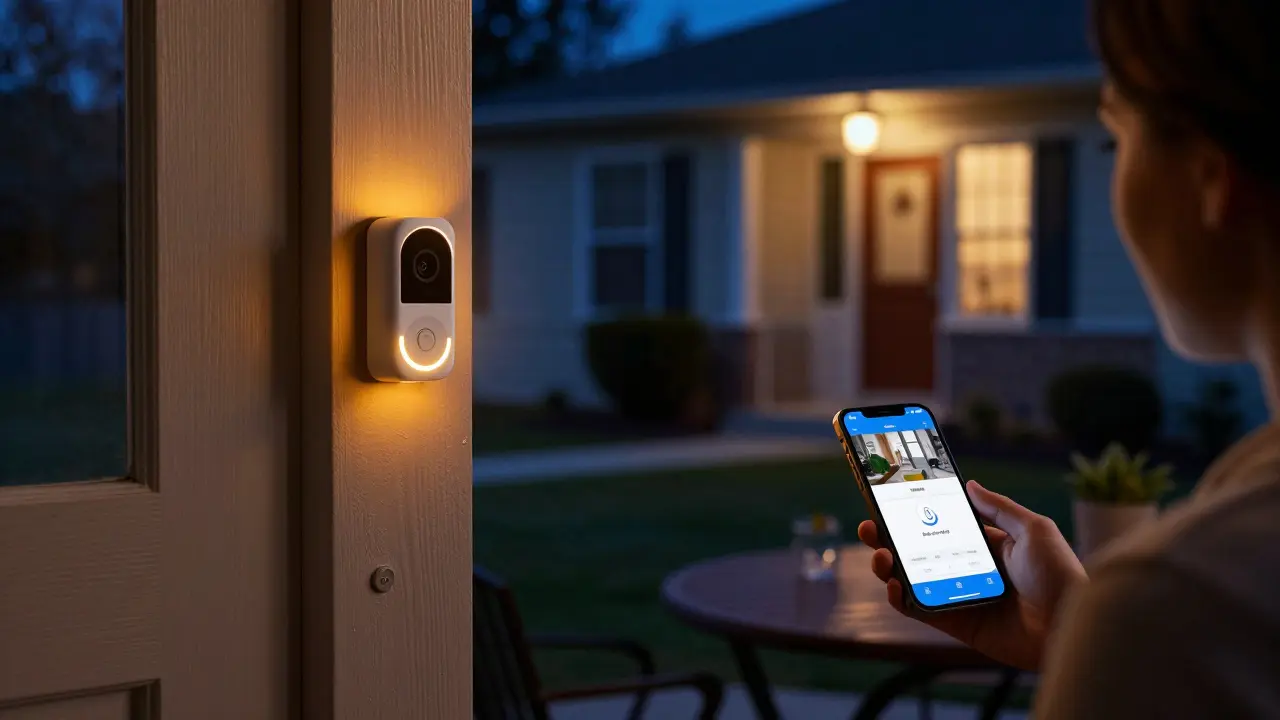
Nest cameras and doorbells don’t just record video-they analyze it. A Nest Doorbell lets you see who’s at your door before you answer, even if you’re at work. The camera uses motion detection to tell the difference between a person, a car, or a pet. If your dog runs past the door, you won’t get 15 alerts an hour. But if someone lingers near your porch, it sends you a clear alert with a snapshot. All footage is stored securely in the cloud, and you can review it anytime. Many users say the peace of mind alone is worth the price, especially when they’re away on vacation or working late.
One Voice, Control Over Everything
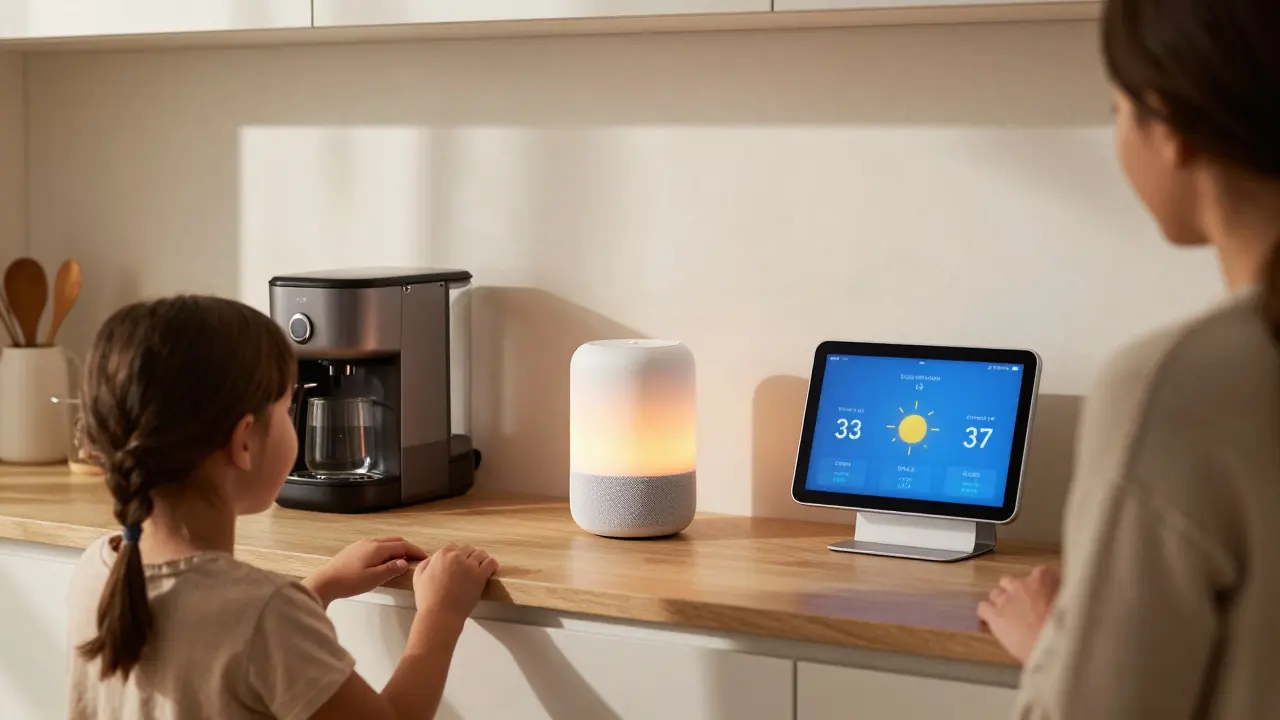
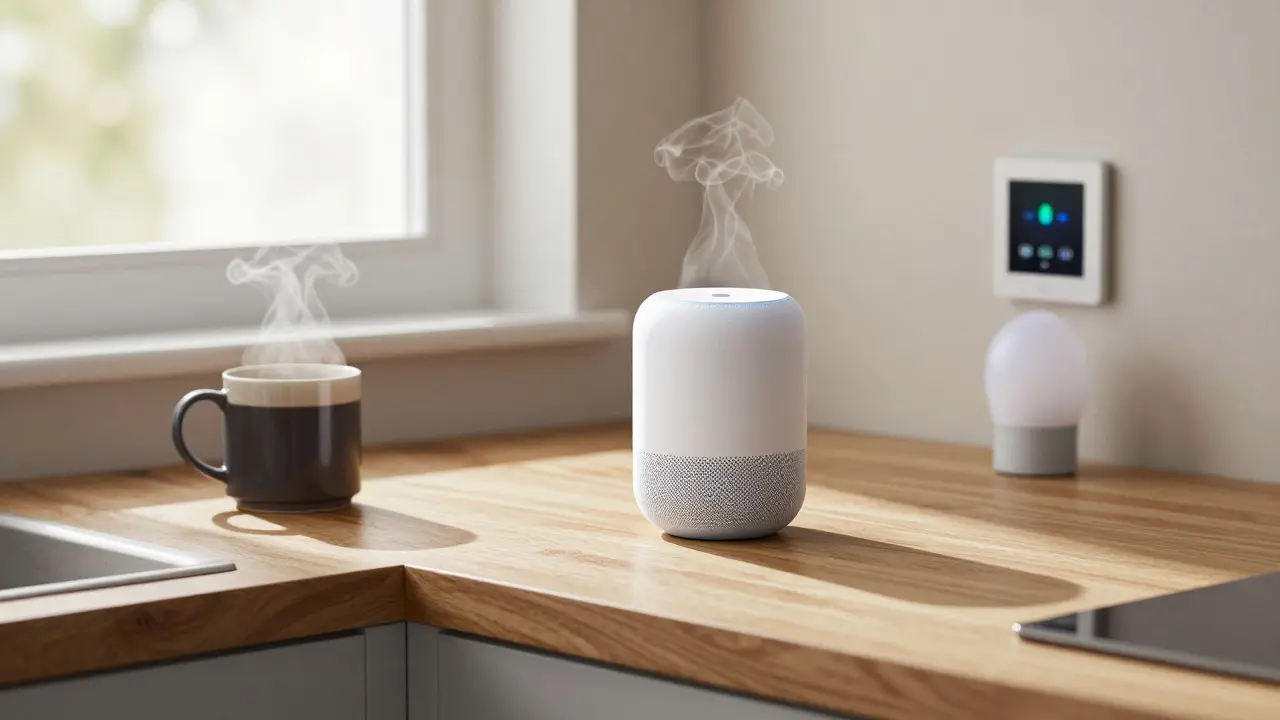
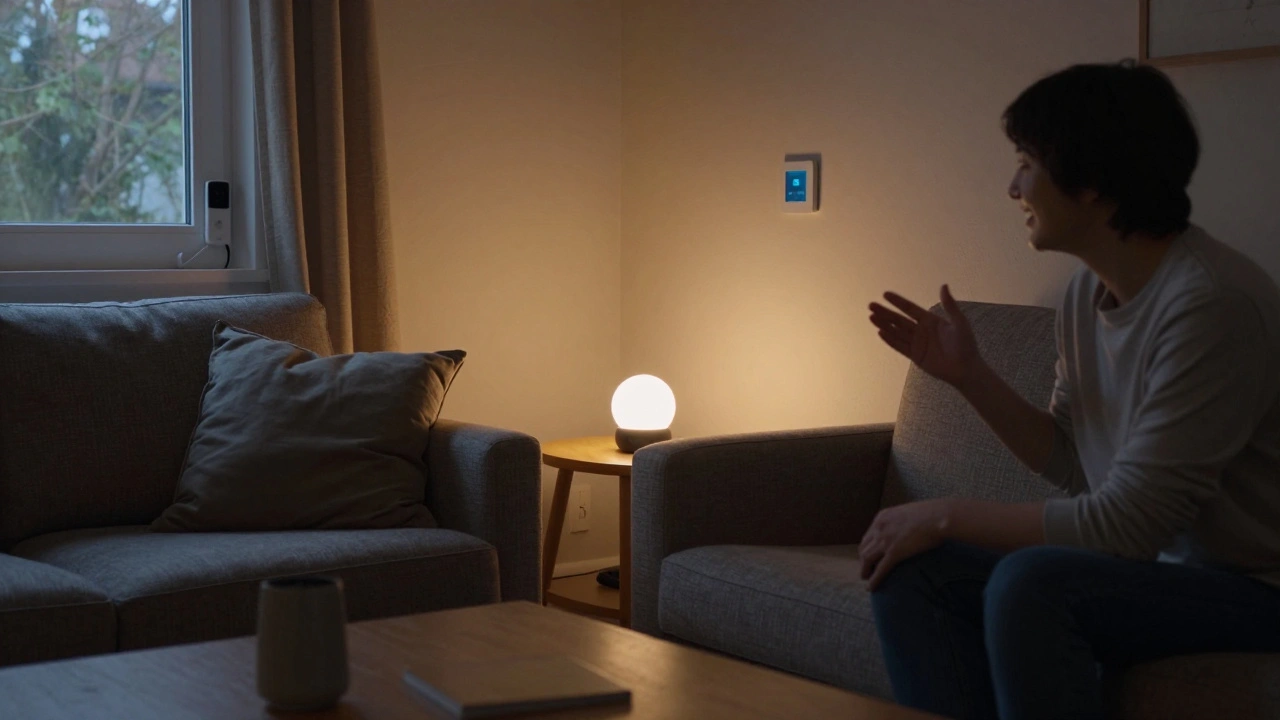
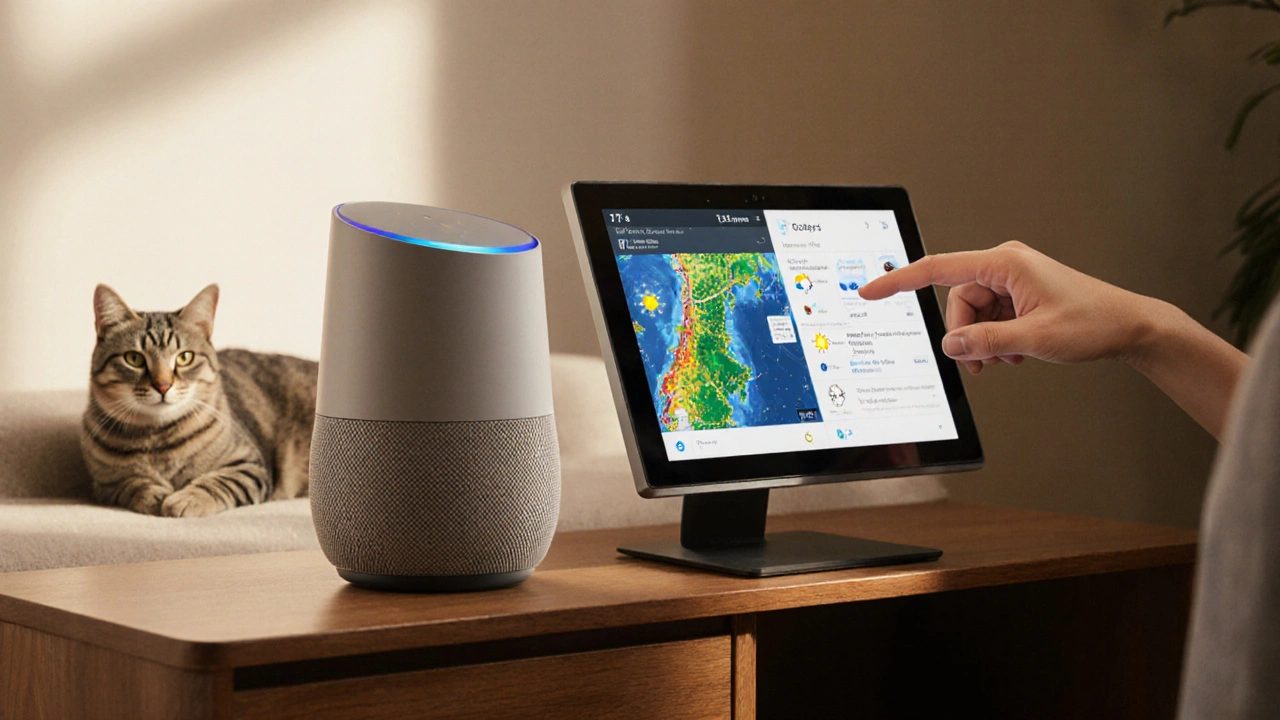
Google Nest speakers like the Nest Audio or Nest Hub aren’t just for music. They’re your home’s command center. Say, “Hey Google, turn off the living room lights,” and it happens. Say, “Hey Google, lock the front door,” and it triggers your smart lock. Ask, “What’s the temperature upstairs?” and it reads your Nest Thermostat. You don’t need to open apps or fumble with switches. Everything connects through Google’s ecosystem, so your thermostat, camera, lights, and speaker all talk to each other. No more juggling five different apps on your phone.
Automated Routines That Actually Work
Google Nest doesn’t just react-it anticipates. Set up routines like “Good Morning,” and your lights slowly brighten, your thermostat warms the house, and your coffee maker turns on-all at the same time every day. Or create a “Good Night” routine that turns off all lights, locks doors, and arms your security system with one voice command. These aren’t gimmicks. Real users report saving 15-30 minutes a day just by cutting out manual tasks. The system learns what time you usually wake up, when you leave for work, and even how long it takes to get ready. Then it adjusts automatically.
Works With Almost Everything
One of the biggest advantages of Google Nest is how well it plays with other smart home gear. It connects with Philips Hue lights, August smart locks, Ecobee thermostats, Ring doorbells, and even some robot vacuums. You don’t need to buy everything from Google to make it work. That flexibility means you can start small-a thermostat or a doorbell-and add more over time. It’s not locked into one brand’s ecosystem. You own your setup.
Privacy You Can Trust
People worry about cameras and microphones listening all the time. Google Nest handles this carefully. The microphone and camera only activate when you say “Hey Google” or when motion is detected and you’ve enabled alerts. You can turn off voice recording entirely in the app. Video footage is encrypted, and you can delete it anytime. Google doesn’t sell your data, and you can see exactly what’s being recorded and stored. Most users feel comfortable with the controls they have-far more than with cheaper, no-name devices that hide their privacy policies.
What Google Nest Isn’t
It’s not magic. It won’t clean your house or cook dinner. It won’t fix a leaky faucet or replace your HVAC system. It’s a tool to make existing systems work better. If your Wi-Fi is slow, Nest devices will lag. If you have old wiring, some features might not work. It also doesn’t replace a full home security system with professional monitoring-though it can complement one. Think of it as the brain of your home, not the muscle.
Who Benefits Most?
Busy families use Nest to keep track of kids coming home from school. Seniors use voice controls to manage lights and temperature without walking around. Remote workers use it to create a calm, consistent environment. Even renters can install a Nest Thermostat or Doorbell without permanent changes. You don’t need to be tech-savvy. The app walks you through setup with clear steps and video guides. Most people get everything running in under an hour.
Getting Started
You don’t need to buy every device. Start with one. If you care about energy bills, begin with the Nest Thermostat. If safety is your priority, get the Nest Doorbell. Add a speaker later to control everything by voice. Google offers bundles, but you can mix and match. The app shows you what’s compatible and suggests upgrades based on your usage. Many users say they didn’t realize how much they’d rely on it until they’d had it for three months.
Can Google Nest work without Wi-Fi?
Most Nest devices need Wi-Fi to function fully. The thermostat can still regulate temperature without internet, but you won’t get remote access, alerts, or learning features. Cameras and speakers won’t work at all without a connection. A stable Wi-Fi network is essential for the full experience.
Do I need a Google account to use Nest?
Yes. You need a Google account to set up and manage Nest devices through the Google Home app. Your data stays private and is not shared with advertisers, but the account is required for authentication and cloud storage.
Can I use Nest with Apple devices?
Yes. While Nest works best with Android and Google apps, you can control it from iPhones using the Google Home app. Siri shortcuts and HomeKit integration are limited, but basic functions like viewing camera feeds or adjusting the thermostat work fine.
How long does a Nest Thermostat battery last?
Nest Thermostats are wired into your home’s HVAC system and don’t use batteries. If you have a battery-powered model like the Nest Protect smoke alarm, those last about five years. The thermostat draws power from your home’s wiring and includes a backup battery for short outages.
Is Google Nest worth the price?
For most households, yes. The Nest Thermostat pays for itself in energy savings within 1-2 years. Security cameras reduce false alarms and deter package theft. Voice control saves time and improves accessibility. When you add up convenience, safety, and savings, the upfront cost becomes easy to justify.
What Comes Next?
Google Nest keeps improving. Newer models now include AI that detects coughs or falls in elderly users, and some doorbells can recognize familiar faces. Updates arrive automatically, so your devices get smarter over time. If you’re looking to make your home more responsive, secure, and efficient, Nest is one of the few systems that actually delivers on its promises-without requiring you to become a tech expert.

Jeroen Post
February 7, 2026 AT 12:32Honey Jonson
February 8, 2026 AT 01:44Destiny Brumbaugh
February 8, 2026 AT 07:09Sara Escanciano
February 8, 2026 AT 21:53Elmer Burgos
February 10, 2026 AT 17:29Jason Townsend
February 12, 2026 AT 11:31Antwan Holder
February 13, 2026 AT 15:17