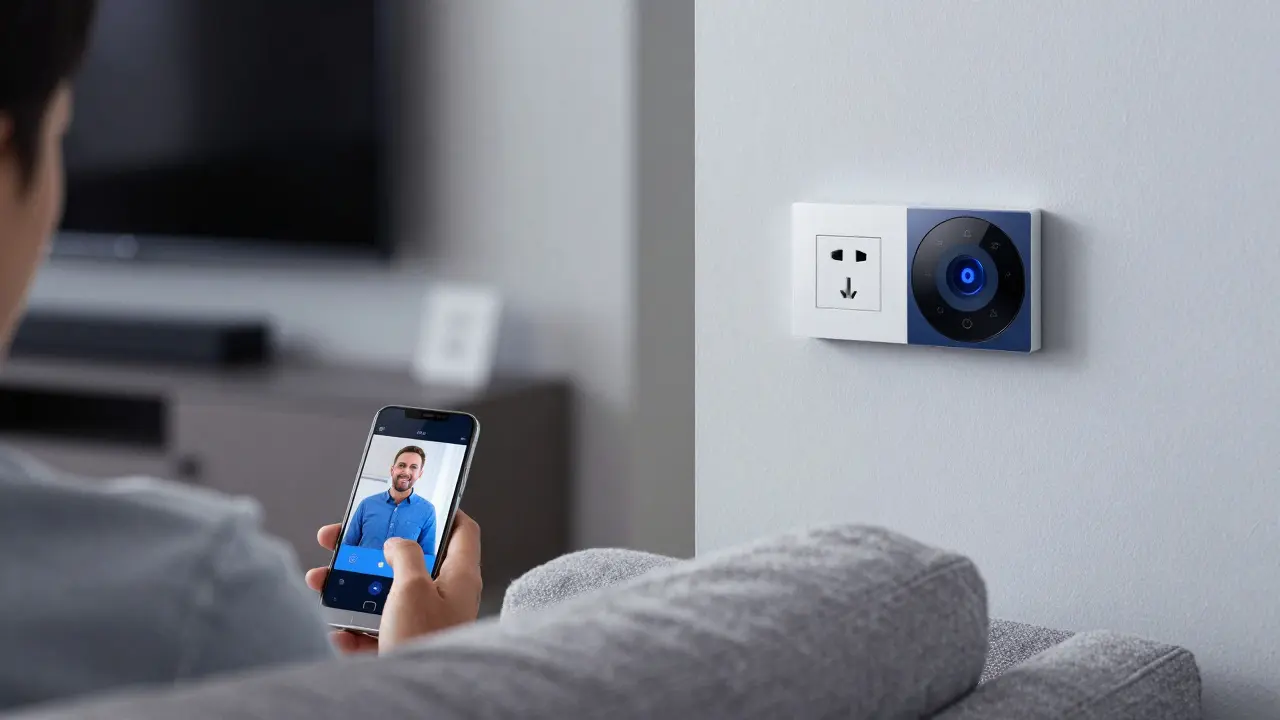
Not every device that beeps or blinks is a smart device. You’ve probably seen a smart thermostat, a voice-controlled speaker, or a light bulb you can turn off from your phone. But what if your toaster claims to be smart? Or your fridge has an app? How do you really know what counts?
It’s not about the app - it’s about the connection
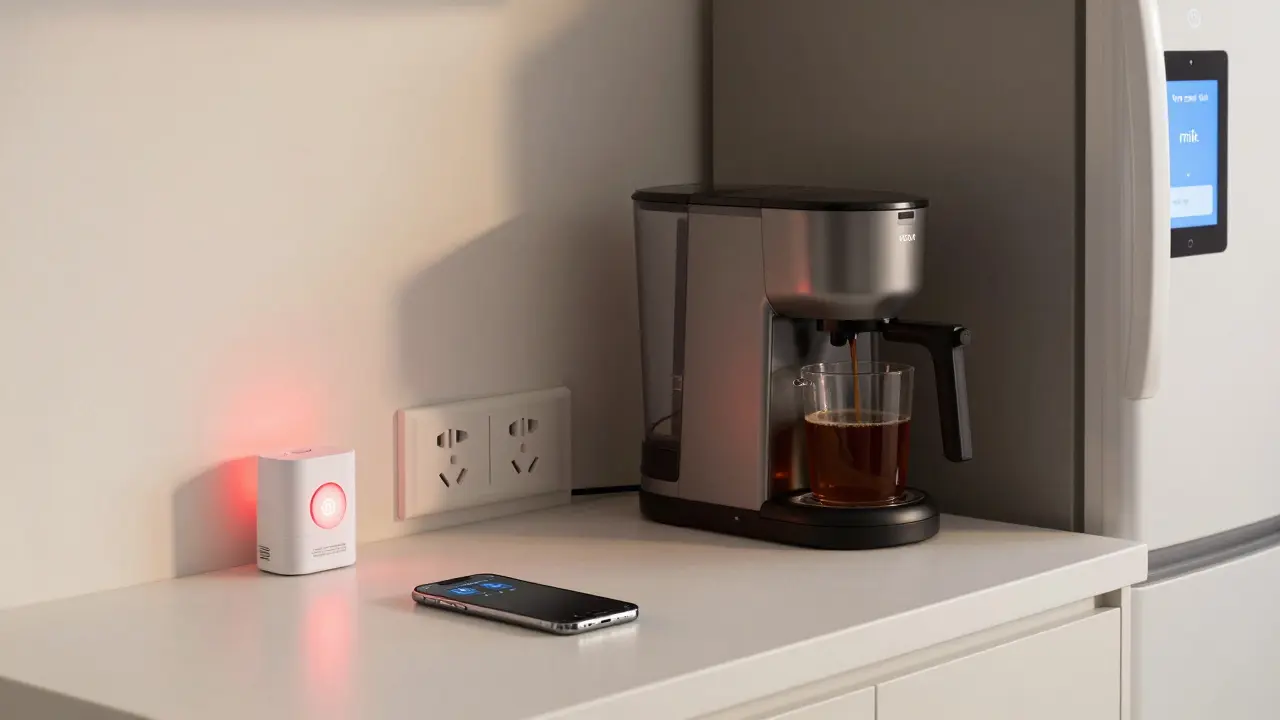
A smart device isn’t just something with a touchscreen or a mobile app. Many gadgets have apps now - even your coffee maker. But if the app only lets you adjust the timer or view a manual, that’s not smart. True smart devices connect to a network and interact with other devices or services automatically.
Think of it this way: if the device changes behavior based on data from the internet, sensors, or other gadgets - without you lifting a finger - then it’s smart. Your thermostat learns your schedule and lowers the heat when you leave. Your doorbell sends a live video feed to your phone when someone rings. Your vacuum cleans your floors while you’re at work. That’s intelligence built in.
Three core traits every smart device has
There are three things all real smart devices share. If it doesn’t meet all three, it’s just a gadget with a fancy label.
- Connects to the internet - It doesn’t need Wi-Fi specifically, but it must communicate outside its own system. Bluetooth alone doesn’t count unless it bridges to a cloud service. Many smart devices use Zigbee or Z-Wave, but they still connect to a hub that talks to the internet.
- Can be controlled remotely - You should be able to change its settings from somewhere else, like your office, vacation, or even from a friend’s house. If you can only control it when you’re standing next to it, it’s not smart.
- Responds to automation or triggers - This is the big one. Does it act on its own? Does it turn on when motion is detected? Does it dim when the sun sets? Does it alert you when the water heater runs too long? If yes, it’s smart.
Here’s a real example: A basic fan with a timer is not smart. A fan that turns on when your bedroom hits 75°F, sends you a notification, and shuts off when you leave home via GPS? That’s a smart device.
What’s not a smart device - even if it looks like one
Companies love slapping "smart" on products to charge more. But many so-called smart devices are just gimmicks.
- Smart light bulbs that only change color - If you have to open an app every time you want to turn them on, and they don’t react to time, motion, or voice commands beyond basic on/off, they’re just fancy bulbs.
- Appliances with Wi-Fi but no cloud integration - A microwave that lets you press a button on your phone to start it? If it doesn’t learn your habits, adjust settings automatically, or sync with other devices, it’s a remote-controlled oven - not smart.
- Devices that need constant manual input - A security camera that only records when you press record on an app? That’s not smart. A camera that detects strangers, alerts you, and archives footage in the cloud? That is.
The worst offenders? Products that say "smart" but don’t let you control them without the manufacturer’s app - and lock you into their ecosystem. True smart devices play well with others. They follow open standards like Matter, so you can use them with Apple Home, Google Home, or Amazon Alexa.
Smart devices work better together
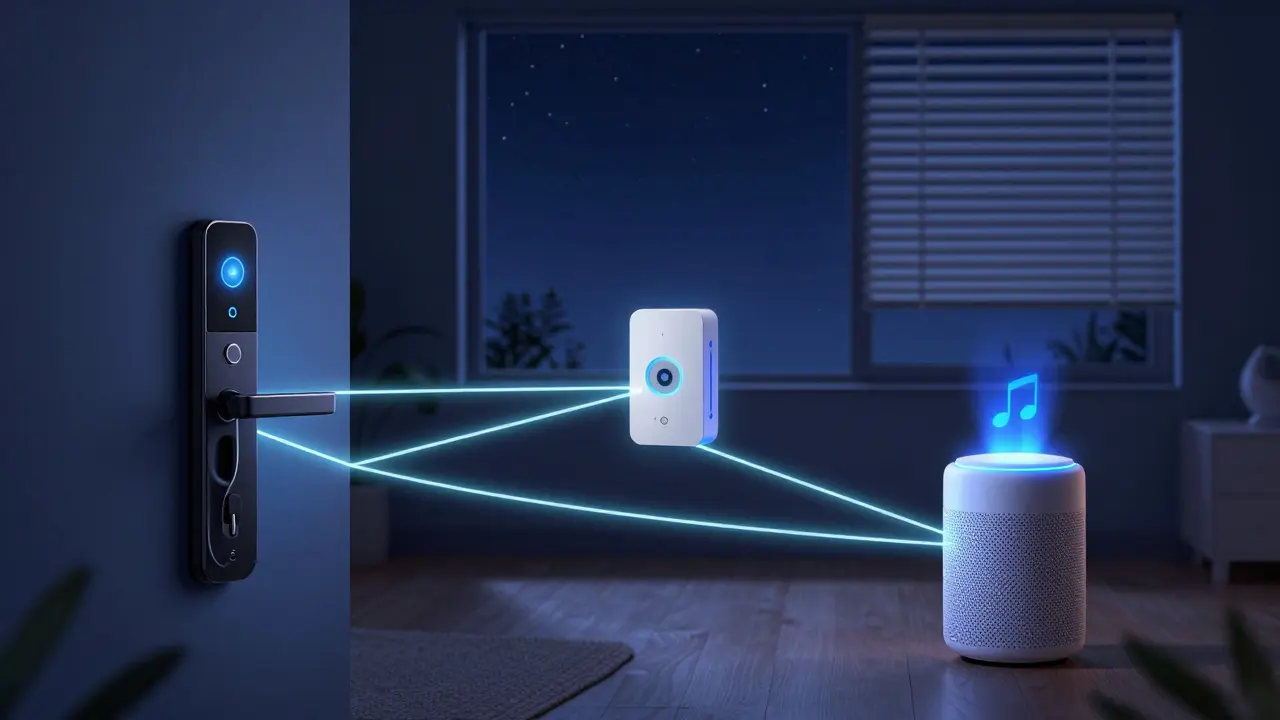
One smart device is useful. A network of them is powerful. That’s why the best smart homes aren’t built with one product - they’re built with compatible pieces.
For example: Your smart thermostat detects you’re asleep. It signals your smart blinds to close. Your smart speaker lowers the volume of the news. Your smart plug turns off the TV in the living room. None of these actions need you to say a word. They just happen.
This is where many people get stuck. They buy a smart lock from Brand A, a camera from Brand B, and a light from Brand C - and then realize they need three separate apps. That’s not smart. It’s frustrating.
The most reliable smart devices support Matter, a new open standard that lets different brands talk to each other. If you see the Matter logo on a device, it’ll work with any major smart home platform. That’s the real test.
What about voice assistants? Are they smart devices?
Yes - but not because they talk. A voice assistant like Amazon Echo or Google Nest Hub is a smart device because it connects to the internet, responds to remote commands, and triggers other devices. It doesn’t just play music - it turns on lights, locks doors, and adjusts the temperature based on your habits.
But here’s the catch: the assistant itself isn’t the smart part. It’s the brain. The real smart devices are the lights, locks, sensors, and thermostats it controls. The assistant is the conductor. Without the connected devices, it’s just a speaker.
How to spot a real smart device before you buy
Before you spend money, ask yourself:
- Can I control this from outside my home? (Not just in the same room.)
- Does it do something automatically without me telling it to?
- Can I set up routines with other devices? (Example: "When I unlock the front door, turn on the hallway light.")
- Does it support Matter or work with Apple HomeKit, Google Home, or Alexa without a proprietary hub?
- Do reviews mention it actually works with other brands - or does it only play nice with its own?
If you answer yes to all five, you’ve got a real smart device. If you’re unsure, skip it. The market is full of "smart" junk. Stick to devices that earn the label.
Smart doesn’t mean expensive
You don’t need to buy a $400 thermostat to have a smart home. There are plenty of affordable smart devices that deliver real value:
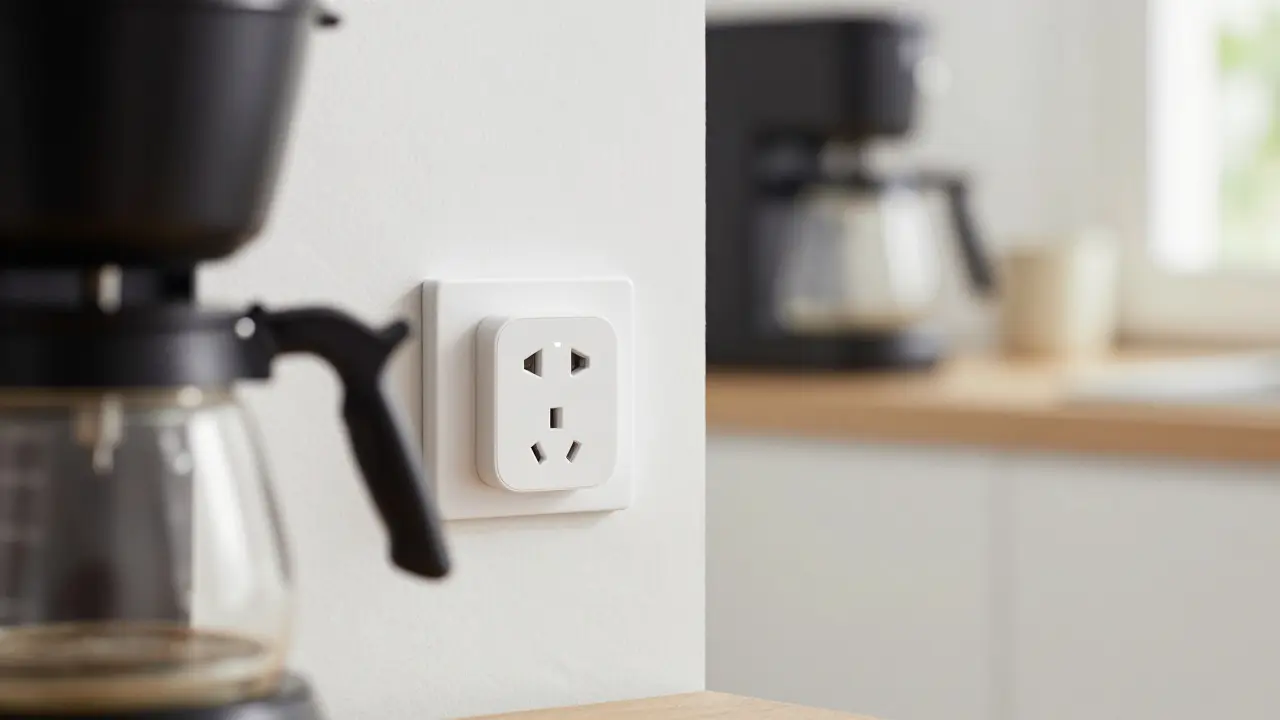
- A $25 smart plug that turns your lamp into a voice-controlled light.
- A $40 motion sensor that turns on lights when you walk into a dark room.
- A $60 water leak detector that texts you if your washing machine overflows.
These aren’t flashy. But they solve real problems. And they connect. That’s what matters.
What’s next for smart devices?
The trend isn’t more gadgets - it’s smarter behavior. New devices are learning your routines, predicting needs, and even alerting you before something goes wrong. A fridge that notices your milk is running low and orders more. A door lock that recognizes your child’s phone and unlocks when they come home from school. A thermostat that knows when you’re sick and adjusts the air to help you sleep better.
The future of smart devices isn’t about buttons or apps. It’s about quiet, helpful automation - the kind you don’t even notice until you miss it.
Is a smart TV a smart device?
Yes, if it connects to the internet and can be controlled remotely or automated. Most modern smart TVs can stream content, receive software updates, and respond to voice commands through assistants like Alexa or Google Assistant. If your TV can turn on when you say "Hey Google, turn on the TV," or dim the screen when you fall asleep, it qualifies. But if it’s just a TV with a built-in app store and no automation or remote control beyond basic on/off, it’s a connected TV - not a true smart device.
Can a device be smart without Wi-Fi?
Yes - but only if it connects to a hub that talks to the internet. Many smart devices use Zigbee or Z-Wave instead of Wi-Fi. These are low-power wireless protocols designed for home automation. As long as the device connects to a hub (like a Samsung SmartThings hub or an Amazon Echo) that links to your home network, it’s still a smart device. The key is whether it can be controlled remotely or automated. A Zigbee light bulb that you can turn off from your phone while at work? That’s smart.
Do all smart devices need a mobile app?
No. While most come with apps for setup and control, the app isn’t what makes them smart. Some smart devices can be fully controlled through voice assistants or web interfaces. For example, a smart thermostat might be managed entirely through a web dashboard on your laptop. Or a smart lock could be programmed using Apple HomeKit without ever opening a brand-specific app. What matters is whether the device can be controlled remotely and respond to automation - not whether an app exists.
Why does Matter matter?
Matter is a universal standard that lets smart devices from different brands work together seamlessly. Before Matter, you might need one app for your lights, another for your locks, and a third for your thermostat. With Matter, one app - like Apple Home, Google Home, or Amazon Alexa - can control everything. It also means you’re not locked into one brand. If your current smart speaker stops working, you can switch to another without replacing all your devices. Look for the Matter logo - it’s the clearest sign a device is built for the future.
Are smart devices safe from hackers?
Not all of them. Security varies widely. Devices that receive regular software updates, use end-to-end encryption, and don’t require weak default passwords are safer. Stick to brands with a track record of security, like Apple, Google, or Samsung. Avoid no-name products with vague privacy policies. Always change default passwords, enable two-factor authentication if available, and keep firmware updated. A smart device that doesn’t get security patches is a risk - no matter how "smart" it seems.
Final takeaway
Don’t be fooled by marketing. A smart device isn’t defined by its price, its screen, or its app. It’s defined by its behavior: does it connect, respond, and adapt? If it does, it’s smart. If it just sits there waiting for you to tap a button - it’s just another gadget.

ANAND BHUSHAN
February 26, 2026 AT 14:28Smart devices aren’t about apps or buttons. They’re about doing things without you thinking about it. My thermostat adjusts itself when I leave. My lights turn on when it gets dark. No taps. No apps. Just works. That’s the point.
Everything else is just a gadget with a marketing team.
Indi s
February 26, 2026 AT 17:44I used to think a smart fridge meant it could show me memes. Turns out it just means it can text me when the milk’s low. Still kinda cool. I got one last year and it saved me from a lot of bad dinners.
Rohit Sen
February 27, 2026 AT 17:51Actually, if you're gonna define 'smart' by automation, then your toaster that remembers your toast preference is smarter than your 'smart' light bulb that needs an app to turn on. You're conflating connectivity with intelligence.
Vimal Kumar
March 1, 2026 AT 01:58Really appreciate this breakdown. So many people think 'smart' means 'has Wi-Fi.' But the real magic is when devices work together without you having to micromanage them. I started with a single smart plug, then added sensors, then a thermostat. Now my house just... works. No more fumbling with five apps before bed.
Also, Matter is a game-changer. If it doesn’t have the logo, I skip it.
Amit Umarani
March 2, 2026 AT 07:09There’s a grammatical error in your second paragraph. 'Beeps or blinks' should be 'beep or blink' - subject-verb agreement. Also, 'you’ve probably seen a smart thermostat' - that’s not a complete sentence. It’s a fragment. And you say 'Bluetooth alone doesn’t count' - but Bluetooth LE with a cloud bridge absolutely does. You’re oversimplifying.
Noel Dhiraj
March 3, 2026 AT 07:14Smart isn’t about the price tag or the flashy screen. It’s about the quiet help. I got a $30 motion sensor last month. Now my hallway lights turn on when I get up at 3am. No fumbling for switches. No waking my partner. That’s the kind of smart that actually changes your life. Keep it simple. Build slowly. You don’t need a whole ecosystem. Just one thing that does one thing right.
vidhi patel
March 4, 2026 AT 19:02This article is fundamentally flawed. You state that 'a device must connect to the internet' to be smart. But what of devices that operate on local automation only? A Zigbee motion sensor triggering a Zigbee light via a hub without internet access is still intelligent behavior. You are imposing a corporate definition of 'smart' that prioritizes cloud dependency over true autonomy. This is not technology - this is surveillance capitalism dressed as convenience.
Priti Yadav
March 5, 2026 AT 03:52Wait - so you’re telling me my 'smart' TV isn’t smart because it doesn’t auto-adjust brightness based on my sleep cycle? But what if the company is recording my viewing habits? What if the mic is always on? What if the firmware update bricks my device next month? I don’t want 'smart.' I want a TV that turns on when I press the button. No apps. No cloud. No tracking. You’re selling us a prison with a Wi-Fi signal.
Ajit Kumar
March 6, 2026 AT 18:02It is imperative to clarify that the term 'smart device' has been grossly misappropriated by corporate entities seeking to inflate perceived value. A true smart device must exhibit not merely connectivity, but adaptive behavior predicated on machine learning or rule-based automation derived from environmental inputs. Merely enabling remote control via an application does not constitute intelligence; it constitutes remote control. The conflation of these concepts represents a fundamental erosion of technical literacy among consumers. Furthermore, the assertion that 'Matter' is a panacea is misleading - while it improves interoperability, it does not guarantee security, nor does it preclude vendor lock-in through proprietary firmware updates. One must, therefore, exercise extreme caution when evaluating claims of 'smart' functionality.
Diwakar Pandey
March 7, 2026 AT 23:15I used to buy every 'smart' thing I saw. Now I ask: does this make my life easier, or just more complicated? I’ve got a $25 plug that turns my lamp into a voice-controlled light. It doesn’t need an app. I just say 'Alexa, turn on the lamp.' It’s been working for two years. No updates. No glitches. No mystery data collection. Sometimes the best smart device is the one you forget exists.
Geet Ramchandani
March 9, 2026 AT 01:18You’re glorifying surveillance. Every 'smart' device is a spy. Your thermostat tracks when you leave. Your doorbell records who comes and goes. Your fridge knows when you’re out of milk - and probably what brand you buy. Your 'convenient' automation is just a data pipeline to advertisers and corporations. You call it 'smart.' I call it a slow-motion data heist. And you’re all happy to hand over your life for a 10% discount on milk. Wake up. The future isn’t smart - it’s watched.
Pooja Kalra
March 10, 2026 AT 22:40There is an existential question beneath this discussion: if a device acts without human intervention, does it possess agency? Or is it merely a sophisticated puppet, programmed by corporate algorithms to serve consumption? The 'smart' home, in its current form, is not an evolution - it is a surrender. We outsource not just labor, but intuition, memory, and instinct to machines that do not understand us - only observe us. And in doing so, we become less human. The real tragedy is not that we buy these devices - it is that we believe they make us better.
Sumit SM
March 11, 2026 AT 12:45Let’s be real - the whole 'Matter' thing is a band-aid on a bullet wound. Yes, it helps with interoperability - but it doesn’t fix the fact that most manufacturers still use proprietary firmware, collect data without consent, and abandon devices after two years. And don’t get me started on the 'smart' locks that require a subscription to unlock your own door. The whole ecosystem is a pyramid scheme disguised as innovation. We’re being sold convenience while our homes become data farms. And we’re applauding it. I’m not mad - I’m just disappointed.
Jen Deschambeault
March 11, 2026 AT 18:17I moved from Canada to India last year and realized how much I took smart devices for granted. Here, I got a $40 motion sensor that turns on my hallway light - no app, no cloud, just a sensor and a bulb. It works. It’s reliable. I don’t need five apps to control one room. Sometimes the simplest tech is the smartest. I wish more people focused on function over flash.
ANAND BHUSHAN
March 12, 2026 AT 06:43That’s exactly it. I don’t care if it’s branded or has a logo. I care if it works when I need it. My smart plug has been on for 18 months. Never updated. Never broken. Just does its job. That’s the standard we should be holding.