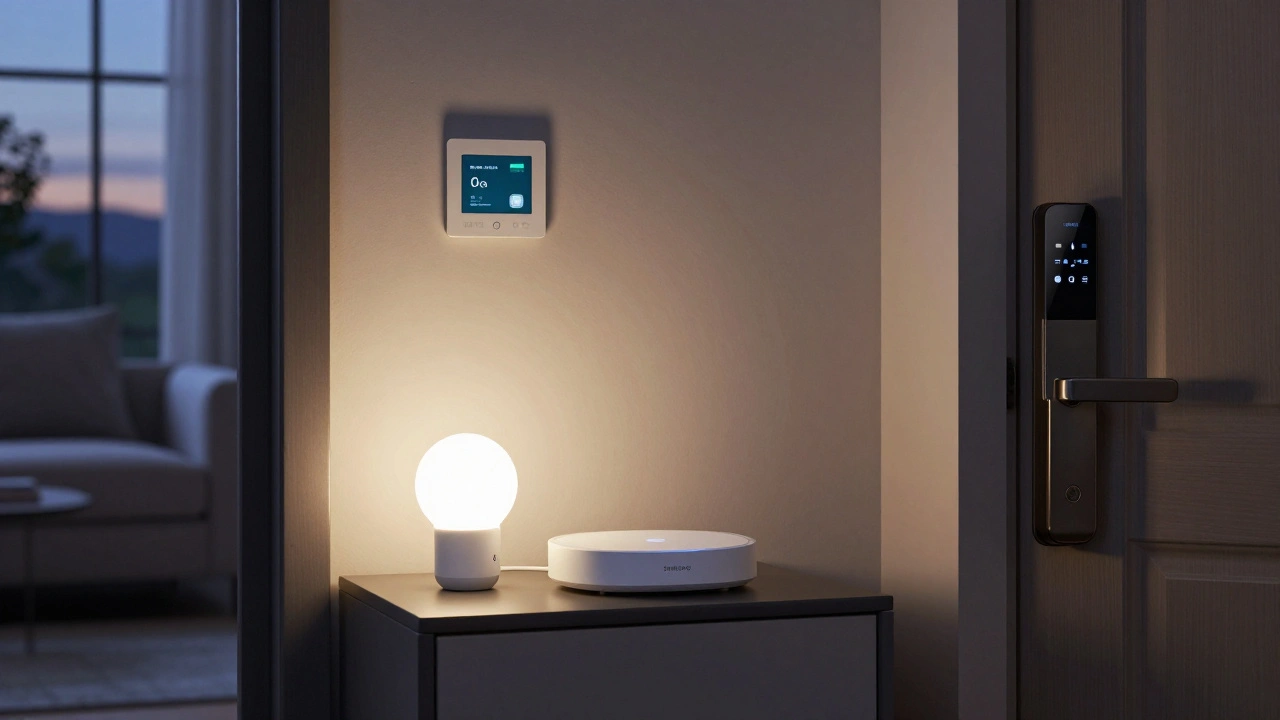
Setting up a smart home isn’t just about buying the latest gadgets. It’s about creating a system that works together - quietly, reliably, and actually makes your life easier. Too many people buy a smart speaker, a few lights, and a thermostat, then wonder why everything feels clunky or disconnected. The truth? A smart home needs more than gadgets. It needs structure.
Core Requirements for a Smart Home
You can’t build a smart home on Wi-Fi alone. You need five foundational pieces: a central controller, reliable connectivity, compatible devices, a power plan, and a security mindset.
The central controller is the brain. It could be a smart speaker like Amazon Echo or Google Nest Hub, or a dedicated hub like Samsung SmartThings. This device connects all your gadgets, lets you control them with voice or app, and runs automations. Without it, your devices are just standalone tools - not a system.
Connectivity comes next. Most smart devices use Wi-Fi, Zigbee, or Z-Wave. Wi-Fi is easy but can get overloaded. If you have 10+ devices, you’ll start seeing delays or dropouts. Zigbee and Z-Wave use low-power radio signals that hop between devices to stay strong. A hub that supports both Wi-Fi and Zigbee/Z-Wave gives you the best of both worlds. Don’t skip this - a weak network is the #1 reason smart homes fail.
Compatibility matters more than brand. Just because a device says "works with Alexa" doesn’t mean it’ll play nice with your thermostat or security camera. Look for devices certified under Matter. It’s an open standard launched in 2022 that lets devices from different brands talk to each other without glitches. If you’re buying new gear in 2025, Matter should be non-negotiable.
Power is often ignored. Smart devices need electricity - and backup. A smart lock that loses power during a blackout leaves you locked out. A security camera that goes dark when the power fails is useless. Use surge protectors with battery backup for your hub and critical devices. Some smart locks even have manual key overrides. Plan for outages.
Security isn’t an add-on. It’s the foundation. Smart cameras, doorbells, and thermostats are all entry points for hackers. Use strong, unique passwords. Turn on two-factor authentication wherever possible. Never use default passwords like "admin" or "123456". Update firmware regularly - manufacturers patch security holes, but only if you let them.
Essential Smart Home Devices
Once the base is set, you layer in devices that solve real problems. Start with these five.
- Smart thermostat: Models like the Nest Thermostat or Ecobee learn your schedule and adjust temperature automatically. In Canada, where heating bills spike in winter, this can cut energy use by 15-20%. They also work with your phone - turn down the heat before you leave for work, or warm up the house before you get home.
- Smart lighting: LED bulbs with dimming and color control (like Philips Hue or Lutron) let you set moods, save energy, and automate routines. Imagine lights turning on at sunset, or flashing red if your smoke alarm goes off. You don’t need to replace every bulb - start with key areas: living room, kitchen, hallway.
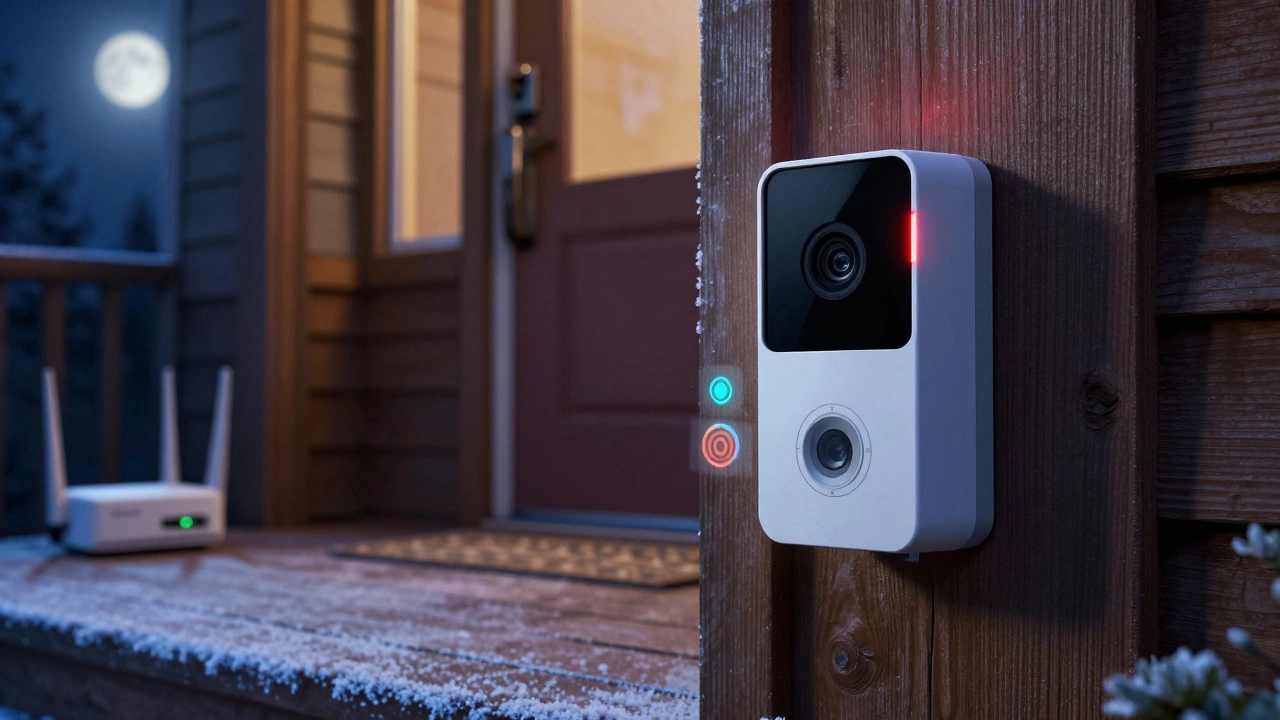
- Smart security camera: Look for models with local storage (SD card) and end-to-end encryption. Cloud-only cameras can be hacked or cost you monthly fees. A doorbell camera like the Ring Video Doorbell Pro or Eufy Video Doorbell gives you motion alerts and two-way talk. You can see who’s at the door even when you’re not home.
- Smart lock: Keyless entry is convenient, but only if it’s reliable. Choose a lock with a physical key backup and battery life of at least 12 months. August Smart Lock and Yale Assure Lock are popular for their ease of integration with voice assistants and apps. You can grant temporary access to guests or service workers without handing out keys.
- Smart speaker or display: This is your voice interface. Even if you don’t use voice much now, you will. It’s the fastest way to control lights, check the weather, or pause music. A display like the Google Nest Hub lets you see camera feeds, recipes, or calendars without pulling out your phone.
Automation: Where the Magic Happens
Devices are useful. Automations are transformative.
Think about your daily routines. What do you do every morning? You wake up, turn on lights, brew coffee, check the weather. A smart home can do all that automatically.
Set up a "Good Morning" routine: When your alarm goes off, the blinds open, the bedroom lights fade on slowly, the thermostat adjusts to 70°F, and the coffee maker turns on. You don’t lift a finger.
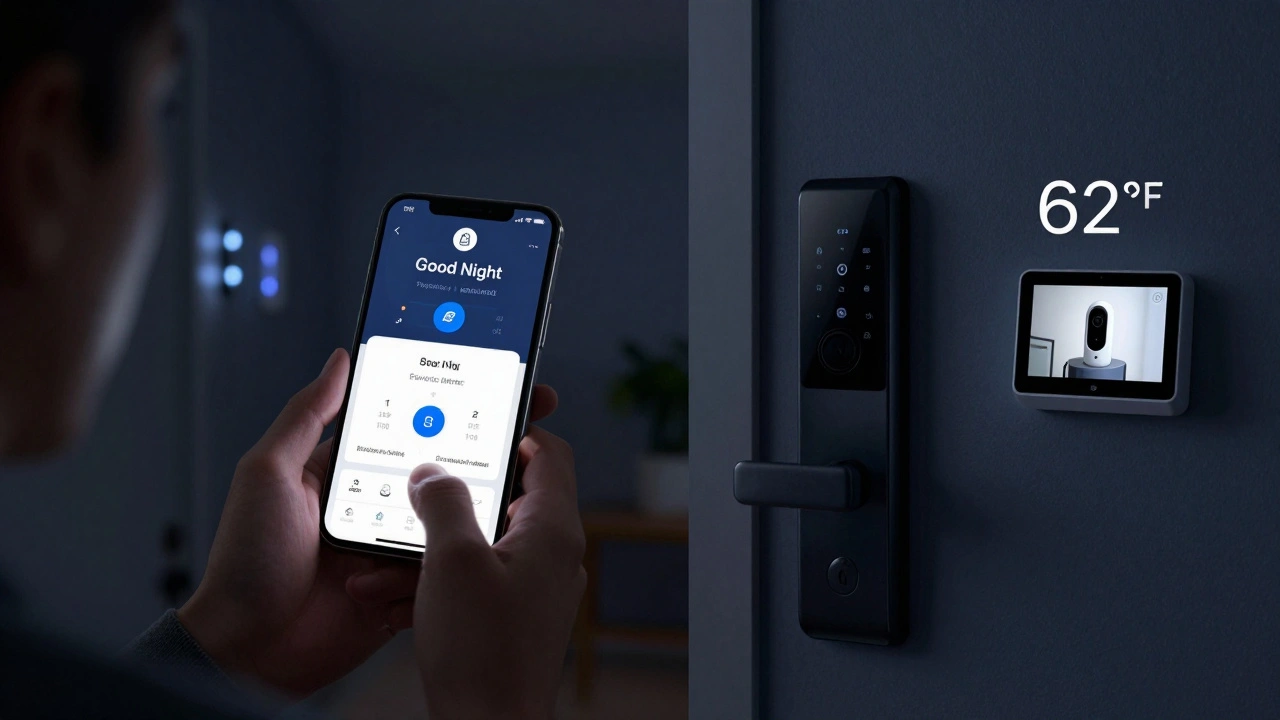
Evening routines are just as powerful. "Good Night" can turn off all lights, lock doors, set the thermostat to 62°F, and arm the security system - all with one voice command.
Geofencing adds another layer. When your phone leaves your neighborhood, the system turns off non-essential devices. When you return, it turns them back on. This saves energy and makes your home feel alive.
Automations work best when they’re simple. Don’t try to automate everything at once. Start with one routine. Test it for a week. Fix the bugs. Then add another.
What to Avoid
Not every smart gadget is worth it. Avoid these common traps.
- Overpriced gimmicks: Smart mirrors, smart toothbrushes, or smart plant sensors often cost more than they’re worth. They rarely integrate well, and most people stop using them after a month.
- Brand lock-in: Buying all devices from one brand sounds convenient - until that brand stops supporting older models. Amazon, Google, and Apple all have their own ecosystems, but they’re not future-proof. Stick with Matter-certified devices to avoid being stuck.
- Ignoring privacy: Some cameras and speakers record constantly and send data to the cloud. Read the privacy policy. Look for local storage options. Turn off microphones and cameras when not in use.
- Skipping the hub: Relying only on Wi-Fi and voice assistants is a recipe for lag and crashes. A dedicated hub improves reliability and lets you control devices even if the internet goes down.
Real-World Setup: A Simple Plan
Here’s how to build a smart home in 30 days - no tech degree needed.
- Week 1: Pick a central hub (SmartThings or Home Assistant). Plug it in. Connect your Wi-Fi.
- Week 2: Buy one smart thermostat and one smart light bulb. Install them. Set up basic routines: "Turn on lights at sunset," "Lower heat at 10 PM."
- Week 3: Add a smart doorbell and smart lock. Test the app. Make sure you can unlock the door remotely.
- Week 4: Add a smart speaker. Link it to your hub. Try voice commands: "Hey Google, good night."
By day 30, you’ll have a working smart home - not a toy collection. You’ll notice the difference: less fumbling for switches, fewer forgotten locks, lower bills, and more peace of mind.
Future-Proofing Your Smart Home
Technology changes fast. In 2025, smart homes are moving toward AI that predicts your needs. Your thermostat might learn you prefer 68°F when it’s snowing outside. Your lights might dim automatically if you’re watching a movie.
To stay ahead:
- Choose devices with firmware updates that last at least 5 years.
- Use Matter-certified products - they’ll keep working even if brands merge or disappear.
- Keep your network updated. Replace routers every 3-4 years.
- Back up your automations. Most hubs let you export settings. Do it yearly.
A smart home isn’t about having the most gadgets. It’s about having the right ones - working together, reliably, safely. Start small. Build slowly. Focus on what actually improves your life.
Do I need a smart hub for a smart home?
You don’t absolutely need one, but you’ll regret skipping it. A hub connects devices that don’t talk to each other directly, reduces Wi-Fi congestion, and lets you control everything even if your internet goes down. Without a hub, your smart home will feel slow and unreliable.
Can I use Apple HomeKit instead of Google or Amazon?
Yes, and it’s a solid choice if you use iPhones and iPads. HomeKit is secure and privacy-focused, but it has fewer device options than Alexa or Google. Most HomeKit devices also support Matter, so you’re not locked in. If you’re already in the Apple ecosystem, HomeKit works well.
How much does it cost to set up a basic smart home?
You can start for under $300: a smart hub ($80), a smart thermostat ($150), a smart lock ($120), and a few smart bulbs ($40). That’s enough to automate heating, lighting, and security. Add a doorbell camera and speaker later. Most people spend $500-$1,000 in the first year to build a functional system.
Will smart devices work during a power outage?
Most won’t - unless they have battery backup. Smart locks with batteries and Wi-Fi routers with UPS (uninterruptible power supply) will keep working. Cameras and speakers will go offline. Plan for this: keep a physical key for your door, and use battery-powered devices where safety matters.
Are smart homes safe from hackers?
They’re safe if you take basic steps: use strong passwords, enable two-factor authentication, update firmware regularly, and avoid devices with no security updates. Don’t connect smart devices to guest Wi-Fi. Use a separate network for them if your router allows it. Most breaches happen because people ignore simple security rules.
Next Steps
Start with one problem you want to solve. Is your heating bill too high? Get a smart thermostat. Do you forget to lock the door? Install a smart lock. Don’t try to automate your whole house on day one. Pick one area. Build it right. Then expand.
Smart homes aren’t about flashy tech. They’re about making your life simpler, safer, and more efficient. Do it right, and you won’t even notice it’s there - until you realize how much easier things are.


kelvin kind
December 5, 2025 AT 16:17Just got my first smart thermostat and it already cut my bill by 18%. No hype, just cold hard savings.
Ian Cassidy
December 5, 2025 AT 20:41Wi-Fi mesh is non-negotiable if you’re running more than 5 Zigbee devices. Single router = bottleneck city. I went full Ubiquiti and now my smart lock, camera, and lights all respond in under 300ms. No lag, no dropouts. Game changer.
Peter Reynolds
December 6, 2025 AT 02:29I tried setting up a whole system last year and gave up after two weeks. Too many apps, too many passwords. Ended up just using a few Hue bulbs and a Nest. Simple works better.
Kenny Stockman
December 6, 2025 AT 15:00Start with the thermostat. Seriously. It’s the one thing that pays for itself in under a year. I didn’t even know how much I was wasting on heating until I saw the usage graphs. Mind blown.
Adrienne Temple
December 6, 2025 AT 16:16I’m a total tech newbie but I followed the 30-day plan and it actually worked. Bought the SmartThings hub, one bulb, one thermostat. Made a good night routine. Now my cat sleeps on the warm floor and I don’t have to fumble for switches. Small wins matter.
Sam Rittenhouse
December 8, 2025 AT 12:02People treat smart homes like a toy store. It’s not about having the most gadgets-it’s about removing friction from your life. I used to come home and forget to turn off the lights. Now my lights turn off automatically when I leave. I didn’t even realize how much mental energy I was wasting until it was gone. That’s the real win.
And yes, Matter is the future. I bought a bunch of non-Matter stuff last year and now I’m stuck with three different apps. Don’t be me.
Also, power outages. I learned the hard way when my smart lock died during a storm. Now I have a key hidden under the porch. Dumb? Maybe. But I’m not locked out again.
Security too. I turned off cloud recording on my camera. Local storage only. I don’t want some hacker scrolling through my backyard at 3 a.m. I don’t care how ‘convenient’ it is.
And stop buying smart mirrors. Nobody needs to see their reflection while checking the weather. Just use your phone. It’s cheaper and less likely to spy on you.
Paritosh Bhagat
December 8, 2025 AT 19:44Wow. Finally someone who gets it. Most people think smart home means Alexa playing music while their doorbell gets hacked. You need to use strong passwords. I saw a post where someone used 'password123' for their camera. That’s not smart, that’s just asking for trouble. And firmware updates? Please. If you’re not updating, you’re basically leaving your front door open.
Also, why are people still buying non-Matter devices in 2025? It’s like buying a VHS player in 2024. The future is open standards. End of story.
Zach Beggs
December 10, 2025 AT 09:30My hub died last month. Internet was fine but my lights and lock stopped working. Bought a Home Assistant box. Now everything runs locally. Even when the power flickers, my automations still fire. No cloud = no stress.
Chris Heffron
December 10, 2025 AT 14:15Just wanted to say thanks for mentioning geofencing. I set it up last week and now my lights turn on exactly when I pull into the driveway. Feels like magic. Also, I added a little 🌟 emoji because I’m weird like that.
Antonio Hunter
December 11, 2025 AT 08:09It’s interesting how the paradigm shift from reactive to predictive automation is fundamentally altering domestic behavior. The traditional model of manual intervention-flipping switches, adjusting thermostats, locking doors-is being replaced by anticipatory systems that learn behavioral patterns over time. This transition isn’t merely technological; it’s psychological. We’re outsourcing cognitive load to algorithms, which, while efficient, may erode our situational awareness. I’ve noticed I no longer remember whether I locked the door-because I trust the system. Is that convenience-or complacency?
Furthermore, the reliance on proprietary ecosystems creates latent vendor lock-in, which, when coupled with planned obsolescence, raises ethical concerns about sustainability. A device that functions for three years before becoming obsolete isn’t smart-it’s disposable. We need durable, interoperable, and ethically designed infrastructure, not marketing-driven gadgets.
And yes, Matter is a step forward, but it’s not a panacea. Without regulatory oversight and open-source firmware support, we’re just rebranding the same problems with a new label.
Aaron Elliott
December 12, 2025 AT 06:23While your analysis is superficially coherent, it lacks critical engagement with the ontological implications of domestic automation. One must ask: in replacing human agency with algorithmic determinism, are we not eroding the very essence of autonomy? The smart home, as currently conceived, is not an enhancer of life-it is a silent colonizer of routine, reducing lived experience to a series of optimized, pre-programmed responses. The illusion of convenience masks a deeper alienation from the material world. One does not 'set up' a smart home; one surrenders to it.
Ben De Keersmaecker
December 13, 2025 AT 02:50Minor correction: you said ‘Matter was launched in 2022’-it was officially ratified by the Connectivity Standards Alliance in October 2022, but the first certified devices didn’t hit the market until early 2023. Precision matters. Also, ‘Zigbee and Z-Wave use low-power radio signals that hop between devices’-technically, that’s mesh networking, not just ‘hopping.’ Details like this help people avoid buying the wrong hub.
And for the love of all things digital, please don’t call a smart speaker ‘the voice interface.’ It’s just a speaker with a mic. We’re not building a sci-fi starship.
Sam Rittenhouse
December 13, 2025 AT 18:08Thanks for the note on Matter’s rollout timeline. You’re right-early adopters got burned when the first devices didn’t work with older hubs. I learned that the hard way too. And yeah, ‘voice interface’ sounds like a tech bro wrote it. I’ll stick to ‘smart speaker’ from now on.