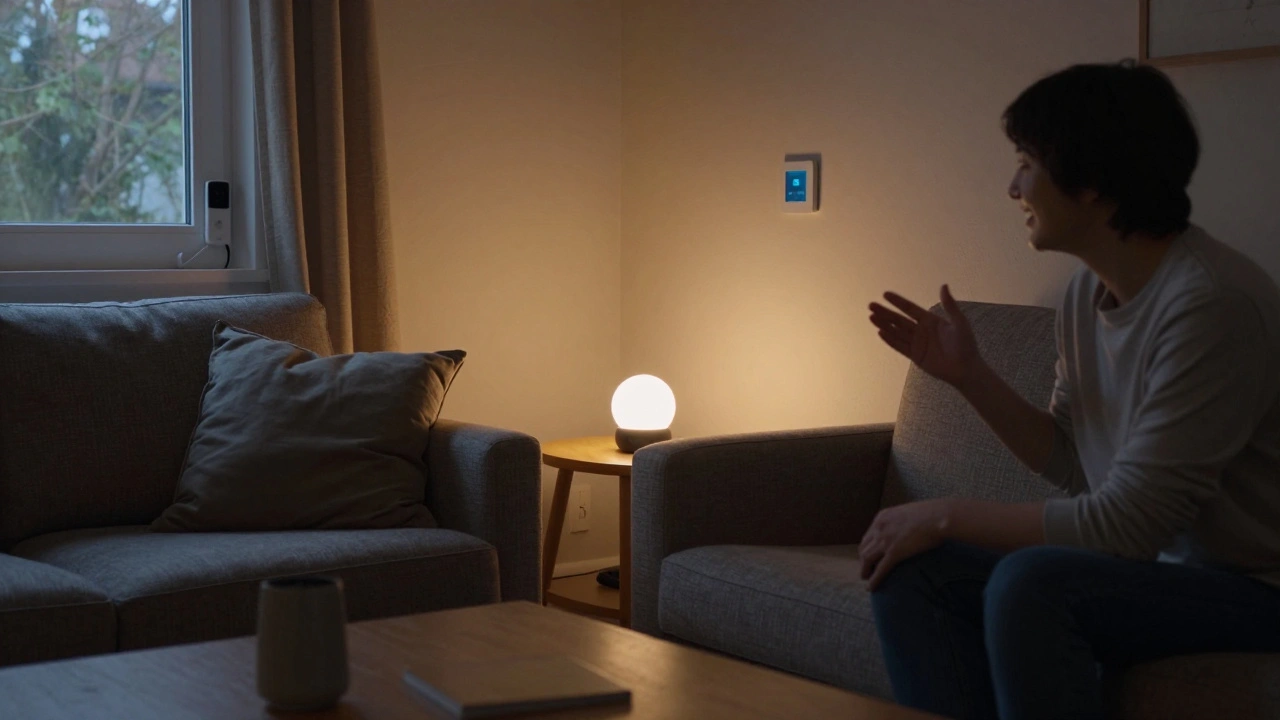
When you see those glossy ads for smart lights that change color with your mood or thermostats that learn your schedule, it’s easy to think smart homes are for the rich. But here’s the truth: you don’t need to spend $20,000 to start. You can build a smart home one device at a time-and it doesn’t have to break the bank.
What’s the real cost of a smart home?
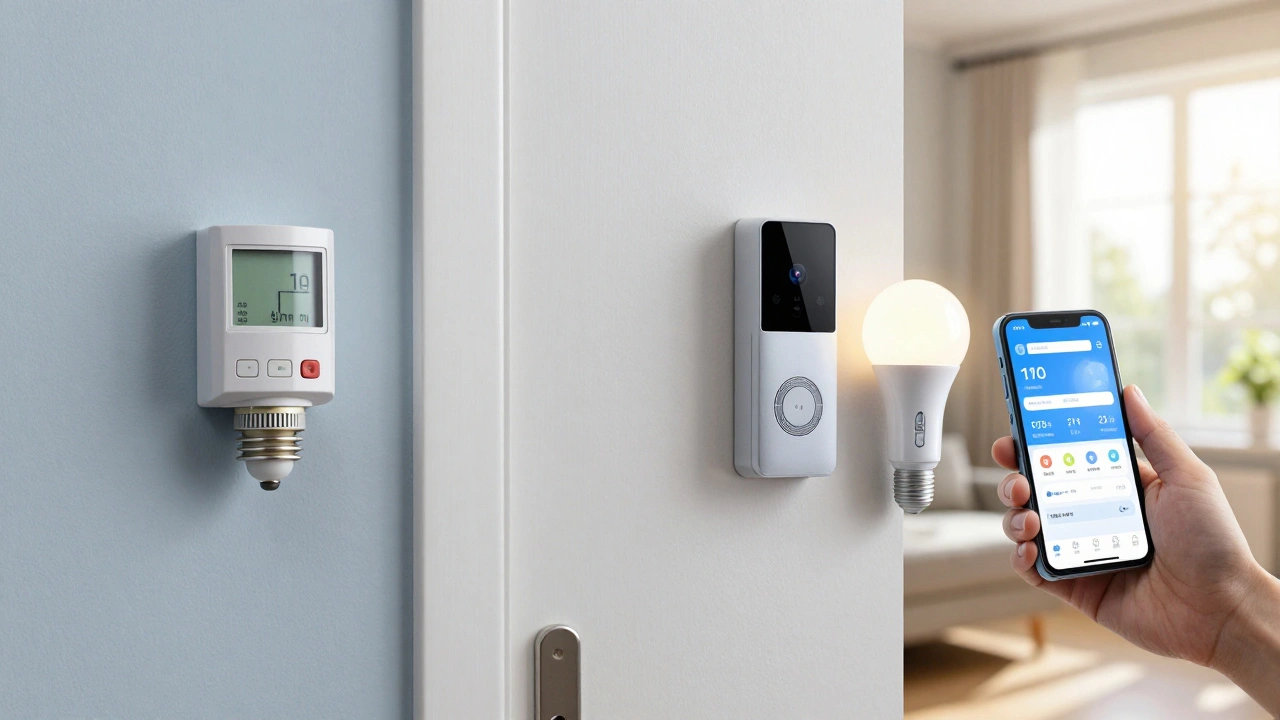
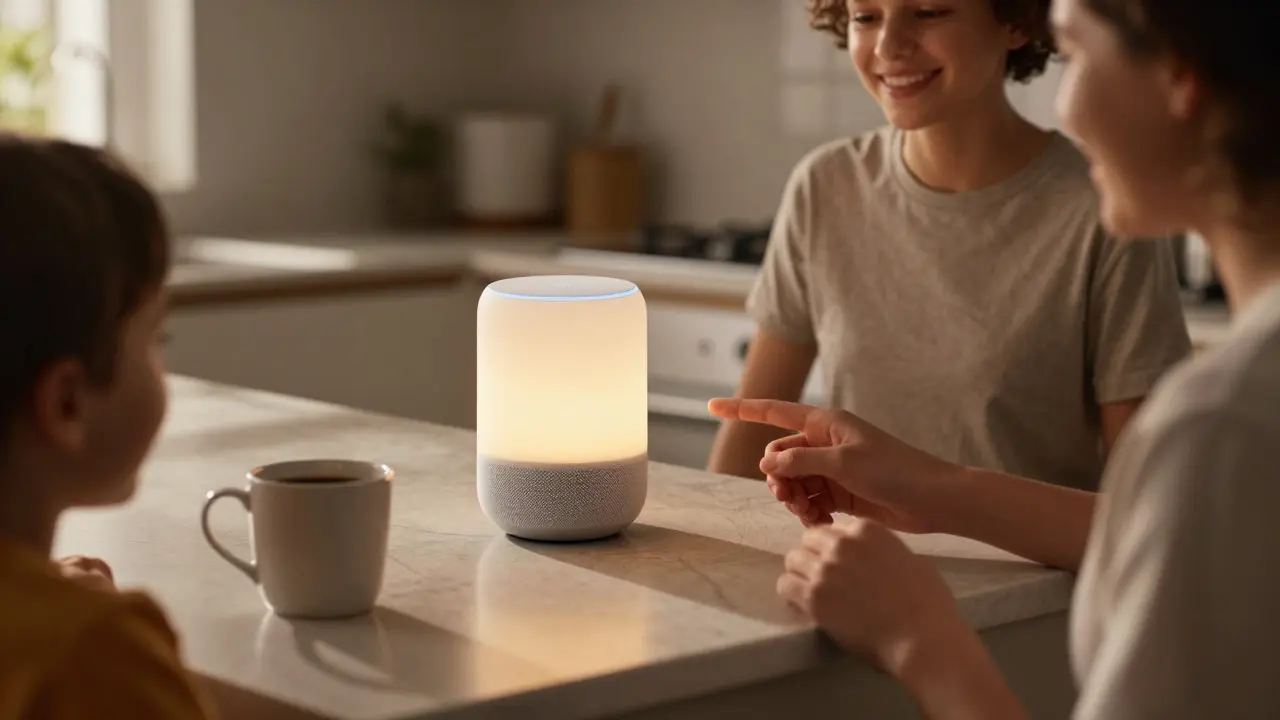
The average person spends between $500 and $3,000 to get started with smart home tech in 2025. That’s not a luxury-it’s a practical upgrade. A basic setup includes a smart speaker (like an Amazon Echo or Google Nest), a smart thermostat (Nest or Ecobee), and a few smart bulbs (Philips Hue or LIFX). Together, those cost around $400. Add a smart lock and a doorbell camera, and you’re still under $1,000.
People often assume they need to go all-in. But most users start small. One study from the Consumer Technology Association in 2024 found that 68% of smart home owners began with just one device. Many chose a smart speaker first-not because they wanted to control everything, but because they wanted to ask for the weather or play music without fumbling for their phone.
Smart devices save money over time
Yes, there’s an upfront cost. But smart home tech pays for itself. A smart thermostat can cut heating and cooling bills by 10% to 20% annually. That’s $150 to $300 saved each year on energy. If you live in a place with high electricity rates, like California or New York, the savings add up faster.
Smart lighting uses 75% less energy than old incandescent bulbs. And with motion sensors and scheduling, you’re not leaving lights on in empty rooms. One homeowner in Ohio tracked his electricity bill for a year after switching to smart bulbs and saw a $120 drop-just from lighting.
Smart water sensors? They cost about $50 and can alert you to leaks before they turn into $5,000 repairs. One family in Texas avoided a burst pipe disaster because their sensor sent a notification at 3 a.m. They shut off the water remotely and saved the cost of a new floor.
What’s the most expensive part of a smart home?
The biggest expense isn’t the devices-it’s the installation and integration. If you hire a pro to wire your whole house with smart lighting, security cameras, and automated blinds, you’re looking at $10,000 to $25,000. But that’s not the norm. Most people do it themselves.
Today’s devices are designed for DIY. No electrician needed. Smart plugs turn any lamp into a smart light. Smart outlets control your coffee maker or space heater. You don’t need to rewire your home. You just plug in, download the app, and go.
The real cost creep comes from buying too many gadgets at once. People buy a smart fridge, then a smart oven, then a smart washer-all at once. That’s where budgets explode. Instead, focus on what matters to you. Security? Start with a doorbell camera. Energy savings? Go with a thermostat. Convenience? Get a smart speaker and a few plugs.
Hidden costs you might not think about
There are a few sneaky expenses that sneak up on you. First, subscription fees. Many security cameras require a monthly plan to save video history. Ring and Arlo charge $3 to $10 per month per camera. That’s $36 to $120 a year. If you have five cameras, that’s $600 a year-more than the cost of the cameras themselves.
But you don’t need subscriptions. Many brands offer free local storage options. Eufy cameras let you save footage to a microSD card. Some smart doorbells record clips without a subscription. You just won’t get cloud backups or AI alerts like facial recognition. For many, that’s fine.
Another hidden cost: Wi-Fi. Smart homes need a strong, reliable network. If your router is from 2018 and your house is 2,500 square feet, you’ll have dead zones. Upgrading to a mesh system like TP-Link Deco or Google Nest Wifi costs $200 to $400. But it’s not optional. Without good Wi-Fi, your smart devices glitch, drop connections, and frustrate you.
And then there’s replacement. Smart bulbs last 15 to 25 years, but smart locks and thermostats? They last 5 to 8 years. You’ll need to replace them eventually. Budget $50 to $150 every few years for updates.
What’s cheaper than a smart home?
You can get most of the benefits without buying anything labeled “smart.” A programmable thermostat costs $80 and saves energy. Motion-sensing lights run $25. A doorstop alarm that beeps when someone opens your door? $15. These aren’t fancy, but they work.
Here’s the catch: smart devices get smarter over time. They learn your habits. They talk to each other. Your thermostat knows you’re leaving for work and turns down the heat. Your lights turn on automatically when you walk in the door. That’s convenience you can’t get with a timer.
And security? A smart doorbell with motion detection and two-way talk is far more effective than a sign that says “Beware of Dog.” It deters intruders before they even approach. And if something happens, you have video proof.
Who benefits most from a smart home?
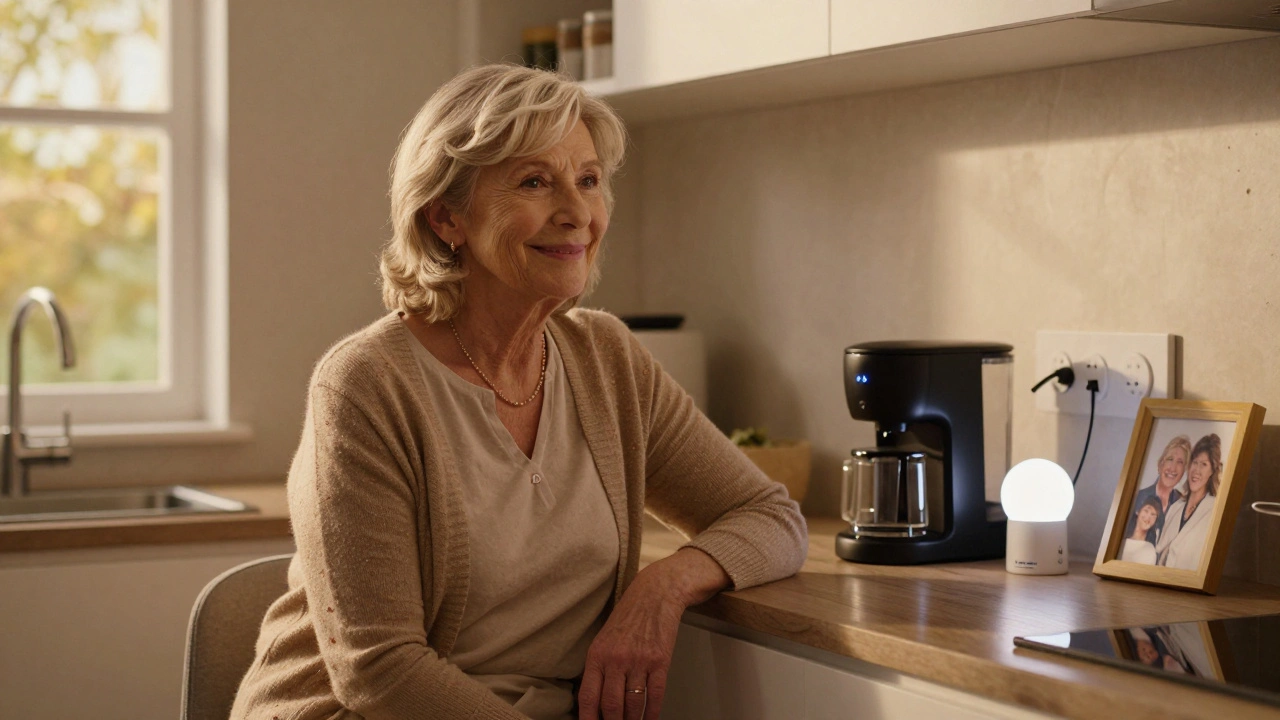
Seniors and people with mobility issues find smart homes life-changing. Voice control lets them turn on lights, adjust the thermostat, or lock doors without getting up. One 72-year-old in Florida told me she used to struggle to reach the light switch after knee surgery. Now she says, “Hey Google, turn on the kitchen light,” and it’s done.
Families with kids love the routine automation. Lights dim at bedtime. The thermostat adjusts when the school bus arrives. You get alerts if the back door was left open. It’s not magic-it’s peace of mind.
Even renters can benefit. Smart plugs, portable cameras, and battery-powered doorbells don’t require permanent changes. You can take them with you when you move.
How to start smart on a budget
Here’s a real, low-cost plan for 2025:
- Start with a $40 smart speaker (Amazon Echo Dot or Google Nest Mini).
- Add two $15 smart bulbs (any brand, just make sure they work with your speaker).
- Buy a $30 smart plug for your TV or lamp.
- Install a $70 smart doorbell camera (Eufy or Ring with local storage).
- Upgrade your thermostat to a $130 smart model (Ecobee or Honeywell).
Total: under $300. That’s less than a new smartphone. And you’ve created a real smart home-no contractor needed.
Wait six months. See what you use. Then add one more thing. Maybe a water sensor. Or smart blinds. Or a robot vacuum. Build slowly. You’ll avoid buyer’s remorse and save money.
Is a smart home worth it?
If you’re asking whether it’s worth the cost, the answer depends on what you want. If you want to cut energy bills, improve safety, and make daily life easier, then yes. The upfront cost is real, but so are the long-term savings and convenience.
Smart homes aren’t about having the latest gadgets. They’re about making your life simpler. And that’s something you can afford-even on a tight budget.
Do smart homes increase home value?
Yes, but only if they’re installed well and use popular, reliable brands. Homes with smart thermostats, security systems, and lighting can sell 3% to 5% faster, according to a 2024 National Association of Realtors survey. Buyers don’t care about the brand-they care that it works. Avoid obscure brands or systems that require proprietary apps. Stick with Google, Amazon, Apple, or Samsung-compatible devices.
Can I use smart home devices without Wi-Fi?
Most need Wi-Fi to work fully, but some can still operate locally. Smart lights with Bluetooth (like LIFX) can be controlled from your phone without internet. Smart plugs with timers will still turn on and off at set times. But you won’t get remote access, voice control, or automation rules unless you’re connected. If your internet is unreliable, prioritize devices that work offline or have local control options.
Are smart home devices secure?
Security varies by brand. Reputable companies like Google, Amazon, and Apple update their devices regularly and use strong encryption. Avoid cheap, no-name brands from unknown sellers-they often have weak passwords and no software updates. Always change default passwords, enable two-factor authentication, and use a separate Wi-Fi network for your smart devices if your router supports it.
Do I need a hub for my smart home?
Not anymore. Most devices connect directly to Wi-Fi or Bluetooth. Hubs were needed for older systems like Zigbee or Z-Wave, but today’s smart bulbs, locks, and sensors work without them. Only consider a hub if you’re using older devices or want advanced automation between different brands. For most people, a smart speaker is enough.
What’s the cheapest smart home device to start with?
The smart plug. You can find reliable ones for $12 to $20. Plug in a lamp, fan, or coffee maker, and control it with your voice or phone. It’s the easiest way to experience automation without buying a whole system. Many people start here-and never look back.


Zach Beggs
December 10, 2025 AT 09:47Started with a $15 smart plug for my coffee maker. Now I wake up to the smell of brew without lifting a finger. Best $15 I’ve ever spent.
Kenny Stockman
December 10, 2025 AT 12:28I love how this post breaks it down. I thought smart homes were for tech bros with three Alexa devices in every room. Turns out I just needed a thermostat and a doorbell cam. My electric bill dropped $180 last year. No regrets.
Antonio Hunter
December 11, 2025 AT 02:37There’s a quiet revolution happening here, and most people don’t even realize it. We’re not just automating lights and locks-we’re redefining domestic autonomy. The real value isn’t in the gadgets, but in the reduction of cognitive load. How many times a day do you pause, think, and then move to perform a basic task? A smart home eliminates those micro-decisions. You don’t need to remember to turn off the lights. You don’t need to worry if the door’s locked. Your environment anticipates you. That’s not luxury-it’s psychological relief. And it’s available for under $300. The only thing more expensive than this is not doing it.
Paritosh Bhagat
December 12, 2025 AT 07:05Umm, excuse me but you said 'smart bulbs last 15 to 25 years'-that’s scientifically impossible. LED lifespan is rated at 25,000 to 50,000 hours. That’s roughly 17 years at 8 hours/day. Not 25. Also, 'smart lock' is a misnomer-those things get hacked constantly. And why no mention of data harvesting? Your thermostat knows when you sleep, your camera knows who you let in, and Amazon knows you’re home alone on Tuesdays. This isn’t convenience. It’s surveillance capitalism wrapped in a cozy blanket. 🤔
Ben De Keersmaecker
December 12, 2025 AT 10:11Minor correction: the phrase 'smart bulbs last 15 to 25 years' is misleading. The manufacturer’s rated lifespan is based on 3 hours of daily use. At 8 hours/day, that’s closer to 9–15 years. Also, 'smart plug' is correct as the cheapest entry point, but I’d add that TP-Link Kasa and Meross offer better firmware updates than generic brands. And yes-Wi-Fi mesh is non-negotiable. I lost three devices to dead zones before upgrading. Lesson learned.
Aaron Elliott
December 13, 2025 AT 21:16One must question the underlying epistemological assumption that convenience equates to value. The assertion that a smart thermostat saves $150–$300 annually presumes consistent behavioral adherence, which empirical studies in behavioral economics suggest is rarely the case. Furthermore, the normalization of surveillance infrastructure under the banner of 'peace of mind' represents a dangerous sociotechnical capitulation. One does not simply 'plug in' to autonomy; one surrenders it, incrementally, through UX design. The real cost? Not the device. The psyche.
Chris Heffron
December 14, 2025 AT 15:50Love this post! 😊 I started with a $20 smart plug and now I control my fan with my voice. My cat hates it though-she thinks I’m talking to her. 😂
Adrienne Temple
December 15, 2025 AT 04:29My grandma got a smart speaker for Christmas and now she talks to it like it’s her best friend. She asks it to play Sinatra, turn on the porch light, and even tell her jokes. I cried when she said, 'It’s like having a little helper who never gets tired.' 💕 You don’t need fancy stuff-just something that makes life easier for the people who need it most.
Sarah McWhirter
December 16, 2025 AT 03:33Okay but have you seen the new AI-powered smart fridge that tracks your food and sends you ads for expired yogurt? 😏 I swear, if my fridge starts suggesting I buy kale because my Fitbit says I’m 'low in chlorophyll,' I’m moving to a cabin with no Wi-Fi. Also, who’s to say your smart doorbell isn’t just a spy cam for the local police department? I mean… the cameras have facial recognition, right? And the cloud logs? Yeah. We’re not building homes. We’re building data farms with curtains. 🤫
Sandy Dog
December 16, 2025 AT 19:28OMG I JUST REALIZED-my smart lock was hacked last month and someone opened my door at 2 a.m. and left a single rose on the mat. I thought it was my boyfriend… but he was in Chicago. I screamed. I cried. I called the police. They said it was probably a glitch. But then I checked the logs… and the system said 'access granted: unknown user.' I haven’t slept since. 🕯️💔 I’m now living in a tent in my backyard with a padlock and a flashlight. Who else feels this way??
Nick Rios
December 18, 2025 AT 13:40I think the real win here is how accessible this has become. I used to think smart homes were for people with more money than sense. But seeing my neighbor-single mom, two kids, works two jobs-install a $70 doorbell and a $40 speaker to keep track of her kids after school? That’s not tech. That’s care. You don’t need to spend big to make life better. Sometimes, it’s just about one less thing to worry about.