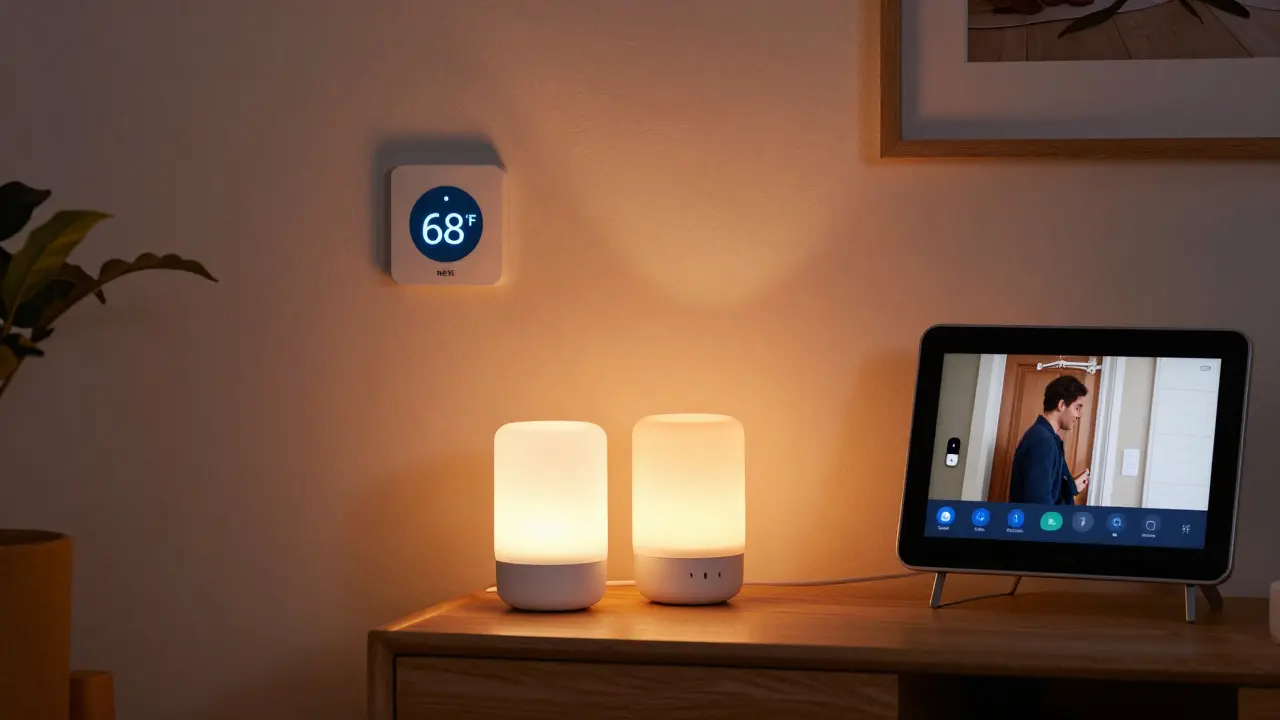
When people talk about smart homes, they often picture robots cleaning the floor or voice-controlled lights that turn on when you walk in. But real smart homes aren’t about sci-fi gadgets-they’re about everyday devices that make life easier, safer, and more efficient. If you’re wondering what devices actually belong in a smart home today, the answer isn’t complicated. It’s a mix of tools you already use, just upgraded with connectivity and automation.
Smart Thermostats
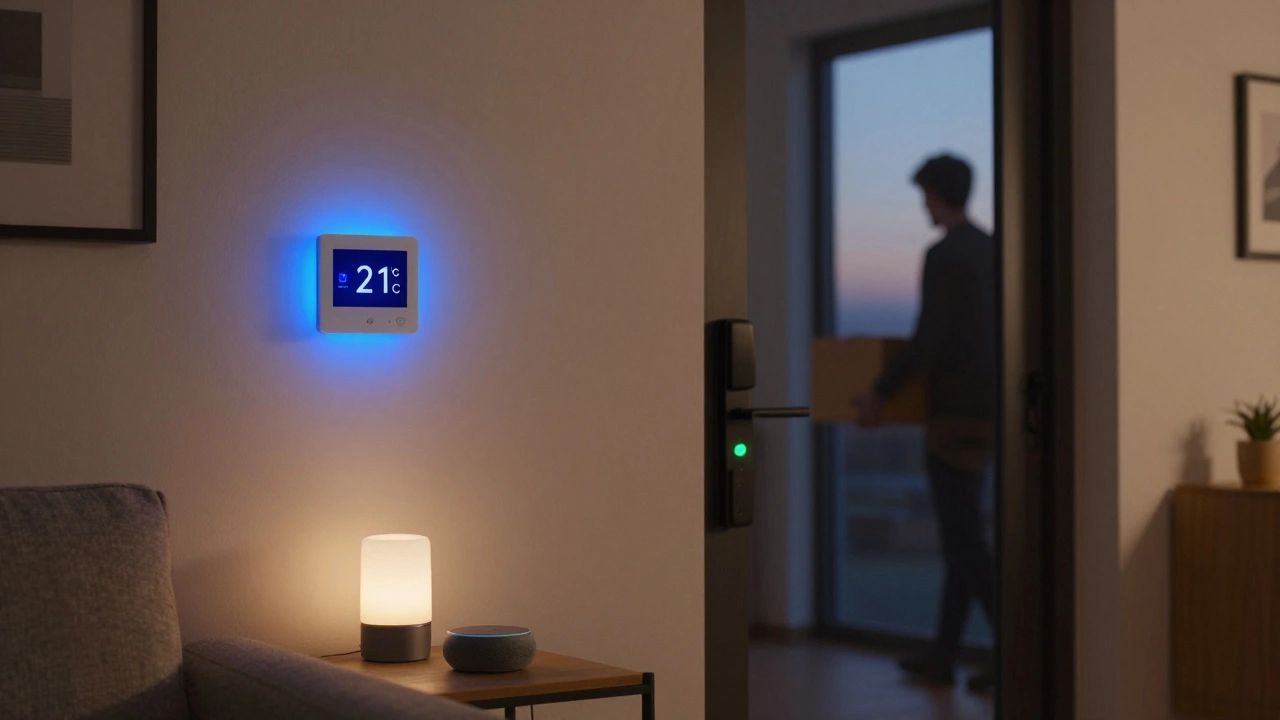
Your thermostat is one of the first devices most people upgrade. Traditional thermostats sit on the wall and wait for you to adjust them. Smart thermostats, like the Nest Learning Thermostat or Ecobee, learn your schedule and adjust temperatures automatically. They track when you leave the house and lower heating or cooling to save energy. Some even detect if someone’s home using motion sensors or your phone’s location. In 2025, models with AI-driven climate prediction cut energy bills by up to 20% compared to older units. You don’t need to be a tech expert to use one-most install in under an hour with just a screwdriver.
Smart Lights
Lighting is one of the most popular smart home additions. Smart bulbs from brands like Philips Hue, LIFX, or TP-Link Kasa let you change color, brightness, and schedule on/off times using an app or voice command. You can set them to turn on at sunset, mimic daylight during winter months, or flash red if your front door alarm triggers. Unlike old-style smart switches, modern smart bulbs don’t need a hub. Many connect directly to Wi-Fi or Zigbee networks built into your router. A typical home might have five to ten smart bulbs in living areas, hallways, and bedrooms. They’re affordable, too-basic bulbs cost under $15 each.
Smart Locks and Doorbells
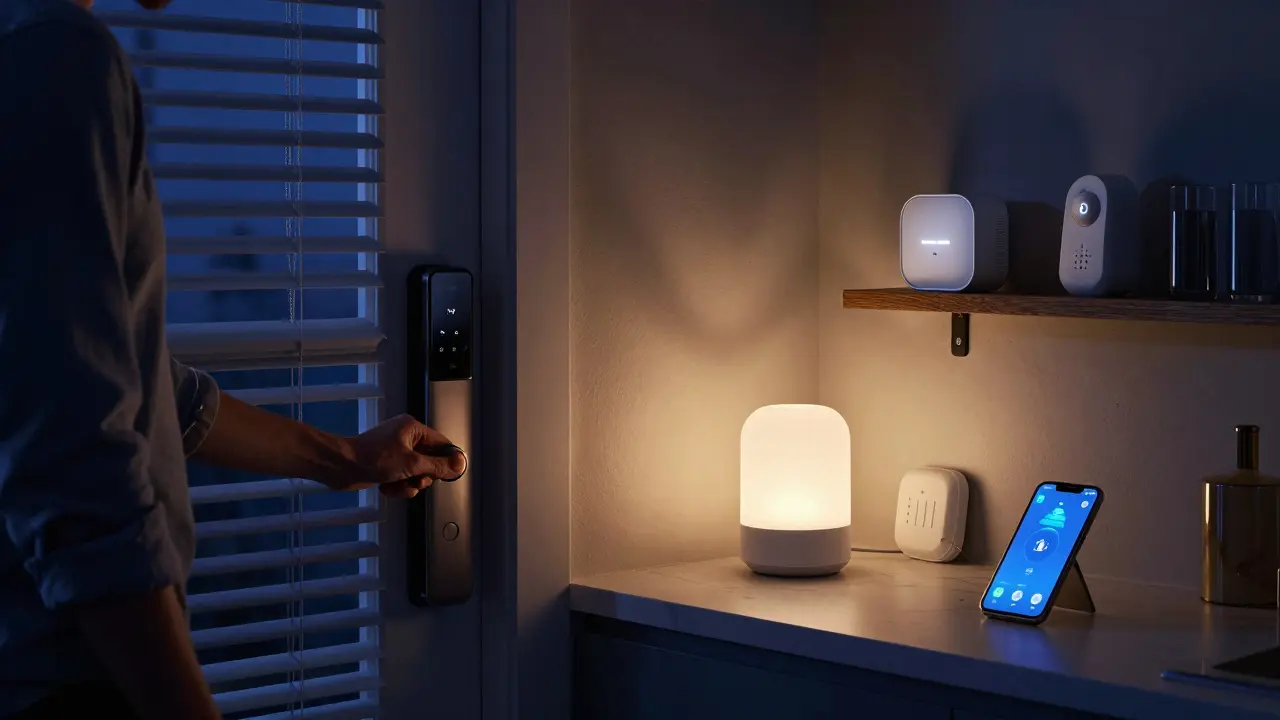
Security is where smart home devices really shine. Smart locks like the August Wi-Fi Smart Lock or Yale Assure Lock 2 let you lock and unlock doors remotely. You can give temporary digital keys to guests, cleaners, or dog walkers without handing out physical keys. Some even auto-lock after 30 seconds if you forget. Paired with smart doorbells like the Ring Video Doorbell or Google Nest Doorbell, you can see who’s at the door, talk to them, and record footage-all from your phone. These devices often work with motion alerts and facial recognition, so you get notified only when someone familiar approaches. In 2025, over 60% of new smart home setups include at least one smart lock and one video doorbell.
Smart Speakers and Hubs
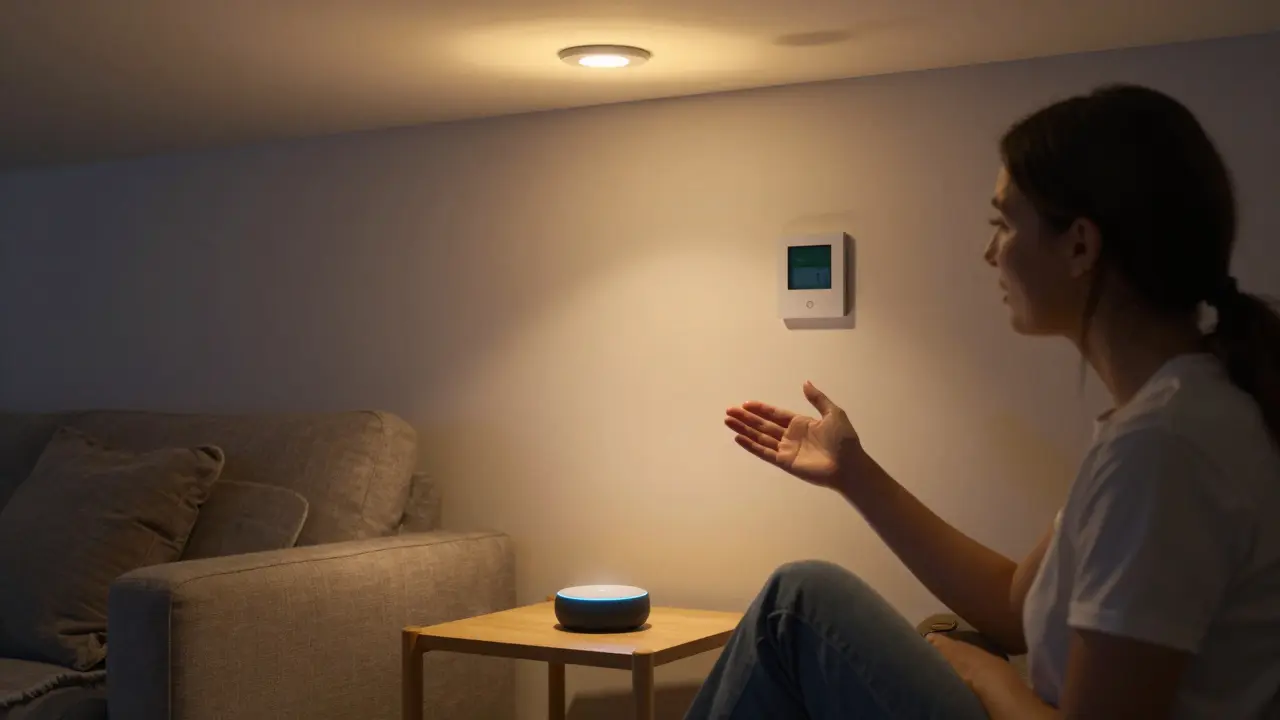
Think of smart speakers as the brain of your smart home. Devices like Amazon Echo (with Alexa), Google Nest Hub, or Apple HomePod let you control other devices with voice commands. They don’t just play music-they turn off lights, start the coffee maker, or check your calendar. Many now include screens for visual feedback, like showing weather, calendar events, or live camera feeds. Hubs like the Samsung SmartThings Hub or Apple Home Hub (HomePod Mini) connect devices that don’t speak the same language. For example, a Zigbee smart plug and a Z-Wave sensor can both work together through a single hub. You don’t need a hub for every device, but if you plan to expand beyond five gadgets, one becomes essential.
Smart Plugs and Outlets
Not every device is smart by default. That’s where smart plugs come in. You plug a lamp, fan, or coffee maker into a smart plug, then control it like any other smart device. Brands like Kasa, TP-Link, and Wemo offer Wi-Fi plugs that let you schedule on/off times, monitor energy use, or turn things on remotely. A common use? Turning on a space heater 15 minutes before you wake up. Or making sure your pet’s aquarium light turns on at sunset. These are cheap-under $20-and turn ordinary appliances into smart ones without rewiring anything.
Smart Sensors
These are the quiet heroes of a smart home. Water leak sensors placed near water heaters, washing machines, or under sinks detect moisture before it becomes a flood. Motion sensors in hallways or basements trigger lights or alarms. Door/window sensors alert you if a garage door is left open. Temperature and humidity sensors help you manage air quality, especially in basements or attics. Brands like Aqara, Fibaro, and Samsung SmartThings make these sensors small, battery-powered, and easy to install. You don’t need dozens-but even three or four can prevent costly damage.
Smart Appliances
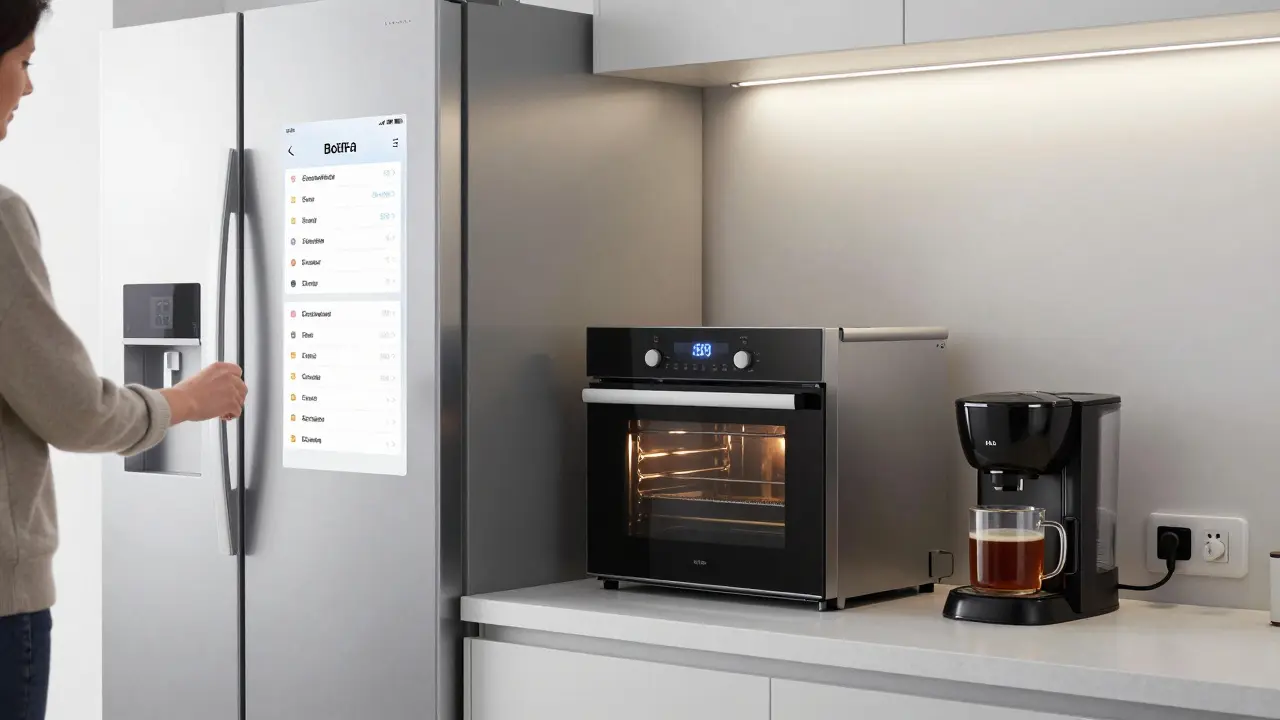
Modern refrigerators, ovens, washers, and dryers are increasingly connected. A smart fridge can track expiration dates, suggest recipes based on what’s inside, or even order milk when you’re running low. Smart ovens preheat themselves based on your calendar. Washers send alerts when the cycle finishes. These aren’t just gimmicks-they save time and reduce waste. In 2025, over 40% of new refrigerators sold in the U.S. include Wi-Fi. You don’t need to replace everything at once, but if you’re upgrading a major appliance, choosing a smart model makes sense.
Smart Blinds and Shades
Automated window coverings might seem luxury, but they’re practical. Smart blinds from Lutron, Somfy, or IKEA Fyrtur adjust based on sunlight, time of day, or your schedule. They lower in the afternoon to block heat, open in the morning to let in natural light, and close at night for privacy. Some sync with weather apps to shut automatically before rain. They’re quiet, energy-efficient, and work with voice assistants. Installation is simple-most mount inside existing window frames without drilling.
What You Don’t Need
Not every gadget labeled "smart" belongs in your home. Robot vacuums? Useful, but optional. Smart mirrors? Cool, but not essential. Smart pet feeders? Great if you travel often. But if you’re starting out, focus on the core five: thermostat, lights, lock, doorbell, and speaker. Add sensors and plugs next. Avoid buying too many devices from different brands-stick to one ecosystem (like Google, Apple, or Amazon) for smoother control. Compatibility matters more than novelty.
How It All Works Together
These devices don’t just sit there-they talk to each other. If your smart lock detects you’ve arrived home, it can trigger the lights to turn on, the thermostat to adjust, and the front door camera to stop recording. If a water sensor detects a leak, it can shut off your main water valve (if you have one) and send you an alert. This automation is called a "routine" or "scene." Most apps let you create them with simple drag-and-drop tools. You don’t need to code anything. Just say, "When I leave, turn off lights, lock doors, and set thermostat to eco mode." The system handles the rest.
Getting Started
You don’t need a full home overhaul. Start with one device. Pick the one that solves your biggest annoyance. Is your energy bill high? Start with a smart thermostat. Forget to lock the door? Get a smart lock. Hate fumbling for switches? Try a smart bulb. Once you’re comfortable, add one more. Most systems work together across brands, but sticking to one platform (like Alexa or HomeKit) reduces headaches. And always check reviews for reliability-not every "smart" device delivers.
Do I need a hub for my smart home?
Not always. Many modern devices connect directly to Wi-Fi and work without a hub. But if you plan to use devices from different brands-like Zigbee sensors and Z-Wave locks-a hub like Samsung SmartThings or Apple HomePod Mini helps them communicate. Hubs also improve reliability and reduce Wi-Fi congestion.
Can I control smart home devices when I’m away from home?
Yes. As long as your smart devices are connected to the internet and linked to an app (like Google Home or Alexa), you can control them from anywhere using your phone. This is how you turn on the heat before arriving home or check if you left the garage door open while on vacation.
Are smart home devices secure?
Most are, if you take basic steps. Use strong passwords, enable two-factor authentication on your apps, and keep firmware updated. Avoid devices that don’t receive regular security patches. Brands like Apple, Google, and Amazon have strong track records. Skip obscure brands with no customer support.
How much does it cost to set up a basic smart home?
You can start for under $200. A smart thermostat ($150), two smart bulbs ($30), a smart plug ($20), and a voice assistant like an Echo Dot ($50) gives you full control. Add a smart lock ($180) and doorbell ($100) later. Most people build their system over time, not all at once.
Do smart home devices work during a power outage?
Most don’t-unless they have battery backup. Smart locks with batteries can still lock/unlock. Battery-powered sensors keep working. But Wi-Fi routers and hubs lose power, which cuts remote access. Consider a UPS (uninterruptible power supply) for your router and hub if reliability during outages matters to you.
Next Steps
Start small. Pick one problem you want to solve. Buy one device. Try it. If it works, add another. Don’t rush. The goal isn’t to have the most gadgets-it’s to make your home more comfortable, safer, and less stressful. Smart home tech isn’t about being fancy. It’s about doing the little things automatically so you don’t have to think about them.


Sandy Dog
March 4, 2026 AT 23:57Okay but have you ever woken up at 3 a.m. because your smart thermostat decided to turn the AC on full blast because it "thought" you were hot?? 😩 I swear my Nest has more personality than my ex. I just wanted a cozy night, and it went full sci-fi dystopia. Now I have to whisper "please" to it like it’s a sentient dragon. 🐉❄️
Nick Rios
March 6, 2026 AT 07:21I’ve had a smart thermostat for three years and it’s saved me over $400 in energy bills. No drama, no drama queens. Just quiet efficiency. If you’re overcomplicating it, maybe you’re the problem, not the device.
Amanda Harkins
March 6, 2026 AT 07:58You know, I think about smart homes like they’re modern-day hearths. Not the fire kind, but the emotional kind-the place where tech quietly holds space for you. A bulb that turns on when you come home? That’s not automation. That’s tenderness coded into light. And yeah, maybe I’m overthinking it. But isn’t that what we all do when something makes us feel less alone?
Jeanie Watson
March 7, 2026 AT 13:10Smart lock? Cool. But I still forget to lock my door. So I bought a dumb padlock. And I’m happy. 🤷♀️
Tom Mikota
March 9, 2026 AT 00:04Let’s be real: you don’t need a "smart" anything. You need a functioning one. And if your smart bulb blinks when you say "turn on," congrats-you’ve invented a glitchy disco ball. Also, "Eco Mode"? That’s just a fancy way of saying "I’m too lazy to set a timer."
Mark Tipton
March 10, 2026 AT 13:35Let me ask you this: who owns the data from your smart thermostat? Who has access to your motion sensor logs? Who decided that your home should be a node in a corporate surveillance grid? The Nest doesn’t "learn"-it surveils. And the fact that you call it "convenient" means you’ve already surrendered your autonomy. Wake up. Your lights don’t turn on because you’re home. They turn on because someone else wants to know you’re home.
Adithya M
March 12, 2026 AT 02:11Bro, smart plugs are the real MVP. I turned my ancient ceiling fan into a smart fan for $18. Now it turns on before I even get out of bed. No more sweating through 3 a.m. heatwaves. Also, I use it to control my rice cooker. Yes. I have a smart rice cooker. It’s life-changing. You’re welcome.
Jessica McGirt
March 12, 2026 AT 15:47Smart sensors are underrated. I have one under my washing machine. Last month, it caught a tiny leak before it flooded my kitchen. Saved me $3,000 in repairs. Tech isn’t about flashy gadgets-it’s about preventing disasters before you even notice them. That’s not luxury. That’s responsibility.
Donald Sullivan
March 13, 2026 AT 16:18Everyone’s obsessed with hubs and ecosystems. Newsflash: I’ve got a Google Nest, an Apple HomeKit light, and a Zigbee plug from a brand I can’t pronounce. They all work. Together. Without a hub. Stop overengineering. Just plug it in and move on.
Tina van Schelt
March 15, 2026 AT 03:30I didn’t think I needed smart blinds until I installed them. Now, every morning, sunlight spills in like a warm hug. Every evening, they close like a lullaby. It’s not about convenience-it’s about rhythm. About harmony. About letting your home breathe with you. I didn’t buy tech. I bought peace.
Ronak Khandelwal
March 15, 2026 AT 23:07Smart homes aren’t about gadgets-they’re about connection. To your space. To your time. To yourself. 🌿✨ I started with one bulb. Now, my whole apartment feels alive. And yes, I cry a little when the lights dim at night like they’re tucking me in. It’s not silly. It’s sacred.
Jeff Napier
March 17, 2026 AT 12:07Smart home? More like spy home. You think your doorbell sees strangers? Nah. It sees you. Every time you come home. Every time you leave. Every time you forget to turn off the oven. You’re not automating your life. You’re being profiled. And you’re paying for it. With data. With privacy. With your soul.
Mike Zhong
March 18, 2026 AT 21:37Who cares if it’s convenient? What if your smart fridge starts ordering groceries because it thinks you’re hungry? What if it decides you need more kale? What if it starts judging your eating habits? We’re not building homes. We’re building judgment engines with Wi-Fi.
Lauren Saunders
March 20, 2026 AT 13:37It’s fascinating how the term "smart home" has been co-opted by corporate marketing to mean "connected surveillance apparatus." The very notion of a home being "smart" implies that the unconnected home is somehow primitive. A quaint, pre-modern relic. How regressive. How colonial. How… bourgeois.
Sandy Dog
March 20, 2026 AT 22:19@Jeff Napier I KNOW RIGHT?? 😭 I just want to chill and my smart lock just sent me a notification that "someone approached the door at 2:17 a.m." Turns out… it was my cat. Again. 😾 She’s got a better security clearance than I do. I’m just saying… maybe we’re all just NPCs in someone else’s smart home simulation…