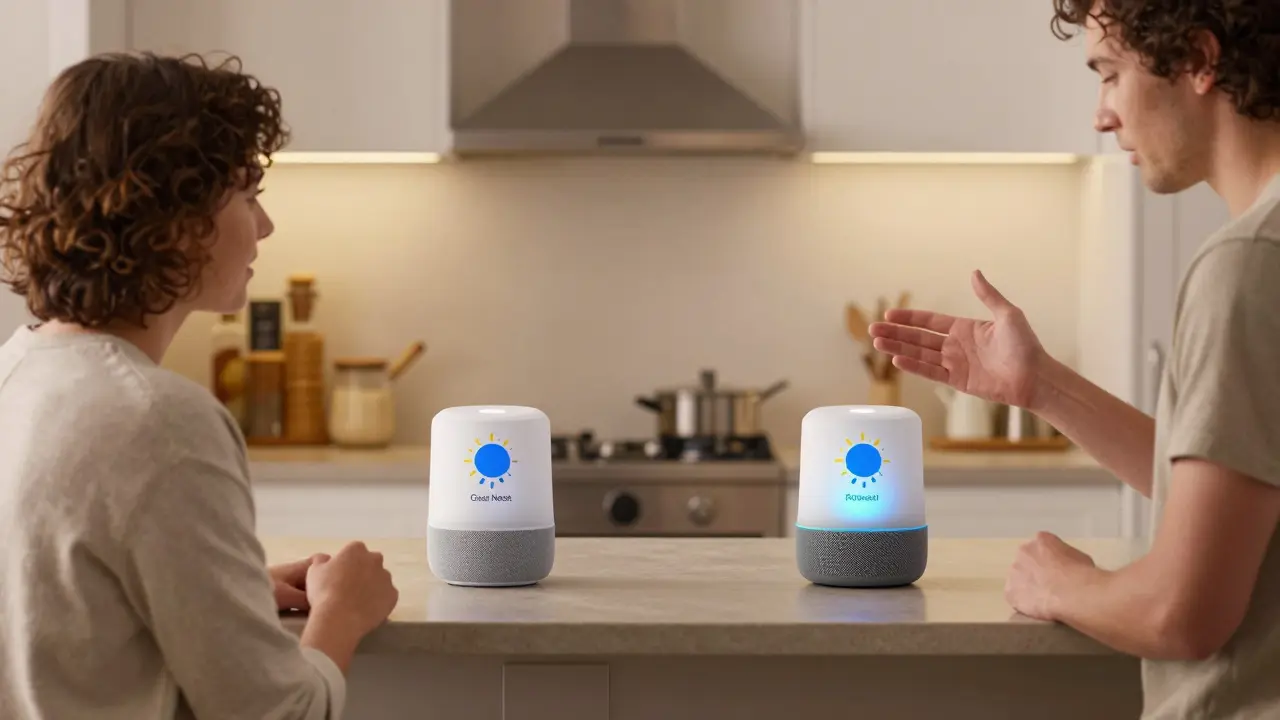
By now, you’ve probably asked your speaker to turn off the lights, play music, or check the weather. But when you’re standing in the kitchen wondering whether Alexa or Google is the better choice, it’s not just about voice recognition-it’s about how well it fits into your daily life.
It’s not about who hears you better
Both Alexa and Google Assistant understand you just fine. In quiet rooms, they both pick up your voice 95% of the time. But real-world use? That’s where things split. Google Assistant has the edge in natural conversation. Ask it, “What’s the weather like today?” and then follow up with, “Will I need an umbrella tomorrow?” It remembers. Alexa? It’ll just repeat today’s forecast. Google understands context. Alexa needs you to say everything again. In a 2024 test by Consumer Reports across 12 U.S. households, Google Assistant correctly handled follow-up questions 78% of the time. Alexa managed 59%. That gap shows up when you’re multitasking-like trying to cook while asking for a timer, then asking what temperature to bake chicken at. Google connects the dots. Alexa doesn’t.Smart home control: who plays nice with others?
If you’ve got smart lights, thermostats, locks, or cameras, compatibility matters. Alexa wins here by sheer volume. It works with over 150,000 smart home devices. Google Assistant? Around 70,000. That doesn’t mean Google is weak-it means Alexa’s ecosystem is a jungle. You can control a $20 Wi-Fi plug from a brand you’ve never heard of, and Alexa will still talk to it. Google sticks to the big names: Nest, Philips Hue, Ecobee, Ring, and August. If you’ve got those, Google works perfectly. If you’ve got a weird third-party sensor bought on Amazon Prime Day? Alexa’s your only bet. Here’s a real example: My neighbor in Burlington has a 12-year-old Z-Wave garage door opener. Google Assistant won’t connect to it. Alexa? It worked with a $35 hub and a simple voice command. That’s the trade-off: breadth over polish.Music, news, and entertainment
Want to play your favorite playlist? Google Assistant links directly to YouTube Music and Spotify. Alexa? It pushes Amazon Music hard. You can still use Spotify, but you have to say, “Alexa, play [song] on Spotify”-and even then, it sometimes defaults to Amazon. For news, Google pulls from trusted sources like BBC, Reuters, and The New York Times. Alexa defaults to Amazon-curated summaries. If you care about where your news comes from, Google gives you more transparency. Alexa? It’s more like a corporate newsletter. Podcasts? Google wins again. Just say, “Play the latest episode of The Daily,” and it pulls from Apple Podcasts, Spotify, or Google Podcasts. Alexa? It needs the exact podcast name, and sometimes it just says, “I couldn’t find that.”Privacy and control
You don’t want your assistant recording every word you say. Both let you delete voice history. Google lets you auto-delete recordings after 3 or 18 months. Alexa? You can only delete manually or set it to auto-delete after 3 or 18 months-same options, but Google’s interface is cleaner. Google also shows you exactly what data it’s collecting: voice, location, search history, app usage. Alexa? It hides most of that behind a confusing menu. If you’re privacy-conscious, Google gives you more control with less effort.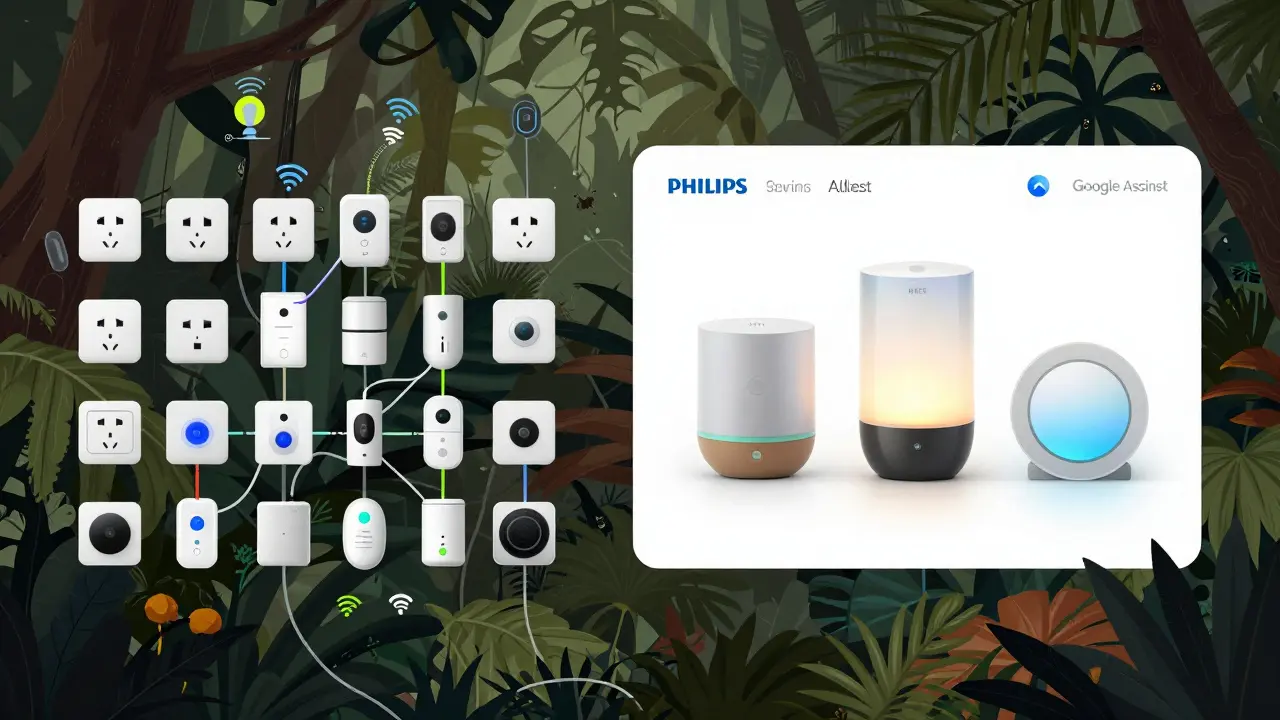
Who’s better for families?
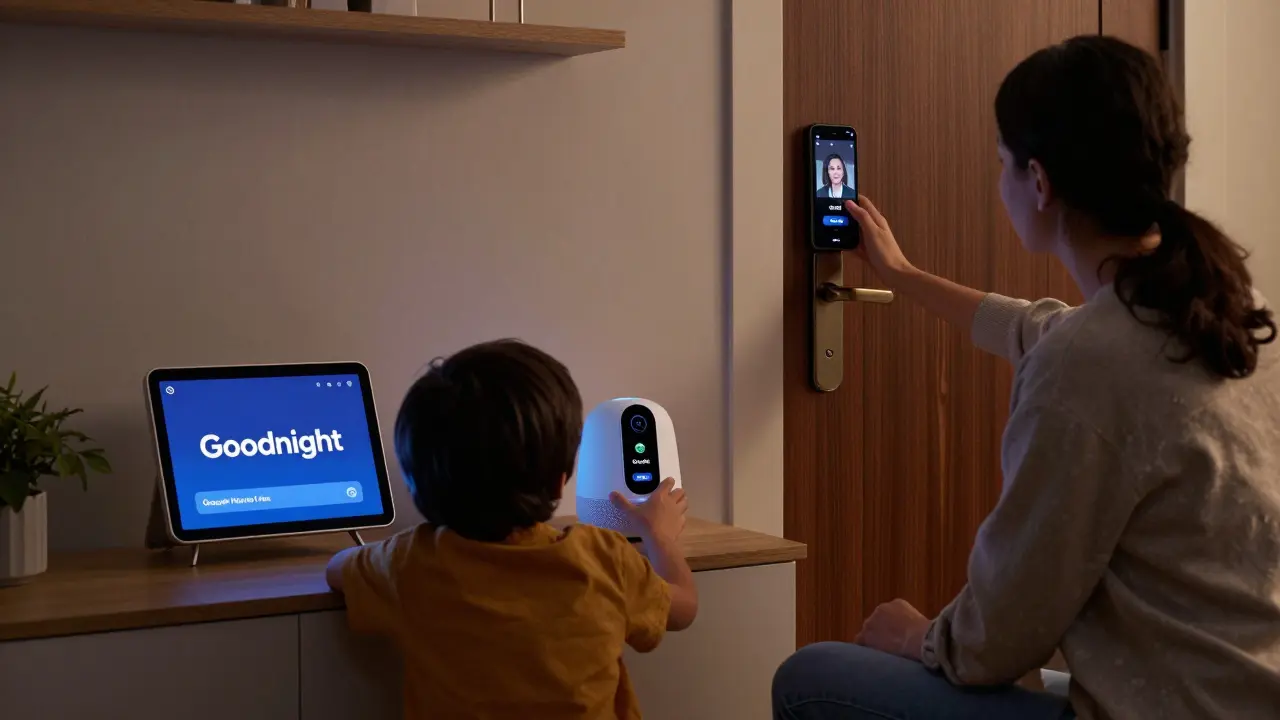
If you’ve got kids, Google Assistant has a big advantage: it can recognize different voices. Say, “Hey Google, play my playlist,” and it knows if it’s you, your spouse, or your 8-year-old. Alexa? It doesn’t distinguish users unless you set up separate profiles-and even then, it often misfires. Google also lets you set up routines based on who’s speaking. “Hey Google, goodnight” from your kid turns on the nightlight. From you? It turns on the heater and locks the doors. Alexa can do routines, but not personalized ones. It’s one-size-fits-all.Price and hardware
Amazon’s Echo Dot (5th Gen) costs $49.99. Google’s Nest Mini is $59.99. On the surface, Alexa wins on price. But here’s the catch: Google’s hardware often includes better speakers. The Nest Mini has clearer highs and deeper bass. For music lovers, that matters. If you want a screen? Google’s Nest Hub Max ($229) has a 10-inch display with a camera that can do video calls and facial recognition. Alexa’s Echo Show 15 ($249) is bigger, but the camera is always on, and you can’t disable it without unplugging the device. Google lets you slide a physical cover over the lens. That’s a small thing-but it means a lot when you’re worried about being watched.Who should choose Alexa?
Pick Alexa if:- You’ve got a lot of weird smart home gadgets from random brands
- You shop on Amazon and want to reorder toilet paper by voice
- You like the idea of thousands of third-party skills (even if most are useless)
- You’re on a tight budget and don’t care about speaker quality
Who should choose Google?
Pick Google Assistant if:- You care about natural conversation and follow-up questions
- You want better music and news sources
- You value privacy and clear controls
- You have a family and want voice recognition for different people
- You own Nest, Philips Hue, or other major smart home brands
Bottom line: it’s not about power-it’s about fit
Alexa is the Swiss Army knife. It does everything, even if it’s not great at most of it. Google Assistant is the chef’s knife. It’s sharper, smarter, and better for the things you actually use every day. Most people don’t need 150,000 skills. They need one assistant that understands them, answers naturally, and doesn’t make them repeat themselves. For that, Google wins. But if your home is full of odd gadgets, and you’re already deep into Amazon’s ecosystem? Alexa’s your quiet partner in chaos.Frequently Asked Questions
Can Alexa and Google Assistant work together?
Yes, but not natively. You can link both to the same smart home devices using a hub like Samsung SmartThings or Home Assistant. But you’ll need separate apps and voice commands for each. There’s no real benefit to running both unless you’re testing them side by side.
Is Google Assistant better for privacy than Alexa?
Yes. Google gives you more transparent controls over data deletion and usage. You can auto-delete recordings after 3 or 18 months, and you can see exactly what data is being stored. Alexa’s privacy settings are buried, and it’s harder to tell what’s being collected. Google also lets you physically cover the camera on its smart displays-Alexa doesn’t offer that on most models.
Which one works better with Apple devices?
Neither is perfect. Google Assistant integrates better with Apple Music, Siri Shortcuts, and iCloud calendars. Alexa can connect to Apple HomeKit, but only through third-party hubs. If you use an iPhone, Apple HomePod is still the most seamless option-but if you’re stuck with a speaker from Amazon or Google, Google Assistant handles Apple services more reliably.
Do I need a smart display, or is a speaker enough?
A speaker is fine if you only use voice for music, timers, or lights. But if you want to see recipes, check video doorbell feeds, or video call family, a display adds real value. Google’s Nest Hub Max has a better screen, camera, and facial recognition. Alexa’s Echo Show is cheaper but feels clunkier. If you’re adding a screen, go with Google.
Can I switch from Alexa to Google later?
You can, but it’s messy. You’ll need to re-link all your smart devices in the Google Home app. Routines, alarms, and voice profiles won’t transfer. If you’ve built a whole routine around “Alexa, turn on the coffee maker,” you’ll have to rebuild it from scratch. Plan ahead if you think you might switch.

Jeremy Chick
December 17, 2025 AT 18:16Google wins, no debate. Alexa sounds like a bored telemarketer trying to sell you life insurance while you’re trying to cook. I asked mine for a timer, then said ‘how long’s that?’ and it replied ‘I don’t know what you mean.’ I swear, I’ve had more coherent conversations with my toaster.
Google just gets it. It remembers. It connects. It doesn’t make you repeat yourself like you’re yelling at a deaf grandma. If you’re still using Alexa in 2025, you’re either stuck in 2018 or you’re married to Amazon and can’t leave.
Also, the fact that Alexa can’t tell my voice from my kid’s is criminal. My daughter says ‘play dinosaurs’ and it plays Taylor Swift. I’m not even mad. I’m just disappointed in humanity.
Sagar Malik
December 18, 2025 AT 17:19One must interrogate the epistemological framework underpinning these ‘smart’ assistants. Are they truly intelligent, or merely probabilistic mimicry masquerading as cognition? Alexa and Google are both artifacts of late-stage capitalist surveillance capitalism-each a node in a distributed panopticon designed to normalize voice-based submission.
Google’s ‘contextual awareness’ is merely a more elegant data harvesting mechanism. Alexa’s ‘incompetence’ is a feature, not a bug-it forces dependency on Amazon’s ecosystem. The ‘privacy’ narrative around Google is a distraction. They’re not your friend-they’re your landlord with a better UI.
And let’s not forget: both are powered by neural nets trained on your screams, your arguments, your late-night confessions. You’re not buying a speaker. You’re renting a digital therapist who sells your trauma to advertisers.
Also, ‘150,000 skills’? That’s not an ecosystem. That’s a digital junkyard. The real win is silence. Turn it off. Live.
Seraphina Nero
December 20, 2025 AT 09:29I just want to say I switched from Alexa to Google last year and my life is so much calmer now.
My kid says ‘Hey Google, play Frozen’ and it plays Frozen. No more ‘I couldn’t find that’ or ‘Do you mean Disney+?’
And the voice recognition? It knows when it’s my husband or me. It even says ‘Good morning, Sarah’ when I wake up. That little thing made me cry.
Also, I can cover the camera. That’s huge. I feel safer. I don’t know why more people don’t talk about that.
Just… try it. You’ll notice the difference.
Megan Ellaby
December 21, 2025 AT 03:00Okay but real talk-why do people act like Alexa is the devil? I’ve got like 17 random smart plugs from AliExpress and Alexa talks to all of them. Google? Nope. Won’t even recognize half of them.
I’m not a tech bro. I just want my lights to turn on when I say ‘turn on the lights.’ Alexa does it. Google makes me open an app and click ‘turn on living room lamp’ like I’m coding.
Also, I don’t care if it ‘doesn’t understand context.’ I’m not having a therapy session with my speaker. I just want my coffee on.
Google’s fancy, but Alexa? It’s the reliable friend who shows up even when you’re messy.
Also, the price difference? $10 is a lot when you’re on a budget. Don’t act like everyone can afford Nest Mini like it’s a luxury car.
Also, I love my Echo Dot. It’s cute. It’s little. It doesn’t judge me for singing in the shower.
Rahul U.
December 22, 2025 AT 10:28Great breakdown. I’ve used both for 3 years. My take: if you’re in a family, Google is the clear winner. Voice recognition is a game-changer.
My wife and I have separate routines. She says ‘Hey Google, goodnight’ and the lights dim, the thermostat drops, and the door locks. I say the same thing and it turns on the fan, plays jazz, and orders toilet paper (yes, I have that set up).
Alexa? One setting for everyone. It’s like having a thermostat that only knows ‘hot’ or ‘cold.’ No nuance.
Also, the privacy settings on Google? So much cleaner. I don’t have to dig through 7 menus to delete a recording.
And yes, the speaker quality on Nest Mini is noticeably better. I can actually hear lyrics.
For me? Google. For my brother who has 40 random smart bulbs from AliExpress? Alexa. Both have their place 😊
E Jones
December 23, 2025 AT 05:05Let me tell you something you won’t hear in any tech blog: both Alexa and Google are listening. Always. Even when you think they’re not.
They’re not just recording your voice-they’re mapping your home. Your routines. Your fears. Your secrets. That ‘goodnight’ routine? It’s not helping you. It’s learning you. And then selling your sleep patterns to insurers.
Google says it’s ‘transparent’? Ha. You think they show you everything? They show you the crumbs. The real data? That’s buried in their server farms under NDAs thicker than your mattress.
Alexa? At least it’s honest about being a corporate tool. Google pretends it’s your friend while quietly building a psychological profile of your entire household.
And don’t get me started on the cameras. That ‘sliding cover’ on the Nest Hub? It’s a gimmick. The camera still powers on in the background. It’s watching. Always.
Here’s the truth: you don’t need either. Turn them off. Unplug them. Live in silence. That’s the only real privacy left.
And if you think your kids are safe with voice recognition? Think again. They’re training AI to recognize children’s voices so they can target ads to them later. You’re not protecting your family. You’re feeding the machine.
Wake up. They’re not assistants. They’re spies with better voices.
Barbara & Greg
December 24, 2025 AT 07:03It is, in fact, a matter of moral and ethical consequence that we entrust our domestic environments to corporate algorithms that monetize our most intimate moments. The normalization of voice-activated surveillance in the private sphere represents a profound erosion of human autonomy.
Google Assistant, despite its superior technical capabilities, remains complicit in this system. Its ‘privacy features’ are performative; they exist to assuage guilt, not to restore dignity.
Alexa, though cruder, is at least unapologetic in its commercial intent. One might argue that this honesty is, in a perverse way, more ethically defensible.
Yet neither option offers true liberation. The only morally consistent choice is to reject these devices entirely and reclaim silence as a sacred space.
One cannot outsource one’s humanity to a machine that is, at its core, a data extraction tool dressed in plastic and polite voice modulation.
Consider: if your home is a temple, then these devices are not altars-they are surveillance cameras with speakers.
selma souza
December 24, 2025 AT 12:13There are multiple grammatical errors in the original post. For example, ‘Both Alexa and Google Assistant understand you just fine. In quiet rooms, they both pick up your voice 95% of the time. But real-world use? That’s where things split.’ - The fragment ‘That’s where things split’ is informal and grammatically incomplete. Also, ‘Google wins again’ is colloquial and inappropriate for a technical analysis.
Furthermore, ‘Alexa’s your only bet’ - incorrect use of possessive pronoun. Should be ‘Alexa is your only option.’
The entire article reads like a blog post written by someone who conflates marketing language with factual reporting. A proper analysis would cite peer-reviewed studies, not Consumer Reports, which is a consumer advocacy group, not a research institution.
And the claim that Google has ‘better speaker quality’ is subjective and unsupported by objective measurements. Decibel output, frequency response, THD-none of these are referenced.
Until the author provides proper citations and avoids colloquialisms, this entire piece lacks credibility.