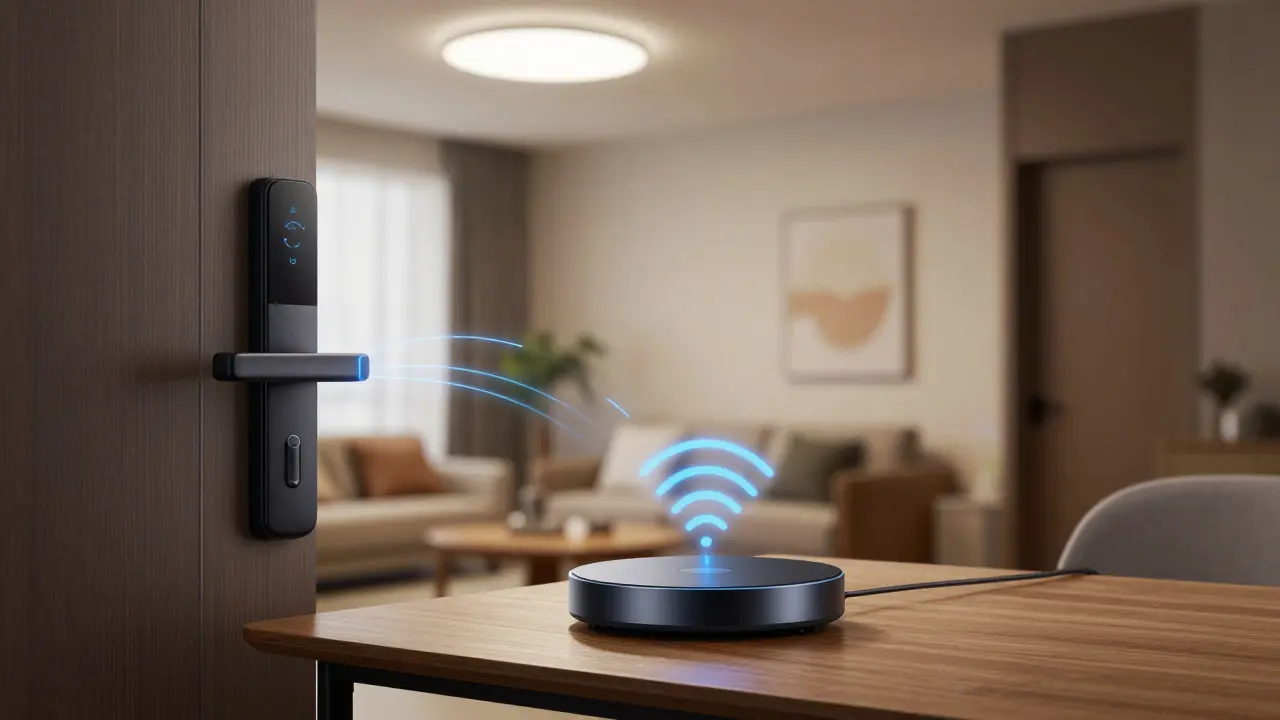
The Short Answer: No, But It Complicates Things
You do not strictly need WiFi is a wireless networking technology that uses radio waves to provide high-speed internet and network connections to build a functional smart home. Many devices operate on different frequencies and protocols. However, skipping WiFi entirely requires more planning, specific hardware, and often a central controller. If you rely solely on WiFi, you risk network congestion and security vulnerabilities. Understanding the landscape of connectivity helps you build a system that stays online when the internet goes down.
Most people assume every smart bulb or lock connects directly to their router. That was the standard a decade ago. Today, the ecosystem has split. You can have a robust network using mesh protocols that don't touch your main internet bandwidth. The choice depends on your budget, your home's layout, and how much control you want over your data.
Why WiFi Dominates Smart Home Setups
WiFi remains the default for many because it requires no extra hardware. You buy a smart plug, download an app, and connect it to your existing network. This simplicity is attractive. Devices like smart speakers, cameras, and video doorbells often demand high bandwidth. They stream video or audio, which requires the throughput that WiFi 6 is the sixth generation of wireless networking standards that offers higher speeds and efficiency provides.
However, every device connected to your router adds load. Imagine a busy highway. If you have 50 smart bulbs, 10 sensors, and 4 cameras all fighting for the same signal, your network slows down. This is called network congestion. In older homes with thick walls, WiFi signals struggle to penetrate, creating dead zones where devices disconnect. You might find your smart thermostat unresponsive when you are in the basement. This frustration often leads users to seek alternatives.
Furthermore, WiFi devices usually depend on cloud servers. If the manufacturer's server goes down, your device might stop working even if your internet is fine. This reliance on third-party infrastructure is a major point of failure for many users.
The Power of Mesh Protocols: Zigbee and Z-Wave
To solve the congestion issue, manufacturers created dedicated low-power protocols. Zigbee is a low-power, low-data-rate wireless mesh network protocol designed for IoT devices and Z-Wave is a wireless communication protocol for home automation that operates on a mesh network are the two leaders here. Unlike WiFi, which connects everything directly to a central router, these protocols use a mesh network.
In a mesh network, every device acts as a signal repeater. If you have a Zigbee lightbulb in the living room and another in the hallway, the hallway bulb can pass the signal from the living room bulb to your hub. This extends the range significantly. You don't need a strong signal from the router to reach the farthest corner of your house. The devices talk to each other, creating a web of connectivity.
These protocols operate on different frequencies than WiFi. Zigbee uses the 2.4 GHz band but on channels that do not interfere with WiFi channels. Z-Wave uses a sub-GHz band, which penetrates walls better and avoids WiFi interference entirely. This means your smart locks and sensors won't slow down your video streaming. The trade-off is that you need a Smart Hub is a central device that connects and manages various smart home devices using different protocols to translate these signals into something your phone can understand.
| Protocol | Frequency | Range | Hub Required | Best For |
|---|---|---|---|---|
| WiFi | 2.4 / 5 GHz | Short to Medium | No | Cameras, Speakers |
| Zigbee | 2.4 GHz | Medium (Mesh) | Yes | Bulbs, Sensors |
| Z-Wave | Sub-GHz | Long (Mesh) | Yes | Locks, Switches |
| Thread | 2.4 GHz | Medium (Mesh) | Border Router | Modern IoT, Matter |
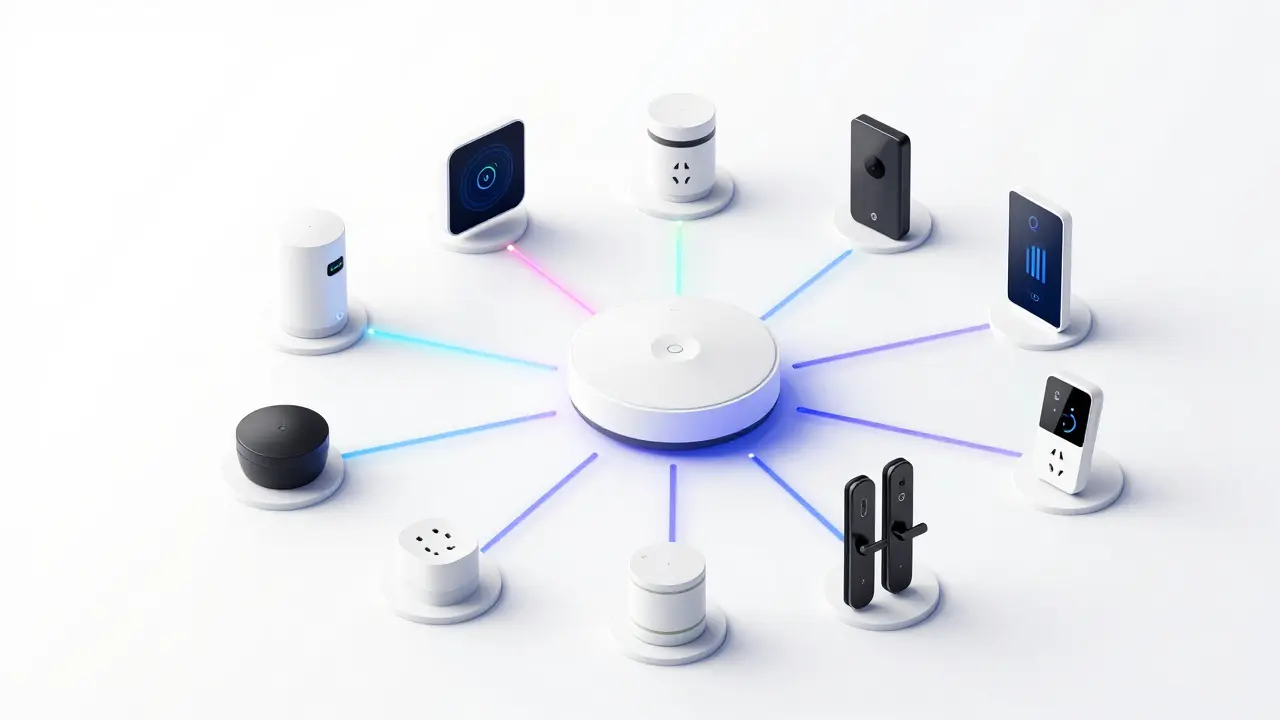
Thread and Matter: The 2026 Standard
By 2026, Matter is an open-source connectivity standard that allows smart home devices to communicate across different ecosystems has become the dominant standard for new devices. Matter runs on top of IP-based networks, including Thread is a low-power wireless mesh networking protocol used in smart home devices. Thread is similar to Zigbee but uses IP addressing, making it easier to integrate with home networks without a proprietary hub.
This shift changes the WiFi debate. With Matter over Thread, you can have a local network that functions independently of the cloud. Your devices talk to each other locally. If your internet cuts out, your lights still turn on when you walk in. You still need a "Border Router" to connect this network to the outside world for remote access, but the core functionality remains local. Many modern smart speakers and home assistants now include built-in Thread border routers, removing the need for a separate hardware hub.
This is a game-changer for reliability. It reduces latency. When you tap a switch, the light reacts instantly because the signal doesn't travel to a server in another country and back. It stays within your house. This local-first approach is becoming the industry norm for security and speed.
What Happens When the Internet Goes Down?
This is the critical test for any smart home. If your setup relies entirely on cloud-based WiFi devices, a power outage or ISP failure renders your automation useless. You cannot check your cameras or lock your doors remotely. Local control is the only way to maintain functionality during an outage.
Protocols like Zigbee and Z-Wave allow for local automation rules. You can set a rule that says "If motion is detected, turn on lights." This logic runs on the hub, not the cloud. If the internet is dead, the hub still processes the sensor data. However, if your hub itself requires internet to function, you are back to square one. Look for hubs that support local processing.
Some advanced users set up Home Assistant is an open-source home automation platform that runs locally on a server on a Raspberry Pi or a dedicated NAS. This gives you complete control over your logic. Even if the manufacturer's servers vanish, your system works. This is the ultimate proof that WiFi and the cloud are not mandatory for a smart home to function.
Security Implications of Connectivity Choices
Security is another reason to reconsider a pure WiFi setup. Every WiFi device is a potential entry point for hackers. If one cheap smart bulb has a weak password, it could theoretically be used to access your network. By using a separate mesh network like Z-Wave, you isolate your critical devices (like locks) from your general WiFi traffic.
Z-Wave uses encryption (S2 security framework) that is robust. Zigbee also has strong encryption standards. Thread is built on IP security standards (DTLS). These protocols are designed specifically for IoT security, whereas WiFi was designed for general data transfer. Separating these networks adds a layer of defense. Even if your WiFi is compromised, your smart locks might remain secure on the Z-Wave mesh.
However, complexity brings its own risks. A hub that manages multiple protocols is a single point of failure. If the hub is hacked, the attacker controls everything. This is why keeping your hub's firmware updated is non-negotiable. Local networks are safer, but they require maintenance.
Choosing the Right Mix for Your Home
The best smart home usually uses a hybrid approach. You don't have to choose one or the other. Use WiFi for high-bandwidth devices like cameras and streaming speakers. Use Zigbee or Z-Wave for low-power sensors, locks, and switches. This balances performance and reliability.
Consider your home's construction. In older Burlington homes with thick plaster walls, WiFi signals often die in the basement. Z-Wave's lower frequency penetrates better. In new construction with open floor plans, WiFi might suffice for everything except locks.
Finally, think about longevity. WiFi standards change (WiFi 5, 6, 6E, 7). Devices might become obsolete as routers update. Z-Wave and Zigbee have backward compatibility baked in. A Z-Wave switch from ten years ago often works with a hub today. Matter is designed to ensure this future-proofing continues. Building a system that doesn't rely solely on your ISP's router gives you more freedom to upgrade or change providers without rebuilding your automation.
Can smart lights work without WiFi?
Yes, smart lights can work without WiFi using Zigbee or Z-Wave protocols. These require a hub to connect to your phone, but the lights communicate via a mesh network instead of your router.
Do I need a smart hub if I don't use WiFi?
Generally, yes. Protocols like Zigbee, Z-Wave, and Thread need a central coordinator or hub to bridge the connection between the devices and your mobile app or voice assistant.
Is Z-Wave better than WiFi for smart locks?
Yes, Z-Wave is often preferred for locks because it uses less power, has better wall penetration, and operates on a separate frequency that doesn't interfere with your internet traffic.
Will Matter replace WiFi in smart homes?
Matter will not replace WiFi entirely. High-bandwidth devices still need WiFi, but Matter over Thread will become the standard for low-power devices like sensors and switches, reducing WiFi congestion.
Can I control my smart home if the internet is down?
Only if your devices use local protocols like Zigbee, Z-Wave, or Matter over Thread with a local hub. Cloud-dependent WiFi devices will lose remote access and may stop functioning entirely.
What is the range of Zigbee devices?
A single Zigbee device has a range of about 10-20 meters indoors, but because it forms a mesh network, adding more devices extends the range significantly throughout your home.
Are Bluetooth devices a good alternative to WiFi?
Bluetooth Low Energy (BLE) is good for proximity-based devices like door locks, but it lacks the mesh networking capabilities of Zigbee or Thread, limiting its range and scalability.
Does using a hub cost more money?
There is an upfront cost for a hub, but it can save money long-term by extending the life of your network and allowing you to use cheaper, lower-power devices that don't strain your router.
Can I mix WiFi and Zigbee devices?
Yes, most modern smart home hubs and assistants support both WiFi and Zigbee devices, allowing you to create a hybrid system that leverages the strengths of each protocol.
Is Ethernet better than WiFi for smart homes?
Ethernet is more stable and secure but less convenient. It is best used for stationary high-bandwidth devices like security cameras or streaming boxes, while wireless is better for sensors and lights.

Michael Thomas
March 26, 2026 AT 05:16WiFi is a security nightmare for anyone who values their privacy.
Abert Canada
March 26, 2026 AT 19:59You are being harsh but I agree completely about the congestion issue. My router gets clogged every time I add a camera.
Xavier Lévesque
March 27, 2026 AT 12:06Oh joy another protocol to learn. I guess we should just go back to candles if wifi fails.
Karl Fisher
March 27, 2026 AT 19:11One must appreciate the elegance of a proper hub. Darling, candles are so last season.
Thabo mangena
March 29, 2026 AT 19:49The advancement in technology is truly remarkable for our society. We must embrace these changes with open hearts. The security implications are profound and require careful consideration. Local processing ensures that our privacy remains intact during outages. I believe the industry is moving in the right direction.
Buddy Faith
March 29, 2026 AT 21:17its all a scam to sell you more stuff
Scott Perlman
March 31, 2026 AT 10:30i dont think so
Sandi Johnson
April 1, 2026 AT 23:58thanks for the life changing advice
Eva Monhaut
April 2, 2026 AT 20:51Oh please do not be so cynical about the progress we are making. Technology is here to make our lives brighter and more secure. Think about how much easier it is to control lights from your bed. The mesh networks create a beautiful web of connectivity throughout the house. You do not need to fear the complexity of the setup process. Many devices now work seamlessly without constant internet access. The local processing is a game changer for peace of mind. Security is paramount and these new protocols address that well. We should celebrate the innovation rather than complain about the cost. It is an investment in the future of our living spaces. Imagine coming home to lights that greet you warmly every single time. The automation possibilities are truly endless for those willing to learn. We are building a smarter world for the next generation. Let us embrace these tools with enthusiasm and curiosity. It is truly wonderful to see the industry moving forward.
mark nine
April 3, 2026 AT 15:31zigbee works fine for me
Tony Smith
April 5, 2026 AT 08:38Your brevity is noted but lacks depth. It is not merely about the protocol but the ecosystem surrounding it.
Rakesh Kumar
April 7, 2026 AT 03:26This is literally saving my life right now. My heart races thinking about local control. I cannot believe how much better this is than the old systems. It feels like magic when the lights turn on automatically. We need to spread the word about this technology.
Bill Castanier
April 7, 2026 AT 12:12Your spelling is fine but your tone is loud.