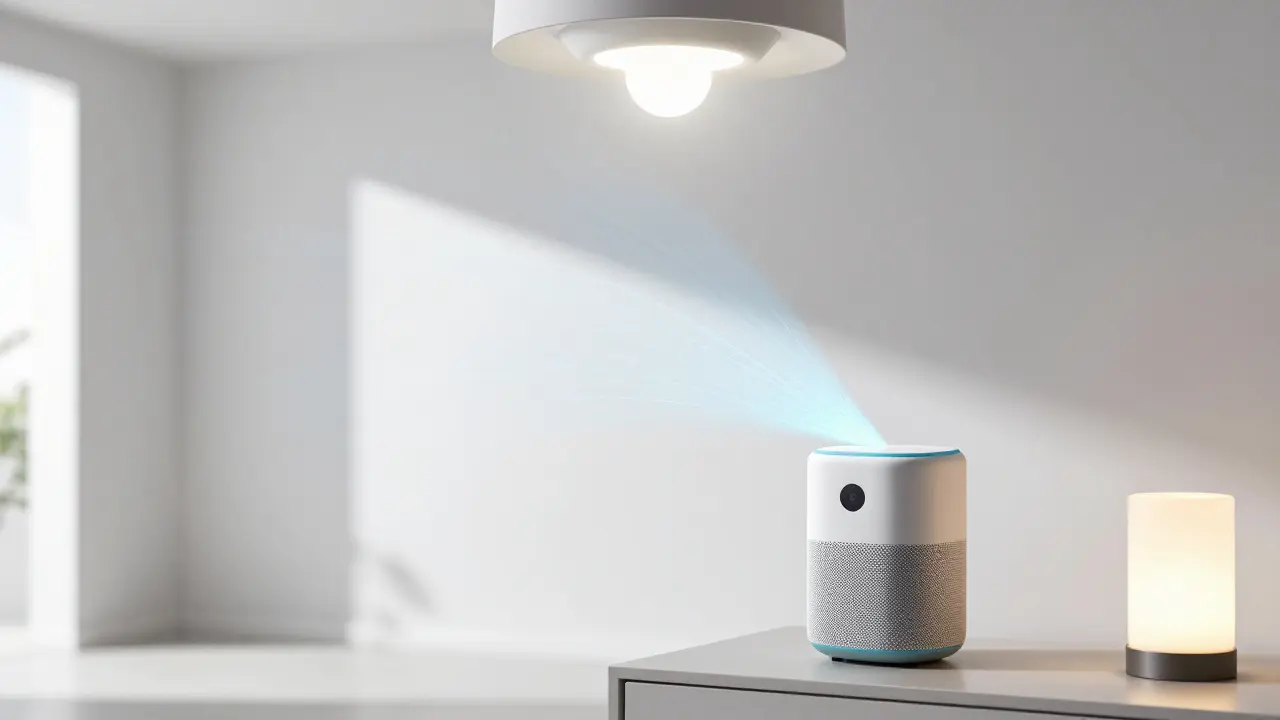
You don't need to live in a futuristic movie set or have a degree in computer science to make your house "intelligent." Most people get overwhelmed because they think they have to replace every single appliance overnight. In reality, turning your house into a smart home is just about adding small, connected layers to your existing living space to save time and reduce stress.
Key Takeaways for Your Setup
- Start with a central hub to avoid managing twenty different apps.
- Prioritize lighting and security for the fastest "win" in convenience.
- Check for protocol compatibility (Matter, Zigbee, Thread) before buying.
- Plan your network capacity; smart devices can clog a weak Wi-Fi router.
Pick Your Brain: Choosing a Smart Home Ecosystem
Before you buy a single lightbulb, you need to decide who is going to run the show. If you buy a random mix of brands, you'll end up with "app fatigue," where you have to open five different apps just to dim the lights and lock the door. This is where an ecosystem comes in.
Currently, the market is dominated by a few big players. Amazon Alexa is a voice-activated virtual assistant and ecosystem that uses Echo devices to control smart home hardware. It's generally the most compatible with third-party cheap gadgets. Then there is Google Home, which leverages Google Assistant's search capabilities to provide a highly intuitive voice interface. If you are an Apple devotee, Apple HomeKit is a privacy-focused framework that allows users to control smart devices via the Home app or Siri.
A huge shift happened recently with the introduction of Matter, which is a new industry-standard communication protocol that allows devices from different brands to work together seamlessly. If you see the Matter logo on a box, it means that device will likely work across Alexa, Google, and Apple without a headache.
The Foundation: Lighting and Energy
Lighting is the easiest entry point because it provides an immediate change in how your home feels. You have two main choices: smart bulbs or smart switches.
Smart bulbs are great for renters or people who want colors. You just screw them in, and suddenly you can turn your living room purple for a movie night. However, if you turn off the physical wall switch, the bulb loses power and becomes "dumb" again. To fix this, professionals suggest smart switches. By replacing the switch in the wall, you maintain manual control while allowing your phone or voice to handle the scheduling.
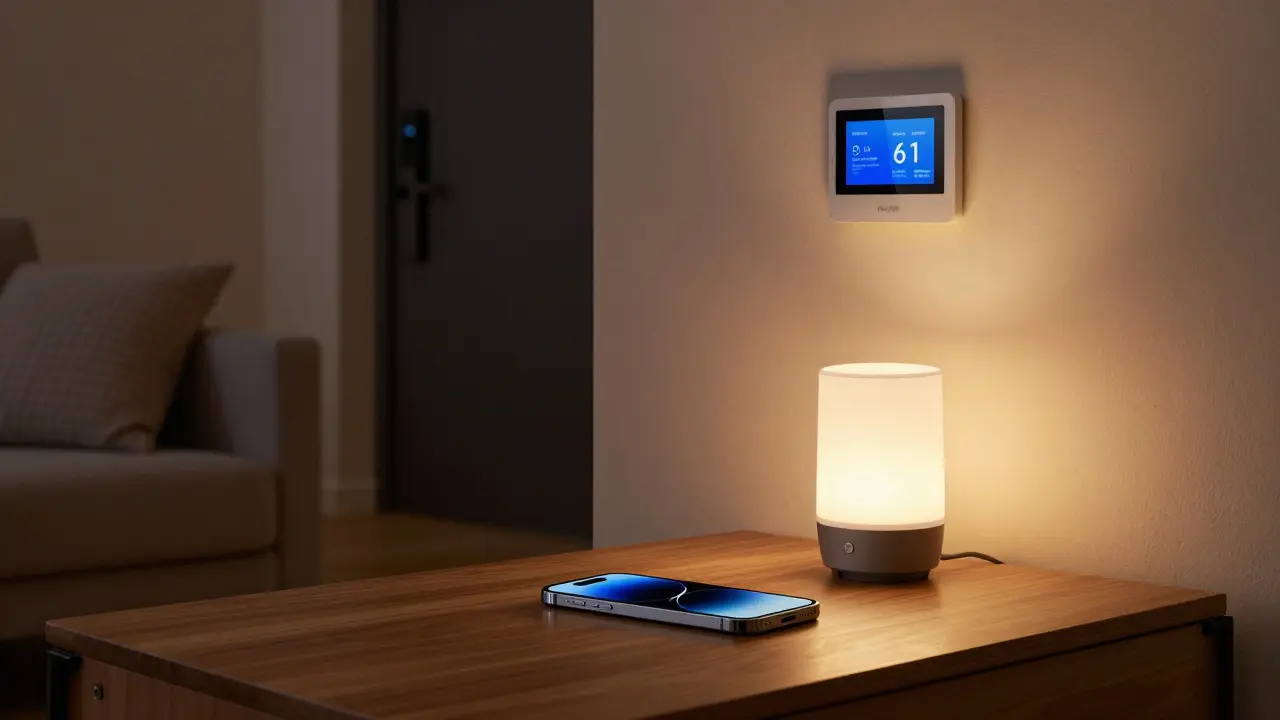
Once you have lights, look at Smart Thermostats. These are Wi-Fi enabled devices that learn your temperature preferences and optimize heating and cooling to save energy. A device like the Nest or Ecobee can track when you've left the house and drop the heat by 3 degrees, which can shave about 10% off your monthly energy bill in colder climates like Canada.
| Feature | Smart Bulbs | Smart Switches |
|---|---|---|
| Installation | Plug and Play | Requires Wiring |
| Color Control | Full RGB Options | None (Standard bulbs) |
| Reliability | Off at switch = Offline | Always Online |
| Best For | Lamps & Accent Light | Main Ceiling Lights |
Locking Down the Perimeter: Smart Security
Security is usually the biggest motivator for people going smart. But don't just buy a camera; build a system. Start with a Video Doorbell, which combines a camera and intercom system to let you see and speak with visitors from anywhere. It's a game-changer for package theft prevention.
Next, look at Smart Locks. These electronic locking mechanisms that allow keyless entry via Bluetooth, Wi-Fi, or unique codes. Imagine you're at the grocery store and your kids get home from school; you can unlock the front door from your phone without needing to hide a key under the mat.
For the interior, sensors are often more valuable than cameras. Contact Sensors are small magnetic devices that alert you when a door or window is opened. You can set a routine so that if the front door opens after 11 PM, the hallway lights turn on automatically. This isn't just about security-it's about convenience.
Connecting the Dots: Automation and Routines
If you're only using your phone to turn on lights, you haven't actually built a smart home; you've just built a remote-controlled home. The real magic happens with automation. An automation is a "Trigger" followed by an "Action."
For example, a "Good Morning" routine might look like this:
- Trigger: Alarm goes off at 7:00 AM.
- Action 1: Bedroom lights fade in slowly over 10 minutes.
- Action 2: The smart plug in the kitchen starts the coffee maker.
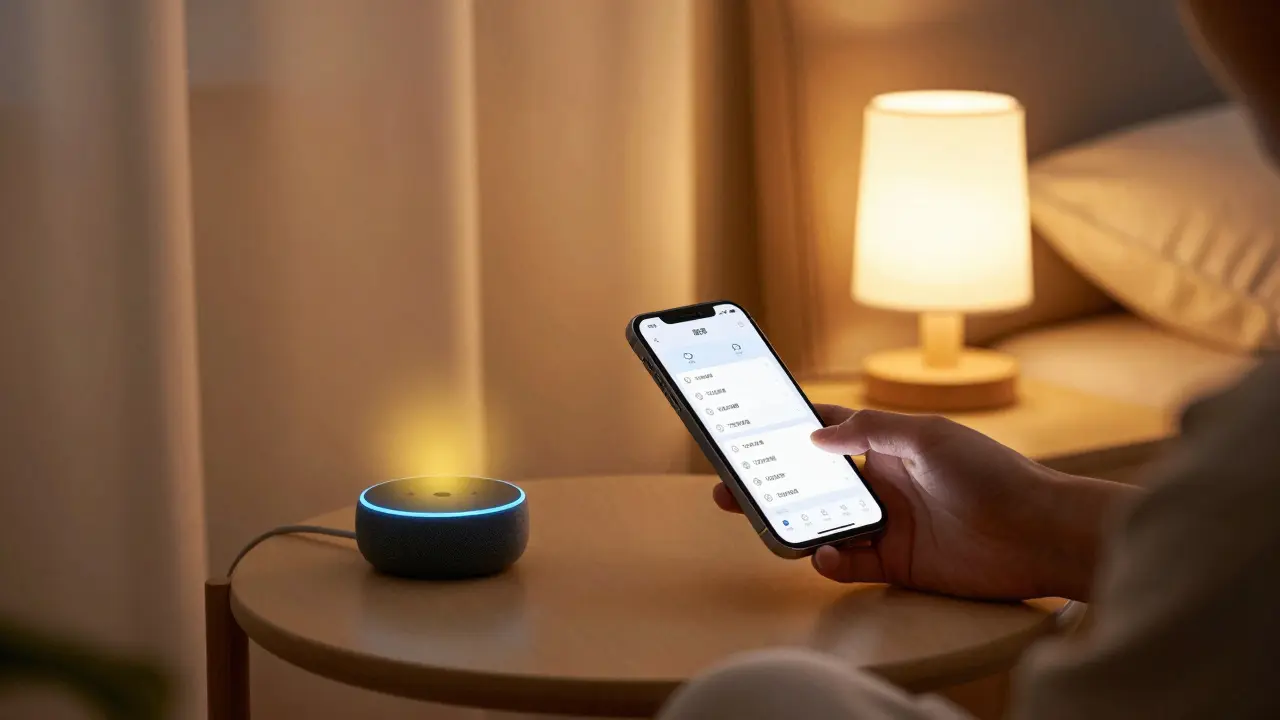
- Action 3: The smart speaker reads the weather forecast and your calendar.
To make this work, you'll need a Smart Hub. A hub is a central hardware device that communicates with various smart gadgets using protocols like Zigbee or Z-Wave to reduce Wi-Fi congestion. While your phone acts as a controller, the hub is the engine that keeps everything running even when your internet flickers.
Common Pitfalls and How to Avoid Them
The biggest mistake beginners make is ignoring their Wi-Fi Router. Most standard ISP routers can handle 20-30 devices. Once you add 10 bulbs, 4 plugs, 3 cameras, and a few tablets, your network will start to crawl. If you're serious about home automation, invest in a Mesh Wi-Fi System. This uses multiple nodes to spread a strong signal across the entire house, ensuring that the smart plug in the garage doesn't randomly disconnect.
Another trap is buying "closed" systems. If a product only works with one specific brand's app and doesn't support Matter or Google/Alexa integration, avoid it. You'll eventually want to change your ecosystem, and "walled gardens" make that nearly impossible without throwing away all your hardware.
Is a smart home expensive to start?
Not necessarily. You can start with a single smart speaker and a few bulbs for under $100. The cost scales based on your ambition. Basic lighting and a doorbell are affordable, while full-home integrated security and automated blinds can cost thousands.
Will my smart home work if the internet goes down?
It depends on your setup. Cloud-based devices (like many cheap Wi-Fi bulbs) will stop responding to voice commands. However, devices using Zigbee, Z-Wave, or Matter over Thread can often communicate locally through a hub, meaning your pre-set schedules and switches will still work.
Are smart homes a security risk?
Any connected device can be a target. However, you can mitigate this by using strong, unique passwords, enabling Two-Factor Authentication (2FA) on all accounts, and putting your smart devices on a separate "Guest" Wi-Fi network so they can't access your primary computer or banking data.
What is the best ecosystem for privacy?
Apple HomeKit is generally viewed as the most privacy-centric because it processes much of the automation locally on your HomePod or Apple TV rather than in the cloud. However, any system is only as private as the individual devices you plug into it.
Do I need a professional installer?
For bulbs, plugs, and cameras, absolutely not. For smart switches and thermostats, you'll be dealing with high-voltage wiring. If you aren't comfortable turning off a breaker and using a voltage tester, hire a licensed electrician for those specific parts.
Next Steps for Your Journey
If you're feeling stuck, start with one room-the living room or bedroom is usually best. Get one hub, a few lights, and a smart plug for your lamp. Once you've mastered the "Routine" for that one room, expand to the rest of the house.
For those who find the basic apps too limiting, look into Home Assistant. It is an open-source platform for those who want total control over their data and the most complex automations possible, though it requires a bit more technical setup (usually running on a Raspberry Pi).

Kristina Kalolo
April 22, 2026 AT 04:35The section on Matter is interesting. It seems like the industry is finally moving toward a standard that doesn't lock users into one brand.
Megan Blakeman
April 23, 2026 AT 06:57Omg!!! I love the idea of the coffee maker starting automatically!!! It's like a little hug for your brain every morning!!! 😊✨
Akhil Bellam
April 25, 2026 AT 02:12Imagine thinking a few smart bulbs constitute a "smart home"... how quaint!!! This guide is essentially child's play for anyone with a shred of technical sophistication... a mere pittance of a tutorial!!!
Albert Navat
April 25, 2026 AT 23:18You're talking about mesh Wi-Fi but you didn't even mention the VLAN segmentation for IoT devices to prevent lateral movement if a cheap Tuya plug gets popped. You gotta isolate that traffic or you're just asking for a man-in-the-middle attack on your main rig.
ravi kumar
April 27, 2026 AT 15:47Getting started with one room is a very sensible approach for anyone feeling anxious about the tech side of things.
Stephanie Serblowski
April 28, 2026 AT 10:51Oh sure, just put your life savings into a Mesh Wi-Fi system and suddenly everything is magical! 🙄 Total game changer if you love spending money on hardware that'll be obsolete in two years lol!
Renea Maxima
April 29, 2026 AT 08:38The obsession with "convenience" is just a mask for our growing inability to perform basic human tasks. We're just automating our own obsolescence 🙃
Jeremy Chick
April 30, 2026 AT 01:10Who cares about the philosophy? Just buy the gear and stop overthinking it. If the internet goes down, you use your hands to flip the switch like a normal person.
Sagar Malik
April 30, 2026 AT 02:32The cloud-based infra is a total honeypot for state actors... the latency in these protocols is hideous and the lack of local API access is a red flag for anyone who actualy understands the TCP/IP stack... total surveilance capitalism in a box!
Seraphina Nero
April 30, 2026 AT 13:03It's really helpful to see the difference between bulbs and switches in a table. It makes it easy to understand.
Megan Ellaby
May 1, 2026 AT 19:02I tried Home Assistant last year and it took forever to set up but it is so worth it for the privacy side of things! Just be patient with the config files
Amber Swartz
May 3, 2026 AT 17:26Honestly, this is just basic. I've seen a dozen blog posts saying the same thing this week. It's almost insulting to suggest that a "smart home" is just some bulbs and a doorbell. Where is the actual innovation? It's just basic consumerism disguised as a "guide." Absolute yawn.