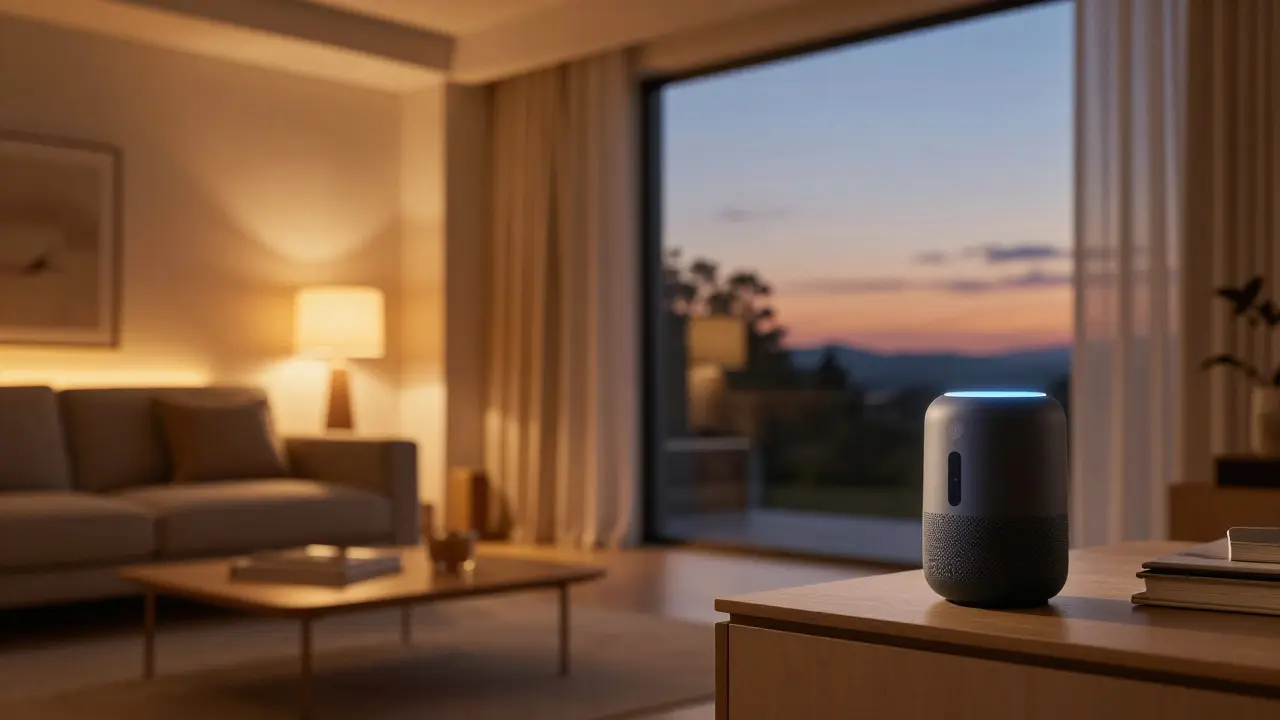
Imagine walking through your front door and having the lights dim to your favorite evening setting, the thermostat adjust to 72 degrees, and your favorite playlist start playing-all without touching a single switch. This isn't a scene from a sci-fi movie; it's exactly what happens when you integrate smart devices is electronic gadgets that connect to a network, usually the internet, to communicate with other devices and be controlled remotely. Also known as IoT devices or connected devices, these tools turn a standard house into an intelligent ecosystem that learns your habits and saves you time.
Key Takeaways for Building Your Smart Home
- Start with a central hub or voice assistant to avoid managing ten different apps.
- Prioritize devices that solve a daily annoyance, like a smart plug for a "dumb" coffee maker.
- Check for compatibility (Matter or Zigbee) to ensure different brands talk to each other.
- Focus on security and energy-saving devices first for the fastest return on investment.
Voice Assistants: The Brain of the Operation
Before you buy a dozen sensors, you need a way to control them. This is where Voice Assistants are AI-powered software that uses natural language processing to execute commands and control other connected hardware. Whether it's Amazon Alexa, Google Assistant, or Apple Siri, these serve as the central command center.
Think of these as the "manager" of your home. Instead of opening an app to turn off the kitchen light, you just say it. Most modern versions now use smart home automation to create "routines." For example, a "Good Morning" routine could simultaneously start your coffee, read the weather report, and open your motorized blinds. The real magic happens when the assistant stops waiting for your command and starts predicting what you need based on the time of day.
Smart Lighting and Ambience
Lighting is usually the easiest entry point for beginners. Smart Lighting consists of LED bulbs and switches that can be dimmed, scheduled, or color-changed via a smartphone or voice command. Brands like Philips Hue have pioneered this by moving beyond simple on/off switches to millions of color options.
Why bother with a smart bulb? It's not just about the "cool factor" of purple walls. Imagine your lights mimicking the sun's natural cycle-bright blue-white in the morning to wake you up and warm amber in the evening to help you produce melatonin. You can also set "Away Mode," which randomly toggles lights while you're on vacation, making it look like someone is home to deter burglars. If you don't want to replace every bulb, smart switches allow you to make your existing "dumb" lights controllable from your phone.
Climate Control and Energy Efficiency
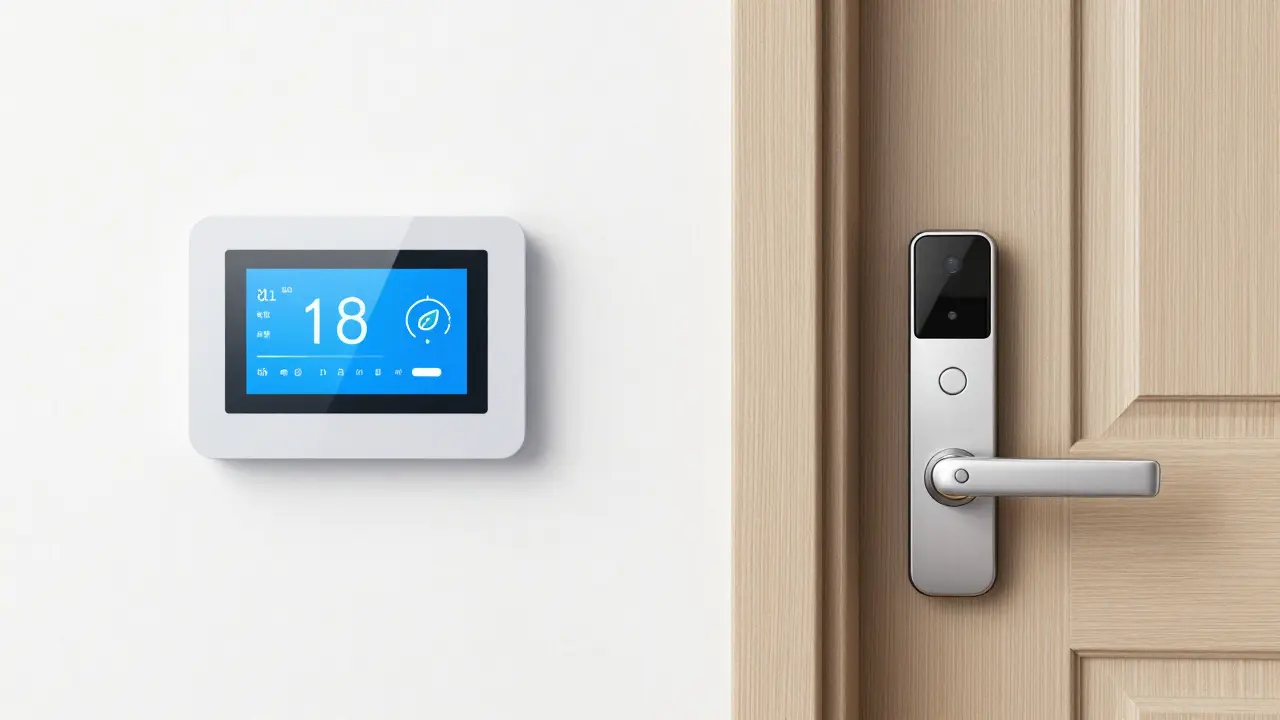
One of the biggest drains on a home budget is heating and cooling. Smart Thermostats are devices that optimize home temperature by learning user preferences and utilizing remote sensors. A device like the Nest Learning Thermostat doesn't just follow a schedule; it notices when you leave the house and drops the temperature to save money.
To get the most out of this, many people pair their thermostat with smart vents or ceiling fans. If your upstairs bedroom is always five degrees warmer than the living room, a smart system can redirect airflow specifically to that room. This precision reduces the load on your HVAC system, often cutting energy bills by 10% to 15% annually. When you combine this with smart blinds that close automatically during the hottest part of a summer afternoon, your AC doesn't have to work nearly as hard.
Home Security and Monitoring
Security is where the-"peace of mind" value of smart tech really shines. We've moved far beyond simple alarms. Smart Locks are electronic deadbolts that allow keyless entry via Bluetooth, Wi-Fi, or biometric scanning. No more hiding a spare key under the doormat; you just send a temporary digital code to your dog walker or delivery driver.
Pair this with a Smart Doorbell, which is a video-enabled intercom that notifies homeowners of visitors in real-time via a mobile app. Modern doorbells use AI to distinguish between a swaying tree branch and a person walking up your driveway, reducing annoying false alerts. For the interior, smart leak detectors placed under sinks or near water heaters can save you thousands of dollars by alerting you to a pipe burst the second it happens, rather than when you find a puddle in the hallway.
| Category | Key Example | Primary Benefit | Ease of Setup |
|---|---|---|---|
| Lighting | Smart LED Bulbs | Mood & Energy Saving | Very Easy |
| Security | Video Doorbell | Safety & Remote Monitoring | Moderate |
| Climate | Learning Thermostat | Lower Utility Bills | Moderate |
| Appliances | Robot Vacuum | Time Saving/Cleaning | Easy |
Smart Kitchen and Home Appliances
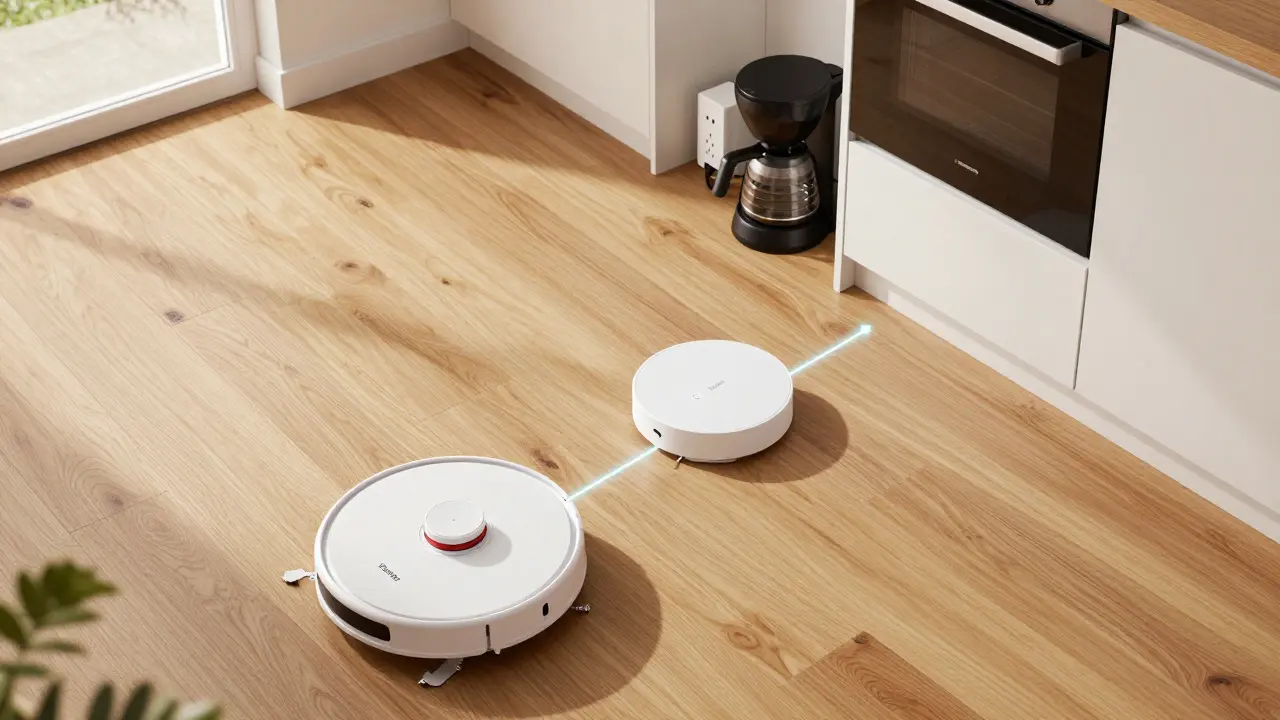
The kitchen is the latest frontier for connectivity. While a "smart toaster" might seem like overkill, other tools provide real utility. Robot Vacuums, such as those from iRobot, are autonomous cleaning devices that use LiDAR or cameras to map a home and remove debris. They don't just vacuum; the newer models now mop and even empty their own dustbins into a docking station.
Then there are the smaller additions, like Smart Plugs. These are the "bridge" devices that turn any old appliance into a smart one. Plug your 20-year-old coffee pot into a smart plug, and you can schedule it to start brewing at 7:00 AM from your bed. In the fridge, smart sensors can alert you when the milk is about to expire or let you see what's inside via a built-in camera while you're actually at the grocery store.
The Ecosystem Glue: Sensors and Hubs
The devices mentioned above are the stars, but sensors are the supporting cast that makes them work. Contact Sensors are small magnetic devices that detect when a door or window is opened or closed. When a contact sensor on your front door triggers, it can tell your smart lights to turn on if it's after 6 PM.
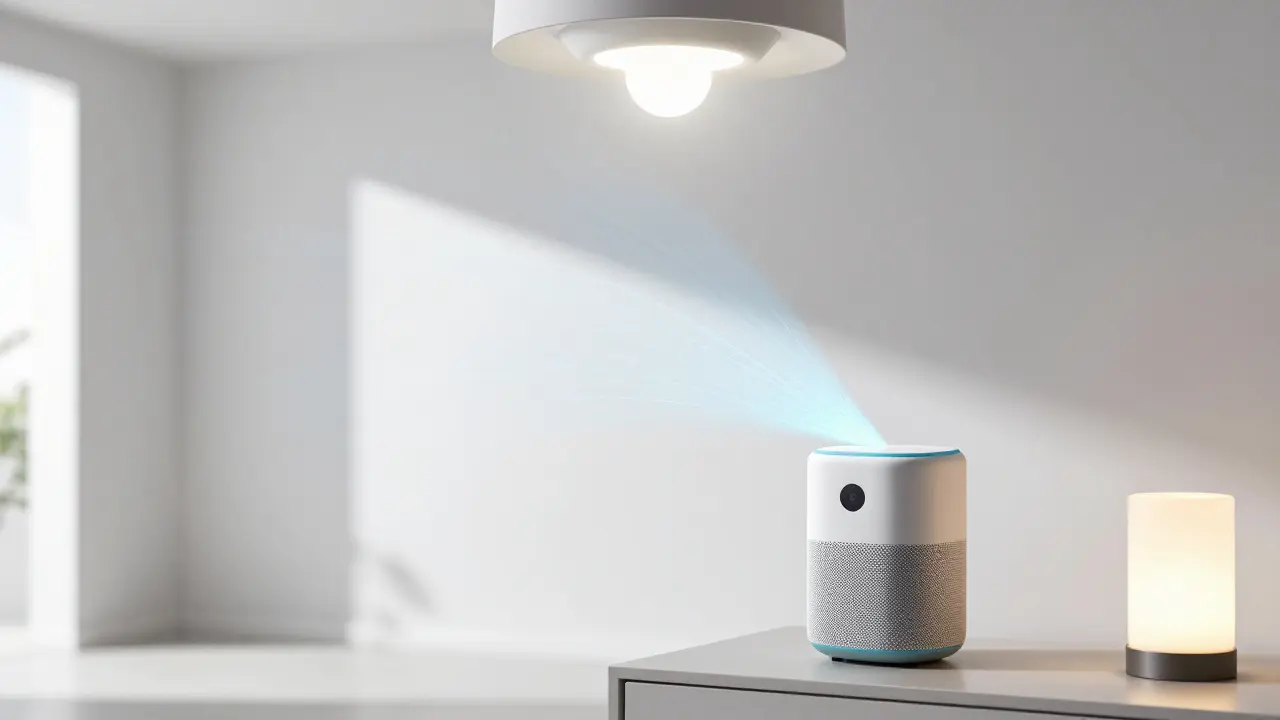
To keep all these different brands talking, many people use a Smart Home Hub. This is a piece of hardware that translates different "languages" (protocols) like Zigbee and Z-Wave so that your IKEA lights can work with your Samsung fridge and your Ring doorbell. With the introduction of the Matter standard, this fragmentation is finally disappearing, allowing devices from different manufacturers to work together seamlessly without needing five different bridges plugged into your router.
Do I need a fast internet connection for smart devices to work?
Not necessarily for everything. While the initial setup and remote control require internet, many devices use local protocols like Zigbee or Z-Wave to talk to a hub. This means if your internet goes down, your pre-set schedules and motion-triggered lights will usually still work. However, voice assistants and remote app control will be unavailable until the connection returns.
Are smart devices a security risk for hackers?
Any device connected to the web has some risk, but you can minimize it. Use strong, unique passwords for your accounts and enable two-factor authentication (2FA). A pro tip is to create a separate "guest" Wi-Fi network specifically for your smart devices. This keeps your main computers and phones isolated from your light bulbs, so if a gadget is compromised, the attacker can't easily access your bank details.
What is the best way to start a smart home on a budget?
Start with a single smart speaker and a few smart plugs. Smart plugs are the cheapest way to add "intelligence" to things you already own. From there, move to a few smart bulbs in your most-used room. This lets you experience the benefits of automation without investing thousands in an integrated system right away.
Will my smart devices still work if I change my Wi-Fi router?
If you set your new router to the exact same Network Name (SSID) and Password as the old one, most of your devices will reconnect automatically. If you change the name or password, you'll have to manually go through each device's app to update the Wi-Fi settings, which can be a tedious process if you have 30+ gadgets.
What does the 'Matter' standard actually do?
Matter is a universal communication standard backed by Apple, Google, and Amazon. It removes the "walled garden" problem. In the past, you had to check if a bulb was "Works with HomeKit" or "Works with Alexa." With Matter, if the box has the logo, it will work across all major platforms, making it much easier to mix and match brands.
Getting Started and Troubleshooting
If you're feeling overwhelmed, follow a simple path: Hub $ ightarrow$ Lighting $ ightarrow$ Security $ ightarrow$ Climate. Don't buy everything at once. Buy one device, set up the automation, and make sure it actually fits your lifestyle before adding more. For example, if you find you never actually use the voice command for your blinds, there's no point in buying them for every room.
If a device stops responding, the "golden rule" of smart homes is to power cycle it. Unplug the device for 10 seconds and plug it back in. If that fails, check if your router is overloaded. Many basic home routers struggle once you hit 20 or 30 connected devices. If you're building a serious smart home, consider upgrading to a Mesh Wi-Fi system to ensure a strong signal reaches every corner of your house, including the garage or backyard where your smart cameras are located.


kelvin kind
April 13, 2026 AT 06:15mesh wifi is the way to go
Fred Edwords
April 14, 2026 AT 04:23I strongly agree that prioritizing security and energy-saving devices provides the most immediate value; however, one must ensure that the chosen ecosystem remains cohesive across all platforms!
Sarah McWhirter
April 15, 2026 AT 13:26Sure, everything is "convenient" until your smart light bulbs start recording your conversations to feed the corporate algorithm and the AI knows you're eating chips in bed before you even do it. Just a tiny bit of privacy for a little mood lighting, right? Totally worth it if you love the idea of your house having a digital diary of your every move for some mysterious cloud entity!
Ananya Sharma
April 17, 2026 AT 12:48The sheer arrogance of suggesting that a "smart toaster" is overkill when the reality is that most people lack the basic cognitive discipline to manage their own kitchens without a computer telling them when the bread is brown. It is honestly pathetic how the modern consumer is so desperate for automation that they are willing to sacrifice the last shred of their autonomy just to save three seconds of staring at a toaster, and frankly, this entire obsession with the "connected home" is just a symptom of a deeper societal decay where we value efficiency over actual living.
Tiffany Ho
April 17, 2026 AT 22:52smart plugs are so helpful i love how easy they are to use
lucia burton
April 19, 2026 AT 07:24Integrating a robust Mesh network is absolutely critical for optimizing the throughput of your IoT devices because once you hit that saturation point on a standard 802.11ax router, the latency spikes will absolutely kill your automation triggers! You really have to look at the packet loss and ensure your Zigbee and Z-Wave signals aren't competing with the 2.4GHz band if you want a truly low-latency environment where your motion sensors actually trigger the bulbs in real-time without that awkward half-second delay that ruins the whole vibe of a smart home!
michael Melanson
April 19, 2026 AT 08:48I've had a great experience with the Matter standard lately. It really does make the setup process much smoother across different brands.
Denise Young
April 20, 2026 AT 14:28Oh yes, because nothing says "high tech" like a robot vacuum that occasionally decides the living room rug is a mountain it simply cannot climb, which is just peak efficiency if you enjoy manually rescuing your expensive piece of hardware from a curtain tassel. I'm sure the LiDAR mapping is just flawlessly navigating the intricate architectural complexities of a standard suburban hallway without getting confused by a single stray shoe, because that's exactly how the marketing promises it'll work while we all pretend this is the pinnacle of human achievement in domestic labor reduction.
Sam Rittenhouse
April 21, 2026 AT 13:56It truly is a tragedy when a person's only interaction with their home is through a digital interface! Imagine the profound loneliness of a house that knows your temperature preferences but doesn't know the warmth of a human touch, turning our sanctuaries into cold, calculated grids of efficiency that strip away the organic chaos of living! We are building digital prisons and calling them smart homes!
Ian Cassidy
April 23, 2026 AT 04:54yea just get a hub and some bulbs and you're good
Peter Reynolds
April 24, 2026 AT 19:49it seems like a good way to save money on power if you actually use the schedules